Please, don't shoot this messenger!
But Acrobat's Read Out Loud is not a compliant screen reader. It's an ancient text-to-speech program that Adobe put into Acrobat a few years before the PDF/UA accessibility standard was even developed. Consequently, this software is never going to read content correctly unless Adobe invests quite a bit of R&D money to overhaul it completely. It's a fairly useless utility.
Therefore, the accessibility community does not recommend testing for accessibility with Acrobat's Read Out Loud. It will always fail. Real testing must be performed with true screen readers (JAWS or NVDA, both of which are Windows programs). There are no valid screen readers on the Mac, although Apple's free VoiceOver has been slightly improved, but not enough to call it a screen reader with user controls.
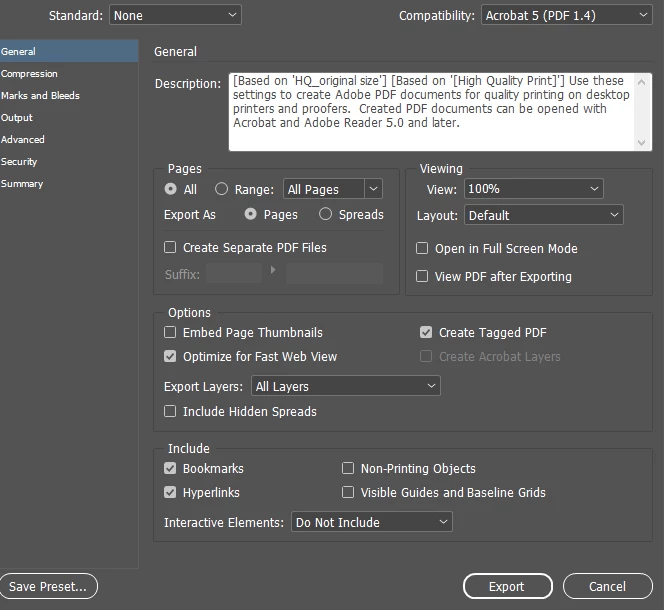
There are things you can do to improve how text-to-speech programs (like ROL) voice and access PDFs: ensure the PDF's Order panel (the architectural reading order, that is) is in a good logical reading order. This is done by controlling the stacking order in your InDesign layout.
For instructions on how to use ROL, see https://www.adobe.com/au/acrobat/hub/how-to/how-to-read-pdf-aloud.html As you can see, there's very little you can control in the program.
Sorry for the bad news, but hoping you can find better ways to review and test your PDFs form PDF/UA compliance.
—Bevi
US delegate to the ISO committee that writes the PDF/UA standard

 AdChoices