

Acrobat scanning many black pages
This is an issue that popped up recently. It didn't seem to be tied to a Windows patch or Acrobat patch.
Windows 10 (Enterprise LTSC 2021 / 21H2) & Acrobat 2020. Scanner is a Canon PIXMA MX512, attached via network (not USB). The scanner driver provides a TWAIN driver for network scanning.
The issue is: When I try to scan to PDF via Acrobat, I get a zillion black pages of output. This happens even if scanning a single page. I haven't tried leaving Acrobat open long enough to see how many black pages I eventually get, but I've seen it go up to 150 or more before I kill it from Task Manager. It seems to start kicking out black pages like this before the scanning progress bar even indicates that it is done with the first page.
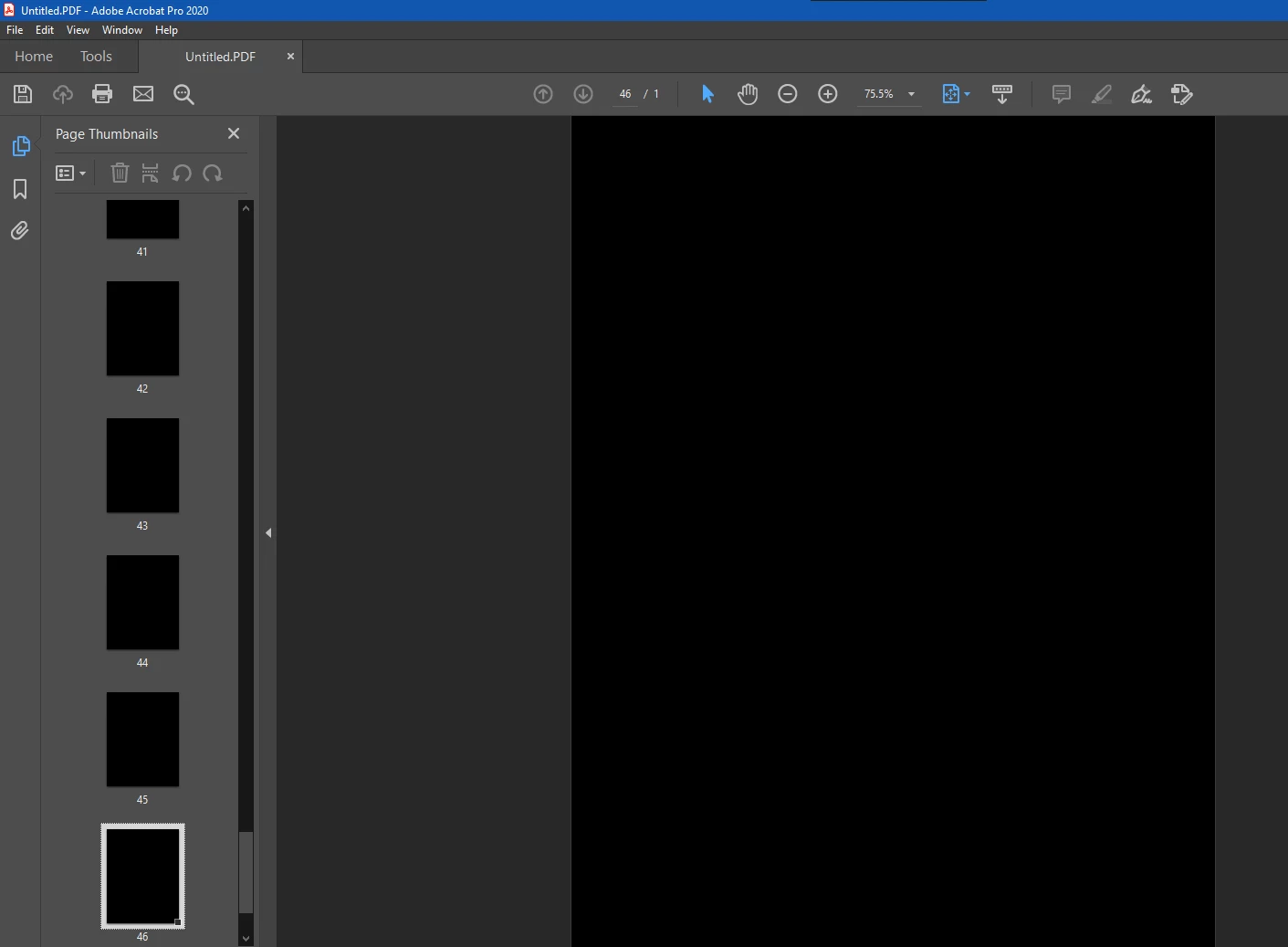
Patch level doesn't seem to matter. Before blaming the scanner driver/software, I will note that the issue only occurs with Acrobat. Other software that scans via TWAIN works fine (including Photoshop 32-bit).
Things I tried that failed to fix it:
- Using "scanner native interface" option from Acrobat. (The Canon TWAIN interface shows, but it still kicks out black pages.)
- Uninstalling/reinstalling Acrobat.
- Switching to latest version of Acrobat DC (installed trial version to check).
- Uninstalling/reinstalling Canon scanner drivers (many times).
- Removing TWAIN .dll files and then reinstalling scanner driver to put them back (as suggested by Acrobat documentation)
Things I tried that did fix it:
- Installed Acrobat and the Canon software on a second PC on my network. This setup works fine. Right now I'm using the second PC to scan but it's a bit annoying to have to shuffle the files around between PCs. I'd like to have it working on my primary.
Any ideas at all? How can I fix this on my primary PC or reset Acrobat into working? I don't want to do a whole fresh Windows install just to fix this.
Thanks,
Aaron
 AdChoices