
Participant
September 16, 2022
Question

Adobe Abrobat DC Pro has ceased functioning on my laptop.

  • September 16, 2022
  • 1 reply
  • 496 views

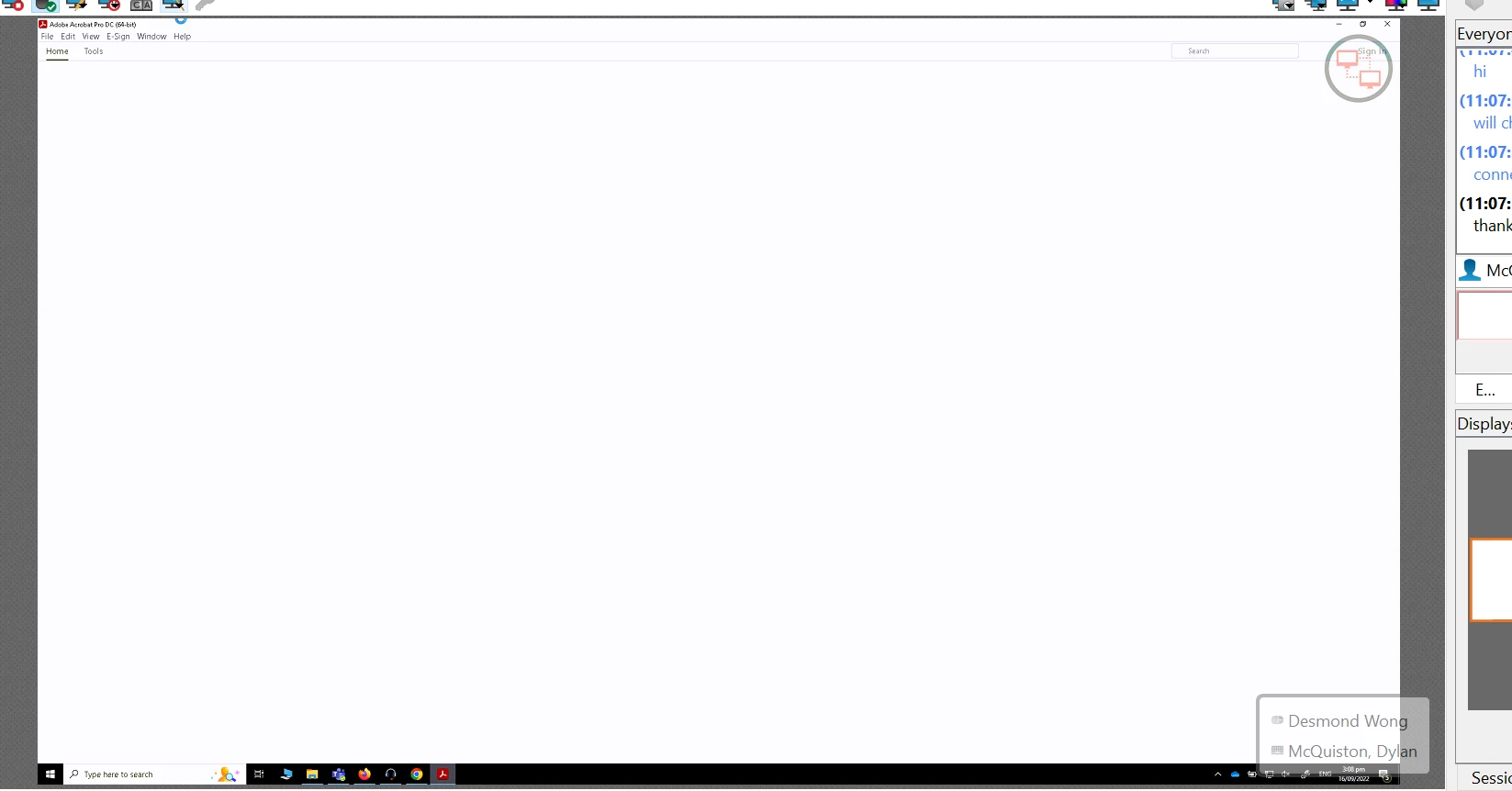
The issue started when Adobe Acrobat DC Pro would still open, but stopped allowing me to print PDF documents (just out of the blue). Now, when I try to open the software, it appears to open properly, then simply closes without any error code. Re-installation of the software did not fix the issue.


what done in company pc by IT, doesnt help and still same open the app and it will forced close immediately? please advise


run this cleaner tool to remove the application and its traces: https://www.adobe.com/devnet-docs/acrobatetk/tools/Labs/cleaner.html

and download the application from here: https://helpx.adobe.com/acrobat/kb/acrobat-dc-downloads.html

This topic has been closed for replies.

1 reply

Amal.
Community Manager
Community Manager
September 16, 2022

Hi @Desmond25425577c89u 


We are sorry to hear that. As you have tried most of the troubleshooting steps with no luck, please try to reset the Acrobat preferences as described here https://community.adobe.com/t5/acrobat-discussions/how-to-reset-acrobat-preference-settings-to-default/td-p/4792082


You may also try to create a new test user profile with full admin rights in windows and try using the application there and check.


Regards

Amal

Participant
September 23, 2022

it has been solved by remove evrything from programs about adobe folder and reinstall.Thx