Exit
  • Global community
    • Language:
      • Deutsch
      • English
      • Español
      • Français
      • Português
  • 日本語コミュニティ
  • 한국 커뮤니티
0

Adobe Acrobat Pro DC not responding!

New Here ,
Jan 28, 2017 Jan 28, 2017

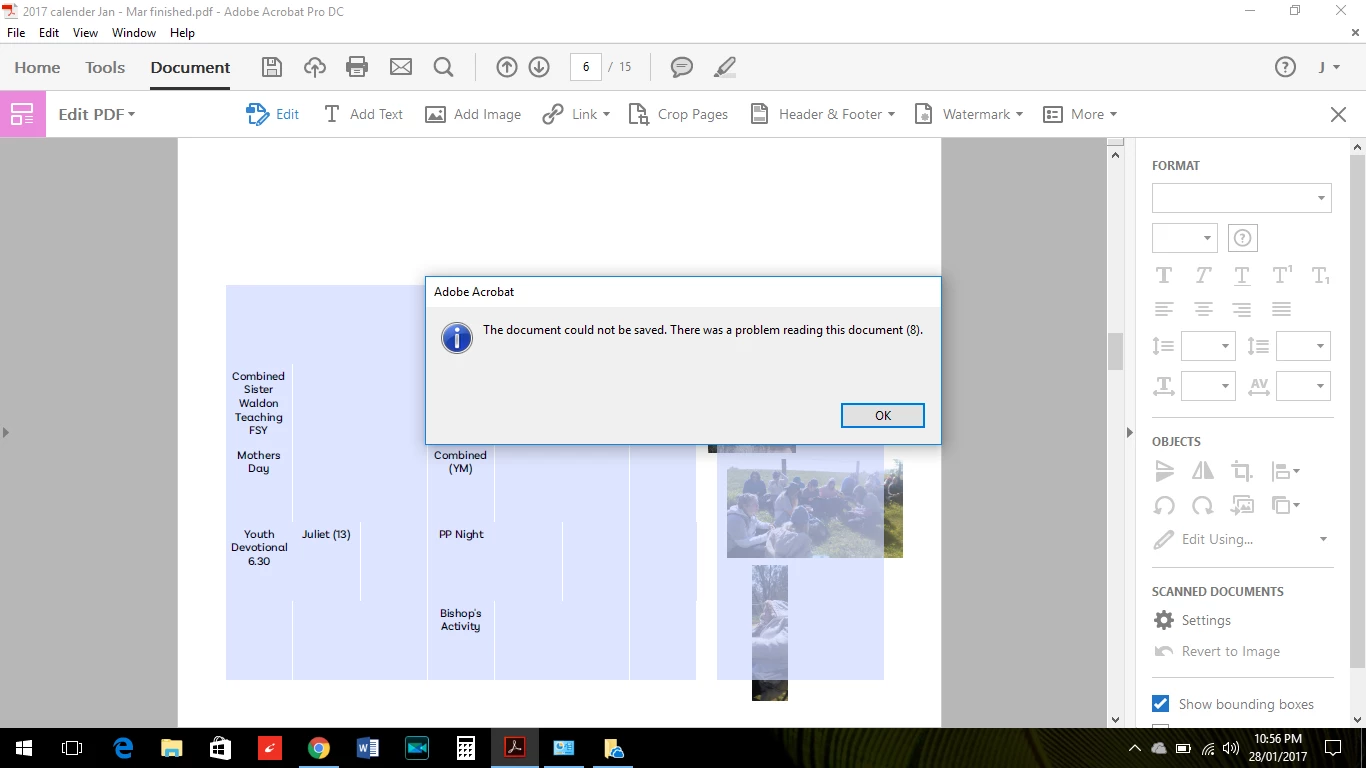
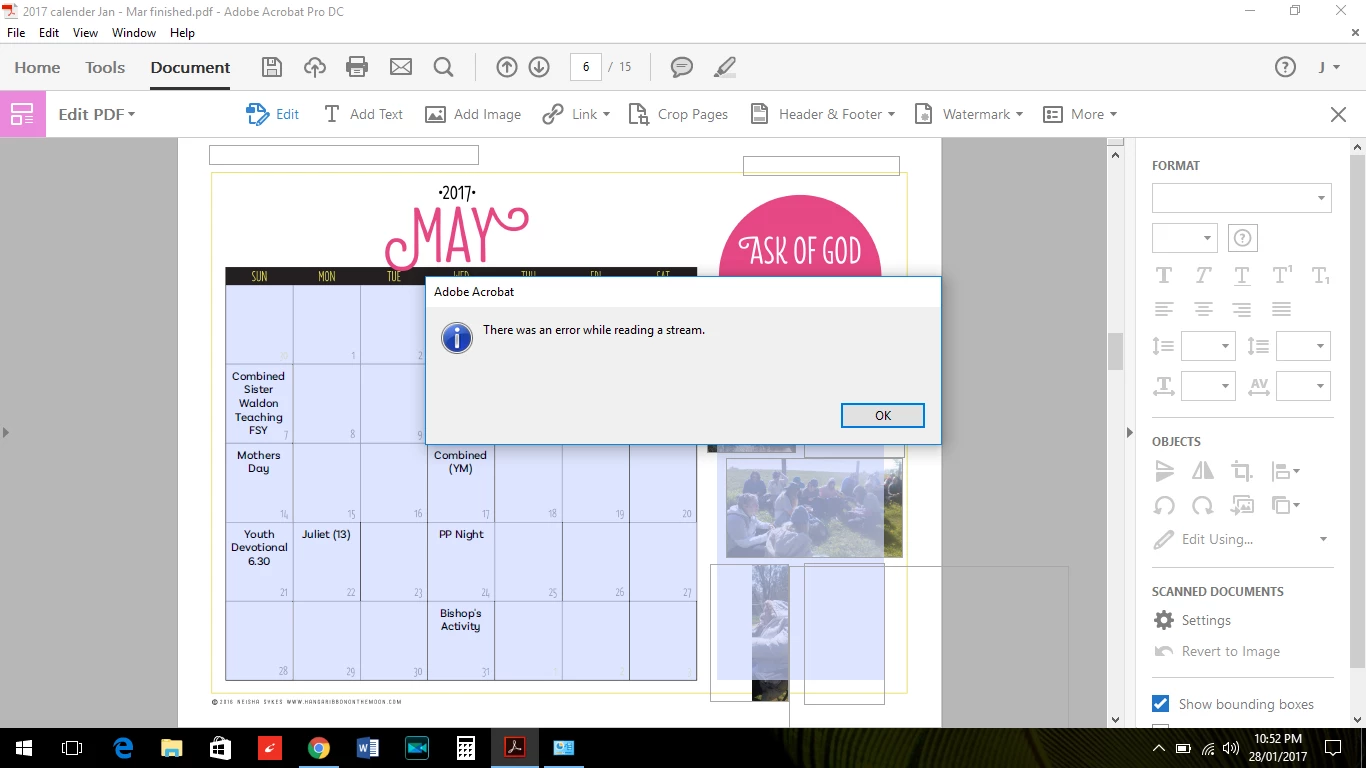
I have an Adobe Acrobat Pro DC on a new laptop with Windows 10 64 bit operating system.  I was able to download and start using this awesome program easily then I returned to make changes to my Adobe document the 3rd time and kept getting an error message as shown below.  The document opens ok, slow, but ok then when I want to add text it allows me for a small while then shows this error message.  It won't allow me to save the changes, saying there is an error as well.  This is a great program that won't work!

I have looked at the forums and I ran an Adobe Cleaner and after that didn't work I uninstalled and reinstalled the download.  These are documents  I have downloaded and am trying to edit.  Nothing I have tried has worked.  Please help. 
TOPICS
Install update and subscribe to Acrobat
1.6K
Translate
Report
Community guidelines
Be kind and respectful, give credit to the original source of content, and search for duplicates before posting. Learn more
community guidelines
1 ACCEPTED SOLUTION
Community Expert ,
Jan 29, 2017 Jan 29, 2017
LATEST

read meenakshin83966505​ message above.

if you have similar problems for all pdfs, reset your preferences -   https://forums.adobe.com/thread/1595848?start=0&tstart=0

View solution in original post

Translate
Report
Community guidelines
Be kind and respectful, give credit to the original source of content, and search for duplicates before posting. Learn more
community guidelines
Adobe Employee ,
Jan 29, 2017 Jan 29, 2017

Hi gordonsgirl88,

Could you please let us know if it is an issue with a particular PDF.

Are you experiencing this issue with other PDF's?

What is the dot version of Adobe Acrobat Pro DC you are using?

Regards,

Meenakshi

Translate
Report
Community guidelines
Be kind and respectful, give credit to the original source of content, and search for duplicates before posting. Learn more
community guidelines
Community Expert ,
Jan 29, 2017 Jan 29, 2017
LATEST

read meenakshin83966505​ message above.

if you have similar problems for all pdfs, reset your preferences -   https://forums.adobe.com/thread/1595848?start=0&tstart=0

Translate
Report
Community guidelines
Be kind and respectful, give credit to the original source of content, and search for duplicates before posting. Learn more
community guidelines