
Participant
April 14, 2022
Answered

Adobe Acrobat Won't Open (Mac)

  • April 14, 2022
  • 1 reply
  • 3811 views

Specs: Macbook Pro 13 in, Apple M1 2020, 8GB Memory, Monterey ver. 12.2.1


Ever since Adobe Acrobat updated itself on my laptop,  I can't open any pdf file on my computer. The app bounces as if it's going to open but then it stops. Not even a crash report or an error message shows up. I was wondering if it was possible to go to a lower version like with Photoshop, and other apps or is there another solution? 
Correct answer Zyiah5E83

Hi there


Have you tried resetting the preferences and enabling the root user account in MAC as described earlier?


Let us know how it goes.


Regards

Amal


Hello

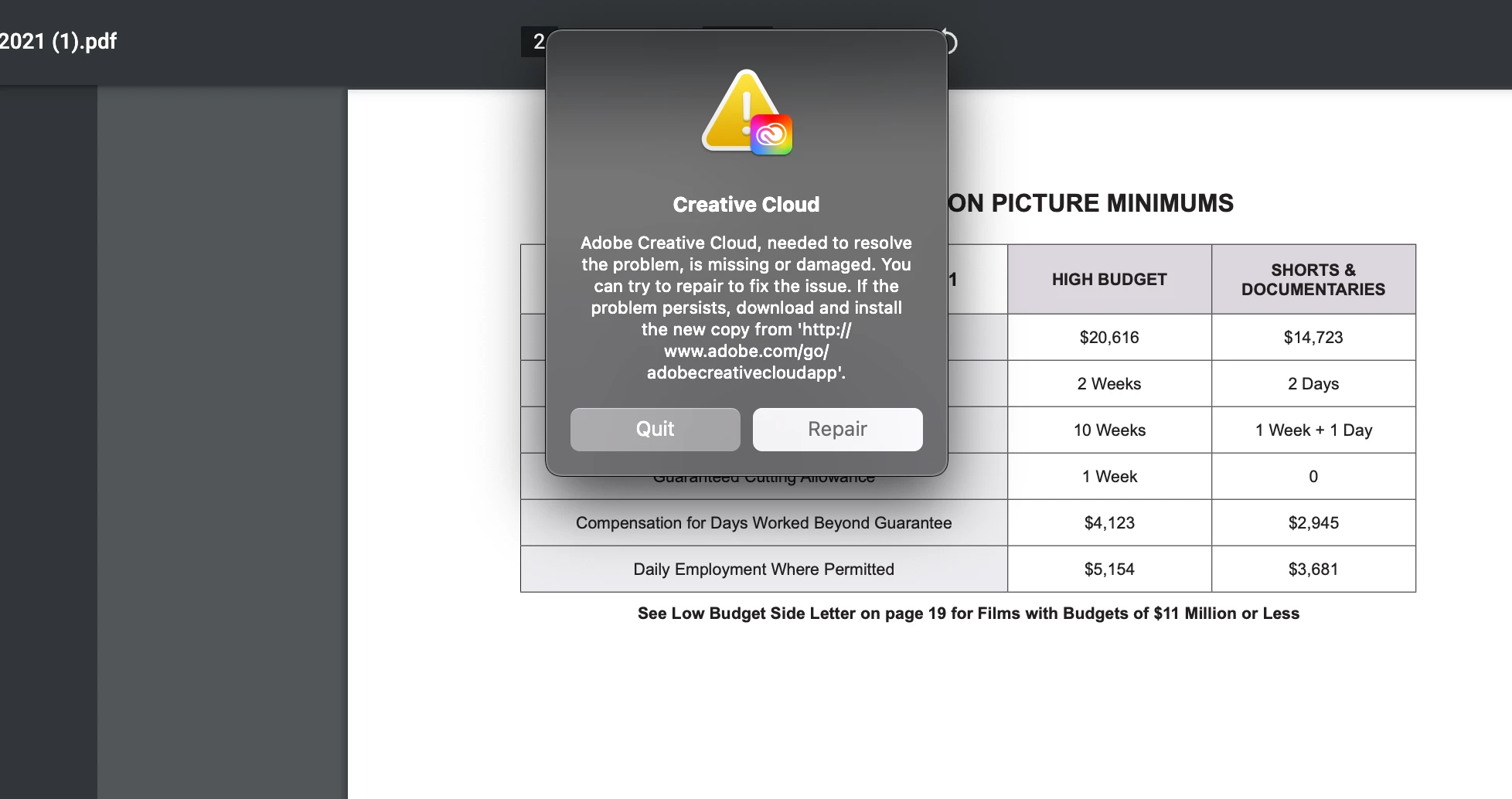
An update. My creative cloud seemed to be having some issues. I tried to uninstall DC and it wasn't loading so I restarted my computer. It kept saying my uninstallation failed so I simply gave up. While I went to other task on my computer, Creative Cloud would put this pop up (pic below) on my screen everytime I turned on my laptop or CC tried to open itself up. Eventually I pressed repair and now everything seems to be working fine. Don't know if this is a solution but DC is working properly at the moment

1 reply

Amal.
Legend
April 15, 2022

Hi Zyiah


Hope you are doing well and sorry to hear that


Would you mind sharing the version of the Acrobat Pro DC you are using? To check the version go to Help > About Acrobat and make sure you have the recent version 22.1.20112 (Mac) installed. Go to Help > Check for updates and reboot the computer once.


Is this an issue with a particular PDF file or with all the PDFs? Please try with a different PDF file and check. If the file is stored on a shared network/drive, please download it to your computer locally and then try again.


Also, try to reset the Acrobat preferences as described here https://community.adobe.com/t5/acrobat-discussions/how-to-reset-acrobat-preference-settings-to-default/td-p/4792082


You may also try to create a new test user profile with full admin rights or enable the root account in MAC and try using the application there and check.


Regards

Amal

Zyiah5E83Author
Participant
April 15, 2022

The version of Acrobat DC is 22.0. And it says my application is up to date. And it seems to be a persistent issue with PDF files I used to be able to open with ease. Even one's that are pdf document files. 

Zyiah5E83AuthorCorrect answer
Participant
April 19, 2022

Hi there


Have you tried resetting the preferences and enabling the root user account in MAC as described earlier?


Let us know how it goes.


Regards

Amal


Hello

An update. My creative cloud seemed to be having some issues. I tried to uninstall DC and it wasn't loading so I restarted my computer. It kept saying my uninstallation failed so I simply gave up. While I went to other task on my computer, Creative Cloud would put this pop up (pic below) on my screen everytime I turned on my laptop or CC tried to open itself up. Eventually I pressed repair and now everything seems to be working fine. Don't know if this is a solution but DC is working properly at the moment