
Adobe Digital ID Prompt not showing up after update to DC
Hello,
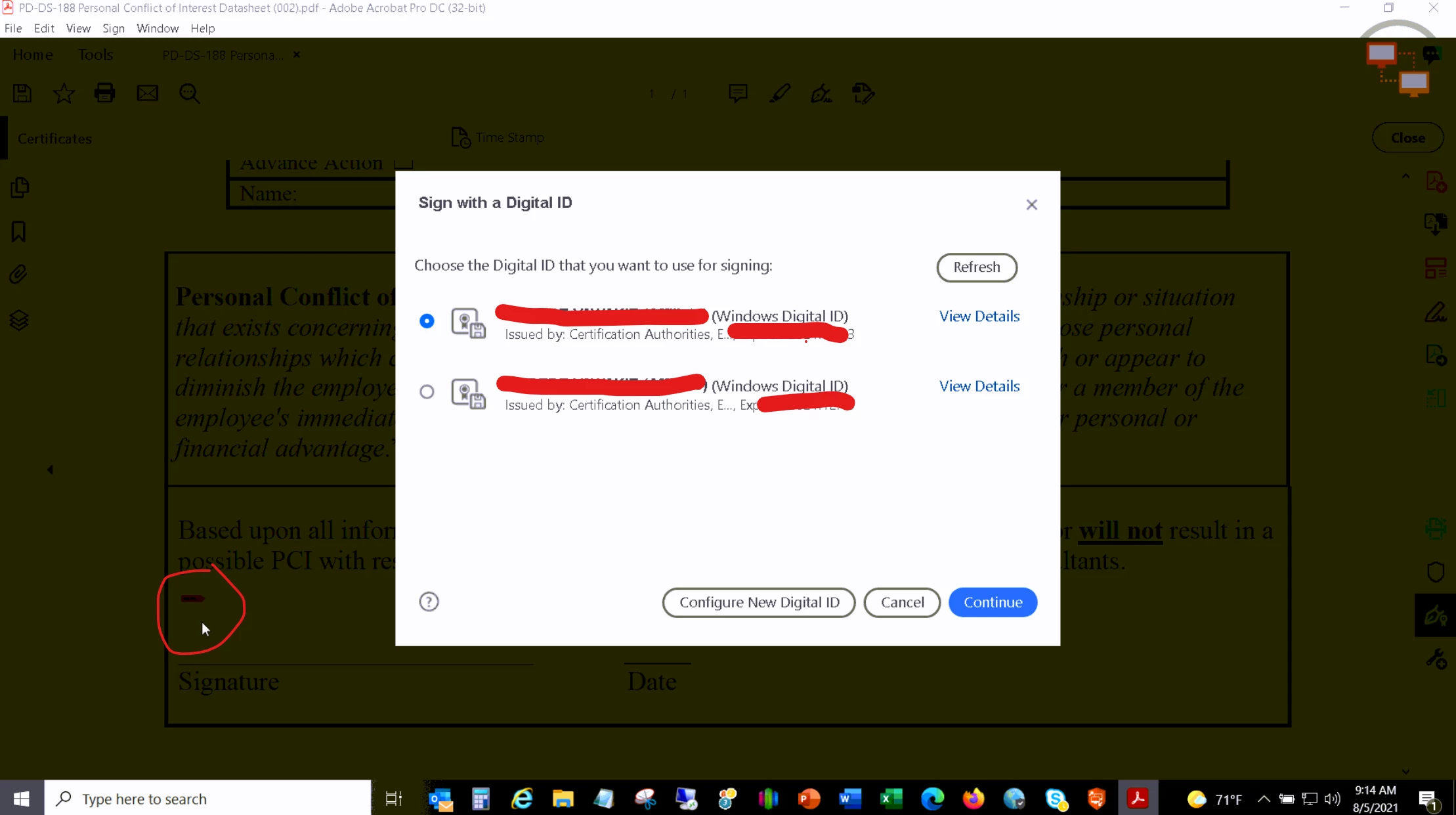
I do tech support for an organization. I'm working with a customer who has to digitally sign a lot of document with a digital ID. We used to use Adobe Pro but now our organization uses Adobe DC. With Pro, whenever a document had a place for a signature, there was a prompt that would open the option to use his digital ID (circled in image).
Now with DC that prompt no longer shows up. Instead he has to select tools, certificates, etc and select the area to sign. I tried looking for a setting that would bring this prompt back and looking online but couldn't find how to bring this functionality to DC. We also verified with older documents that we knew had this prompt and they have the same issue. This seems to either be a setting or something that no longer exists in DC. Having that prompt reduced the number of clicks and took much less time for this customer. They sign a lot of documents so if there is anyway to bring this back I would really appreciate the help.
 AdChoices