
Exit
  • Global community
    • Language:
      • Deutsch
      • English
      • Español
      • Français
      • Português
  • 日本語コミュニティ
  • 한국 커뮤니티
5

Chrome Print to PDF

Community Beginner ,
Oct 19, 2023 Oct 19, 2023

The print to pdf from Chrome has been an issue for years. https://community.adobe.com/t5/acrobat-discussions/search-and-highlight-funky/m-p/11437661#M277023

Has this been corrected so that when a file is created within Chrome using the print to pdf allows text to be highlighted. The above recommendation was to use a different browser.  IE worked as would be expected but it is no longer supported and as such not an option. I'm not going to go into a justified tirade on this issue.

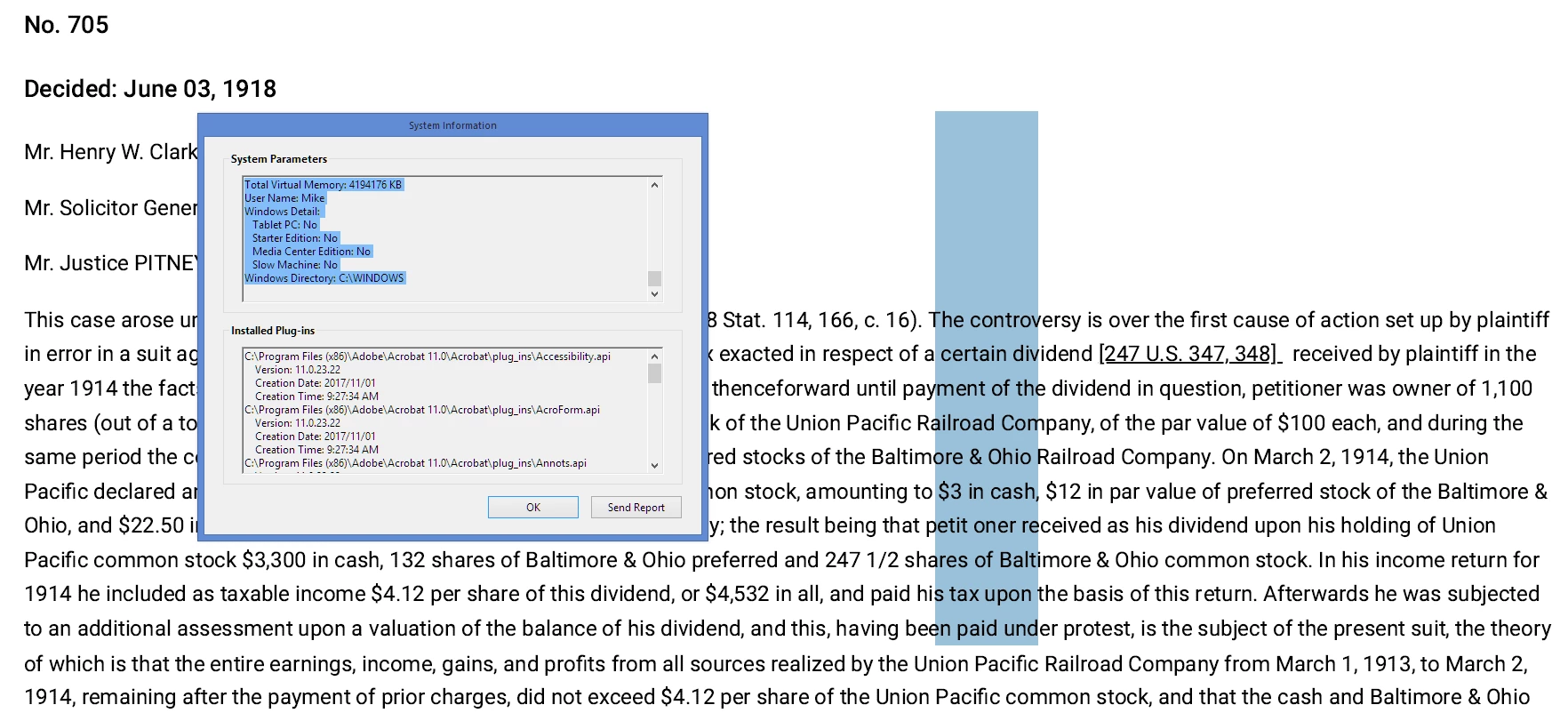
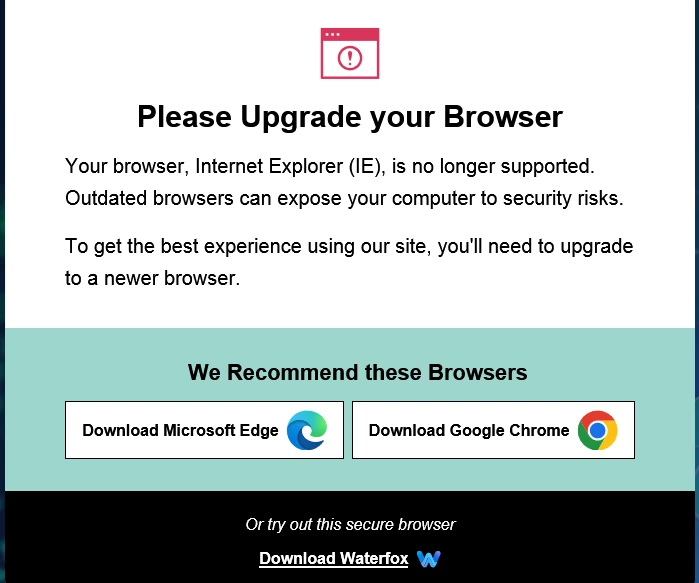
Below is a snip of the cursor position/size. Previous research tells me it's because Chrome is an 'image'. What this exactly means I don't know other than it doesn't work for my needs and I haven't been able to find a fix and now that MS demands my compliance, I'm out of options. I do not trust Edge. Additionally, any thoughts on Waterfox shown in the snip regarding "upgrades". Now there is an overused and never defiend term.
TapperIsTicked_0-1697728189706.png

TapperIsTicked_1-1697728630099.png


TOPICS
Create PDFs
1.7K
Translate
Report
Community guidelines
Be kind and respectful, give credit to the original source of content, and search for duplicates before posting. Learn more
community guidelines
1 ACCEPTED SOLUTION
Community Beginner ,
Oct 19, 2023 Oct 19, 2023
LATEST

Creating the file from Web Page within Acrobat takes care of the problem. Saw https://community.adobe.com/t5/acrobat-sdk-discussions/print-to-pdf/td-p/8268831 when clarifying above and it resolved my issue. Now I just have to remember it.

View solution in original post

Translate
Report
Community guidelines
Be kind and respectful, give credit to the original source of content, and search for duplicates before posting. Learn more
community guidelines
Community Expert ,
Oct 19, 2023 Oct 19, 2023

Do you have Acrobat 11 and you still use Internet Explorer? What is your OS?

If you are using IE, you can trust Edge.


What is the issue you have to print from Chrome?


quote

Previous research tells me it's because Chrome is an 'image'.


By @TapperIsTicked

Whatever your previous research told you, Chrome is a browser program developed by Google. You need to install it either from the Microsoft store or from a Google site. Edge uses the same code basis. Microsoft just puts their user interface on.


I had never heard of Waterfox before, but it looks like an offspring of Firefox. https://en.wikipedia.org/wiki/Waterfox. Whoever came up with that screen is not from Microsoft because Microsoft would not recommend anything else than Edge.


As a side node: Your question has more to do with browsers than Acrobat. As this is an Acrobat forum: how comes Acrobat into the play?

ABAMBO | Hard- and Software Engineer | Photographer
Translate
Report
Community guidelines
Be kind and respectful, give credit to the original source of content, and search for duplicates before posting. Learn more
community guidelines
Community Beginner ,
Oct 19, 2023 Oct 19, 2023

To clarify:

The top file was created while using the Chrome Browser to review a case from 1918 from the FindLaw website. I printed the file to Adobe PDF. I went to highlight something within the file and got the big blue rectangle seen in the snip. I don't have access to IE as it is no longer supported and they insist I download a different browser which I am not inclinded to do. 

This has been an issue since I asked the question back in 2018 and I'm trying to find out if it has been addressed. I hope this provides clarification.

Translate
Report
Community guidelines
Be kind and respectful, give credit to the original source of content, and search for duplicates before posting. Learn more
community guidelines
Community Beginner ,
Oct 19, 2023 Oct 19, 2023
LATEST

Creating the file from Web Page within Acrobat takes care of the problem. Saw https://community.adobe.com/t5/acrobat-sdk-discussions/print-to-pdf/td-p/8268831 when clarifying above and it resolved my issue. Now I just have to remember it.

Translate
Report
Community guidelines
Be kind and respectful, give credit to the original source of content, and search for duplicates before posting. Learn more
community guidelines