Inspiring
February 13, 2022
Answered

copy-paste problem

  • February 13, 2022
  • 2 replies
  • 4977 views

A new behavior is puzzling me: when I copy and paste text from Acrobat DC Pro (any file) to Word and to Apple Mail messages, the text comes out in Italics. Is there a reason? I want Roman characters (no itals).  This never was a problem, but now is on my M1 laptop. My other machine is Intel based; has same fonts, apps, and OS–and it does not produce this error.


Is this a known bug? If anyone has an M1 machine could you please test this and see if you can reproduce the error? Thanks.


Lates Acrobat DC Pro; latest Monterey; M1 laptop.
This topic has been closed for replies.
Correct answer Tariq Ahmad

@Tariq Ahmad, This is not a correct answer as it misunderstans the problem. When using Acrobat DC on macOS (for years now, and still on v. 15) all properly encoded text, when copied from a PDF and pasted into another app (e.g., Word, Outlook, etc.), pastes in italics. Every PDF, every time. Pasting in giberish is an extirely separate issue.


Thanks for pointing me in the right direction @mattpat32993358! I removed my answer as a correct answer. 

However, there is a workaround that I have tried and tested at my end. 
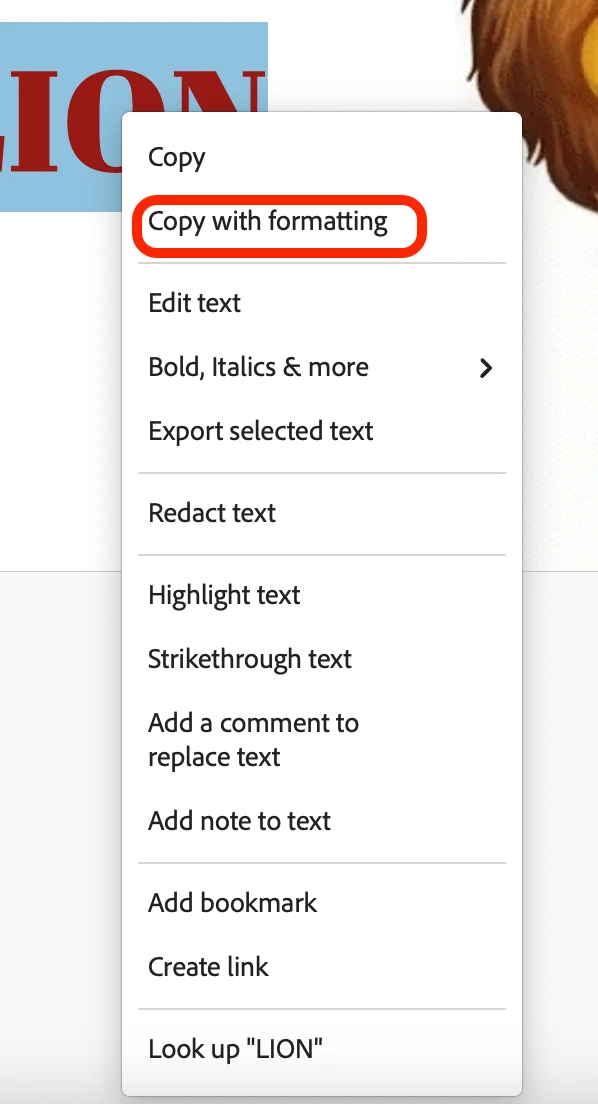
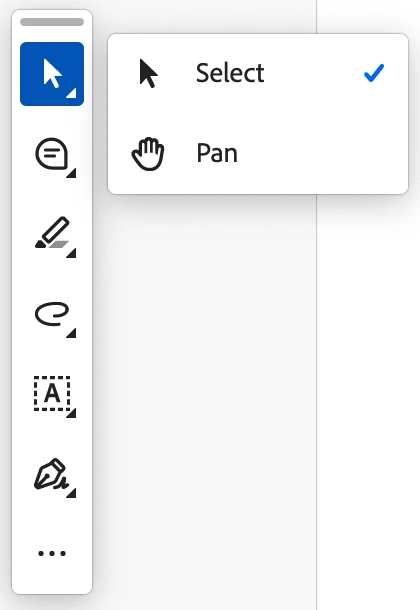
Ensure the Select tool is selected. Select the text you need to copy, right-click on the highlighted text, and choose content menu options > Choose "Copy with formatting." Then try pasting the text into MS Word, and it should work fine. 


Let me know if that works on your end. 

~Tariq


2 replies

Deepika Bisht
Adobe Employee
Adobe Employee
March 15, 2022

Hi There,


Hope you are doing well and sorry to keep you waiting.


Could you please help me with following:
1. Are you usng MAC 12.0 Beta? If yes, can you try to upgrade to GA version of MAC.
2. Can you please update the application to latest version from the help menu > Check for updates and reboot the computer once and see if that helps.

Let us know how it goes.


Thanks, 

Acrobat Team

JIPNETAuthor
Inspiring
March 24, 2022

The update did nothing to solve the problem. I am using an M1 machine. Not an issue on the Intel mac with same everything. Can you replicate this yourself on an M1 mac? thanks.

Amal.
Community Manager
Community Manager
February 14, 2022

Hi there


Hope you are doing well and sorry to hear that.


As described its an issue with Mac Monterey, M1 and not on the Windows machine, please try to reset the Acrobat preferences as described here https://community.adobe.com/t5/acrobat-discussions/how-to-reset-acrobat-preference-settings-to-default/td-p/4792082


Also please try to create a new test user profile with full admin rights or enable the root account in MAC and try using the application there and check


Regards

Amal

JIPNETAuthor
Inspiring
February 14, 2022

Wiping out the preferences did not do it.


I will try with the test profile.