
Participant
July 15, 2025
Question

Custom settings will not stay selected everytime I reopen Adobe.

  • July 15, 2025
  • 1 reply
  • 186 views

Why will my settings not stay selected everytime I reopen Adobe? 


Specifically the Undo option, Clockwise page feature, measuring tool and any defaults related to color of lines or text call out boxes. 


Also the "open documents as new tabs in the same window (requires relaunch) doesnt work.
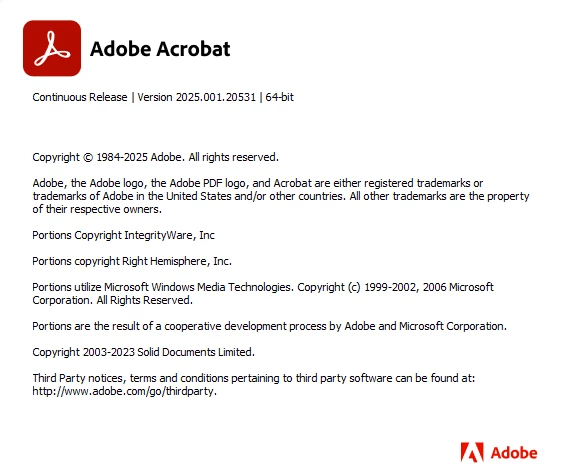
 

Thanks

1 reply

creative explorer
Community Expert
Community Expert
July 15, 2025

@TOM30324650zb3x that's weird, I would reset my Acrobat Preferences. https://community.adobe.com/t5/acrobat-discussions/how-to-reset-acrobat-preference-settings-to-default/td-p/4792082 

Sometimes, Preferences can go a little 'wonky' here and there over time. Afterwards, I would restart the computer after reseting the preferences. People say you can just restart Acrobat, I normally do the whole thing. 

m
Participant
July 15, 2025

I've tried restarting the program, the computer and uninstalling/reinstalling Adobe 2 times and same prob.  2 weeks ago it was perfect and now nothing but problems.  Not sure how that even happens but I had Pro before but now this version is I guess is the "new pro"? 


Regardless I did try just Adobe Reader DC Full and it worked fine but I need the combine PDF function that the higer tier program offers.