

해결됨
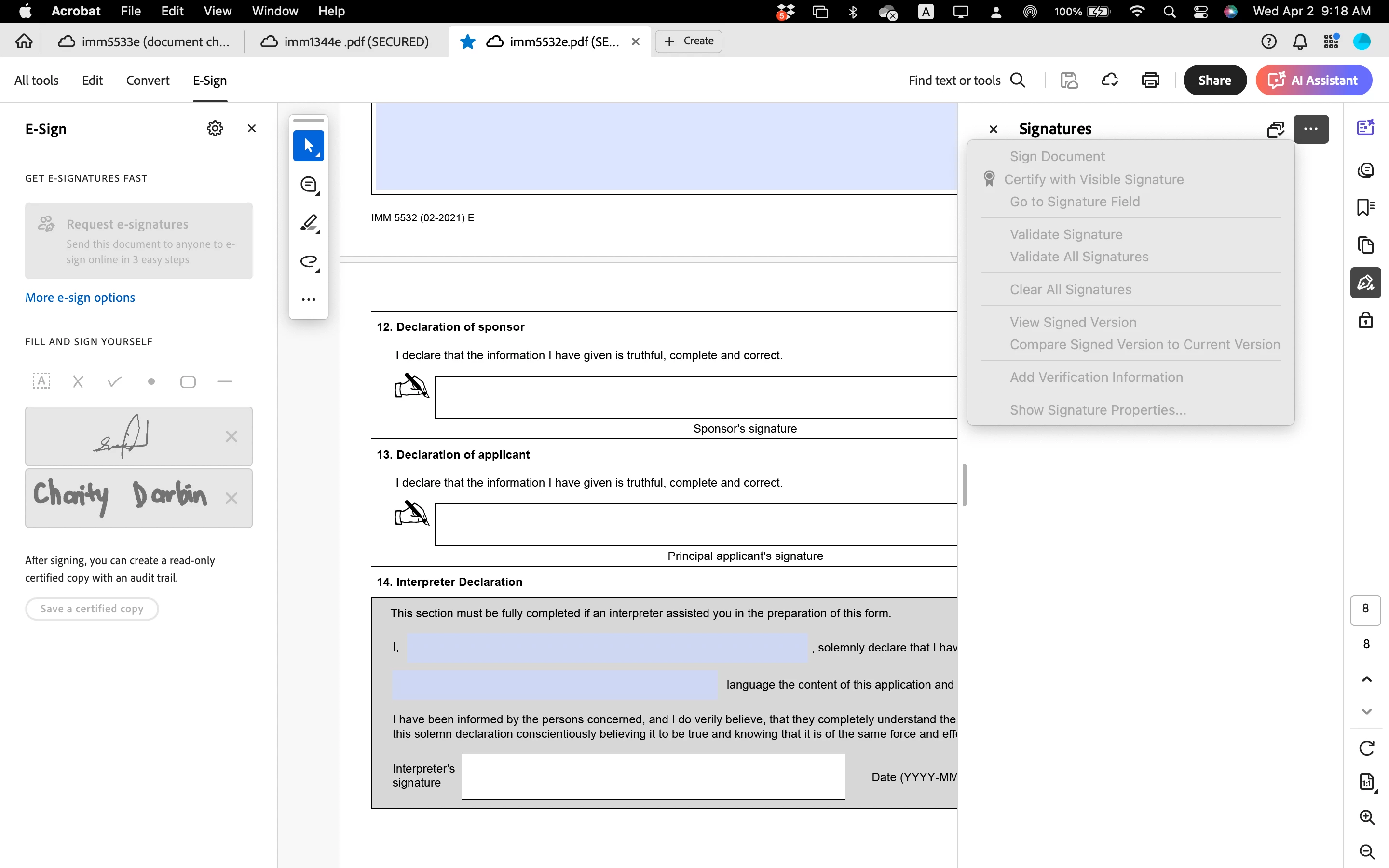
Fill and sign unavailable. Everything's greyed out. I have Acrobat Pro and have ruled out other pote

To expound what Bernd said, the native PDF content of the file you shared actually looks like this:
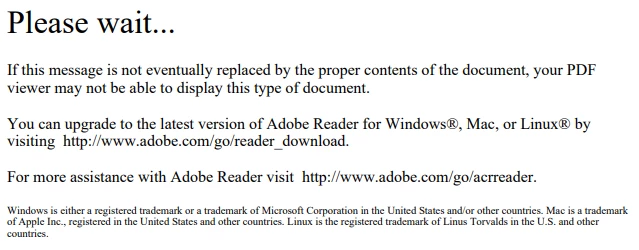
But there is XML data included in you PDF that by some PDF viewers (foremost the Adobe software) is interpreted as a description to build a specific form instead of showing the native PDF content.
The "Fill and Sign" tool is not designed for such forms but you can simply click into the fields of the form Acrobat displays and fill them in.
> but you can simply click into the fields of the form Acrobat displays and fill them in.
You can't, actually. Those fields are set as read-only and I believe an error in the code is preventing them from becoming editable when they are needed. This issue needs to be reported to the institution that created the form. There's nothing the end-user can (or should) do about it.
Enter your E-mail address. We'll send you an e-mail with instructions to reset your password.
 AdChoices