


질문
How to permanently hide thumbnails, bookmarks, attachments and signature pane
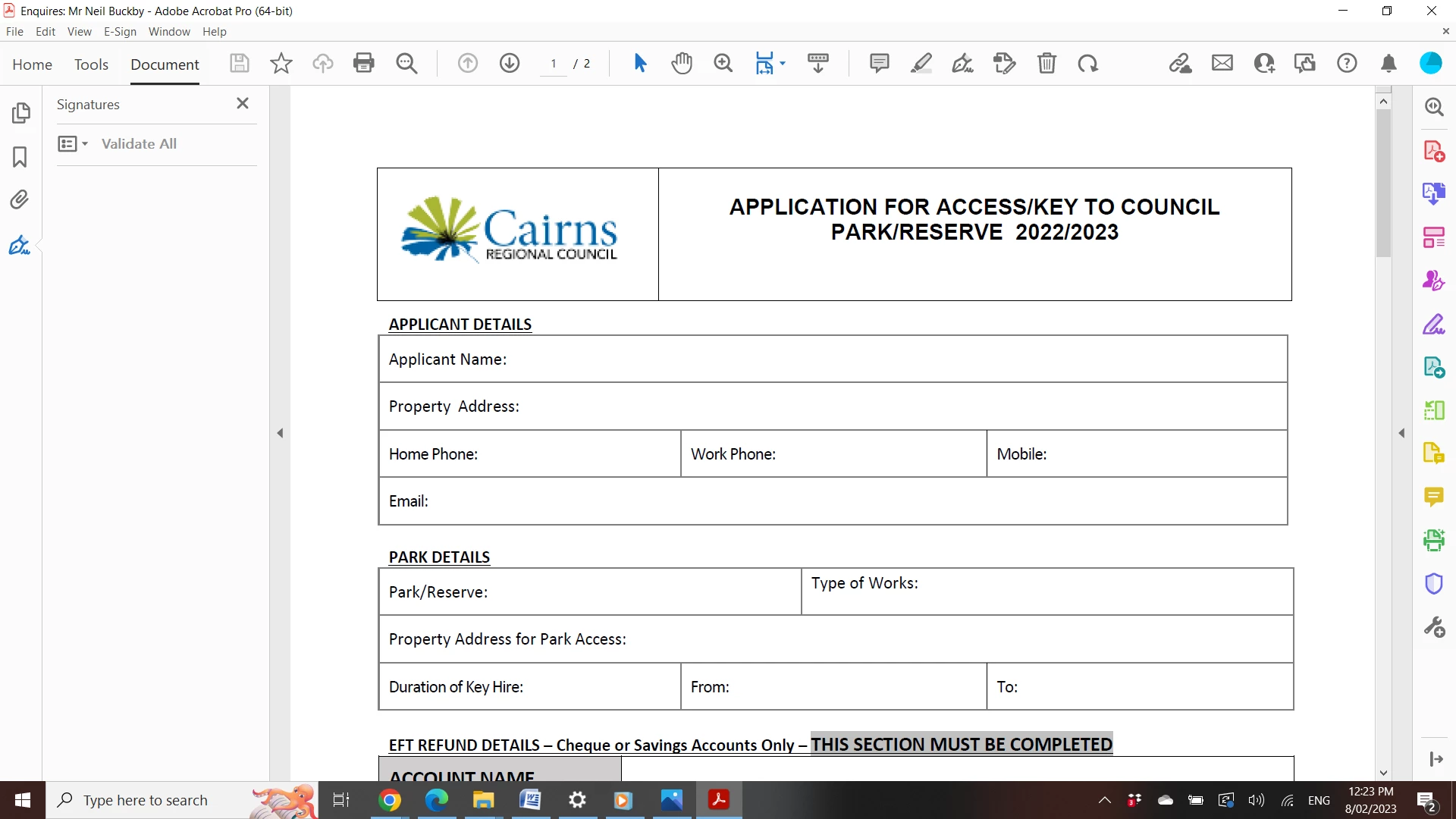
Recently I filled out a document which acrobat detected needed to be signed, then the signature panel opened on the left of the screen.
Since then every time I open any document acrobat opens with this panel displayed. The panel is on the left and also has thumbnails, bookmarks and attachments.
I don't generally don't need to see any of those items, so each time I open a document I have to use the arrow on the left of the document to hide the panel.
I've tried searching online for a solution to have the panel not open every time acrobat opens,but it doesn't help that I can't seem to find out what the panel is actually called.
Any help would be much appreciated!
 AdChoices