


tahir_mahmoodq28201304
Participant
April 24, 2018
해결됨

How to Protect pdfs without using Password protection

  • April 24, 2018
  • 1 답변
  • 3634 조회

Dear Experts,

I have purchased the license of Adobe Acrobat 2017 recently. I have a query regarding pdf protection as I have two options of password protection and digital certificate protection. For now, we are using the password protection method to restrict pdfs from editing while sending to different partners and clients.

However, my colleague who received a pdf file from a partner and when he wants to edit the pdf, it gives "you are not authorized to edit the pdf". So, we need to enable the same feature to our pdfs while sending to other partners that instead of asking the passwords for editing, it should give them the message that you are not authorized to edit the pdf.

Either, it has been done through digital certificate method or something else, but I want to enable and use this feature as well.

Kindly help me out in enabling and using this feature of Adobe Acrobat.

Thank you,

Regards,

Abul Hasan.
이 주제는 답변이 닫혔습니다.
최고의 답변: AkanchhaS8194121

Hi Tahir,

We apologize for the delay in response to your query.

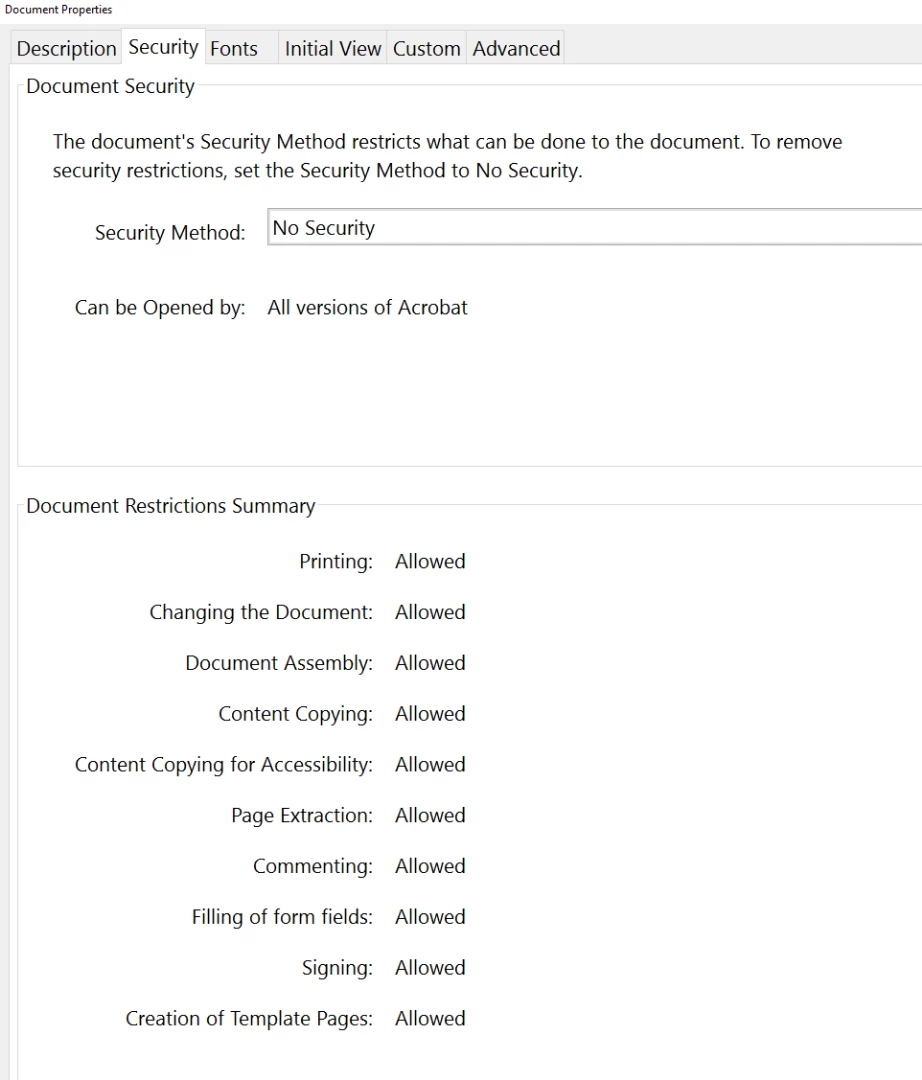
As shared above, that you have been given two options to protect the document using Acrobat either Password Protection or Digital Signature. If you don't want to use any of the them and want the end user to receive a message during edit- "You are not authorized to edit the pdf", so for this you need to change the document's security settings.

If you own the document and have all the rights to make the changes, then you can protect the document permission and restrict the Editing. Refer to the help document where its explained in details how you can achieve it. -Protect PDF files with permissions | and when end user would try to edit the document it would give the same prompt "You are not authorized to edit the pdf".

Hope this is what you were looking for.

Regards,

Akanchha

1 답변

AkanchhaS8194121
Legend
May 11, 2018

Hi Tahir,

We apologize for the delay in response to your query.

As shared above, that you have been given two options to protect the document using Acrobat either Password Protection or Digital Signature. If you don't want to use any of the them and want the end user to receive a message during edit- "You are not authorized to edit the pdf", so for this you need to change the document's security settings.

If you own the document and have all the rights to make the changes, then you can protect the document permission and restrict the Editing. Refer to the help document where its explained in details how you can achieve it. -Protect PDF files with permissions | and when end user would try to edit the document it would give the same prompt "You are not authorized to edit the pdf".

Hope this is what you were looking for.

Regards,

Akanchha