

rachelcenter
Legend
April 6, 2022
Question

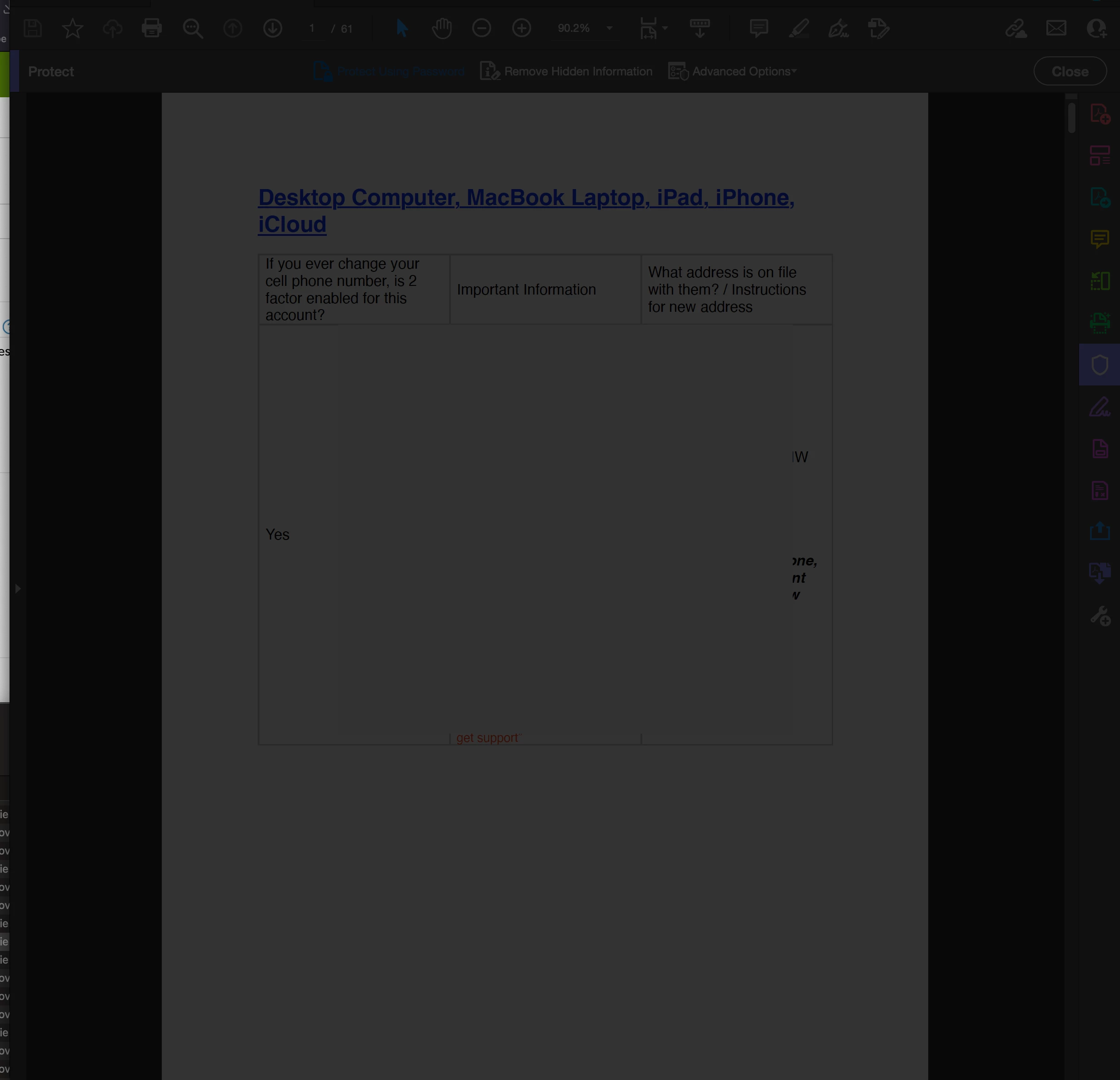
Is anyone else's password protect feature not working? and it just gives you a grayed out screen?

  • April 6, 2022
  • 1 reply
  • 2227 views

Is anyone else's password protect feature not working? and it just gives you a grayed out screen? you can see its trying to do the pop up prompt to enter a password but it never shows up. I was using a desktop imac when this happened. so I tried on my m1 Macbook. and at first it came up the same way, gray, and then a few seconds later the password dialogue appeared.
 

This topic has been closed for replies.

1 reply

Amal.
Legend
April 6, 2022

Hi there


Hope you are doing well and sorry to hear that.


Would you mind sharing the version of the Acrobat DC you are using on desktop Imac? To check the version go to Help > About Acrobat and make sure you have the recent version 22.1.20085 installed. Go to Help > Check for updates and reboot the computer once.


Also, try to reset the Acrobat preferences as described here https://community.adobe.com/t5/acrobat-discussions/how-to-reset-acrobat-preference-settings-to-default/td-p/4792082


You may also try to create a new test user profile or enable the root account in MAC and try using the application there and check.


Regards

Amal

rachelcenter
Legend
April 6, 2022

I went to your link and "Acrobat WebCapture Cookies" doesnt exist. I gave up there and had someone remote in from Adobe. He had me uninstall Acrobat, but what I realized is: it's not enough to press "uninstall" through creative cloud.  Because doing it through creative cloud doesnt actually unstall it. It was still sitting in the applications folder. I had to go into the applications folder and click the icon "Acrobat Uninstaller" which is listed one above the normal Adobe Acrobat application.

Amal.
Legend
April 7, 2022

Hi there


We are sorry to hear that.


If the issue still exists, please remove the application using the Acrobat Cleaner tool https://www.adobe.com/devnet-docs/acrobatetk/tools/Labs/cleaner.html , reboot the computer, and reinstall the application using the link https://helpx.adobe.com/acrobat/kb/acrobat-dc-downloads.html and see if that works. 


Regards

Amal