Inochi-PM
Participant
December 16, 2023
Answered

Issue with Acrobat Pro not letting me change fonts

  • December 16, 2023
  • 1 reply
  • 3079 views

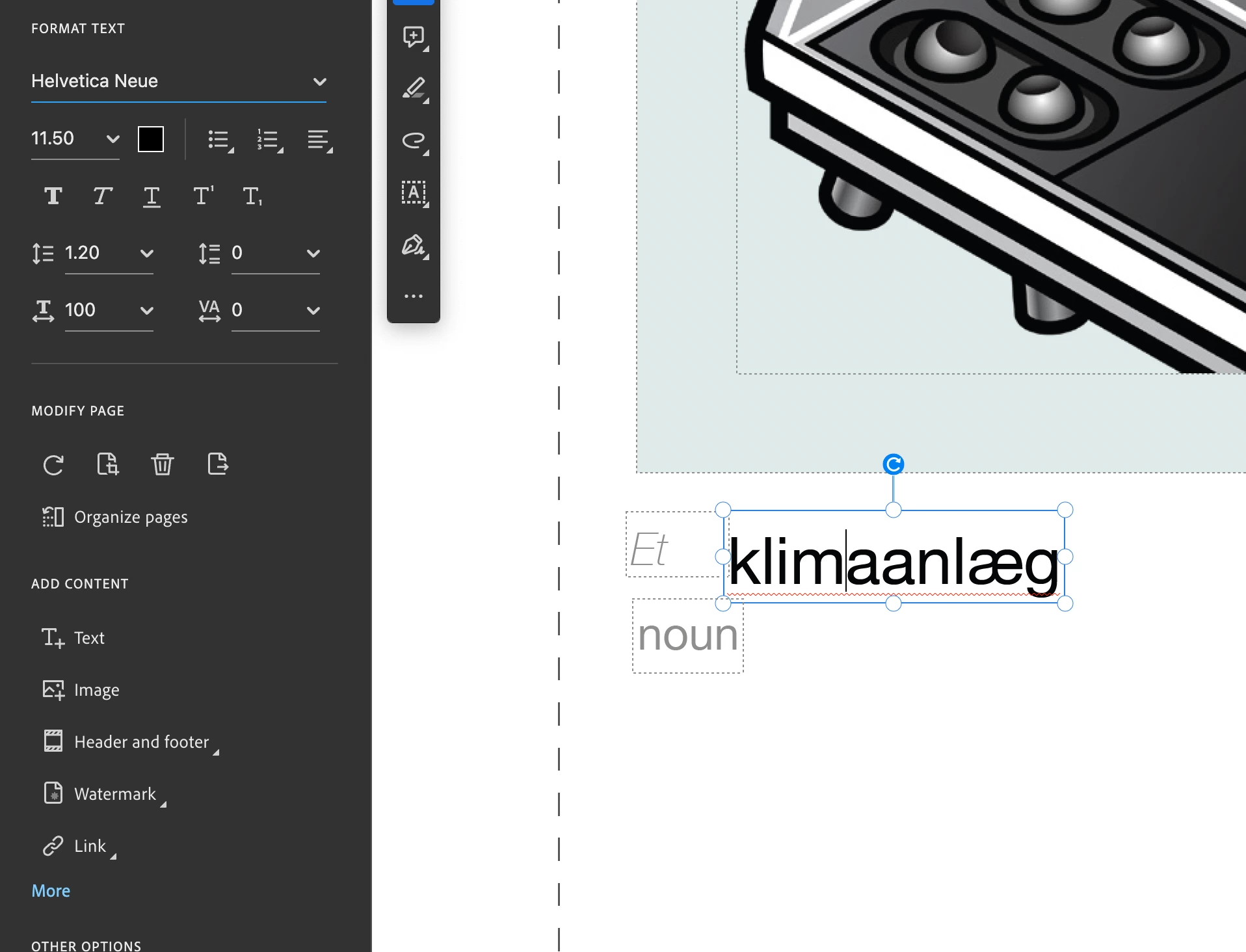
For some weird reason when i go to edit this PDF of flashcards, it lets me add text but then when i go to make it all the same font it only shows "Helvetica Neue" but when i click it wont show a dropdown nor will it give me other option when i type font names.  

Does anyone know of a way to fix this or of a way to edit this PDF?? 

I really would rather not edit it in Photoshop. 
This topic has been closed for replies.
Correct answer Amal.

Hi @Inochi-PM 


Hope you are doing well and thanks for reaching out.


What is the version of the Acrobat DC you are using? To check the version go to Help > About Acrobat and make sure you have the recent version 23.08.2042X  installed. Go to Help > Check for updates and reboot the computer once.

Also try to repair the installation from the help menu (Win Only) and see if that works.

Please try to reset the Acrobat preferences as described here https://community.adobe.com/t5/acrobat-discussions/how-to-reset-acrobat-preference-settings-to-default/td-p/4792082

You may also try to create a new test user profile with full admin rights in Win or enable the root account in MAC and try using the application there and check.


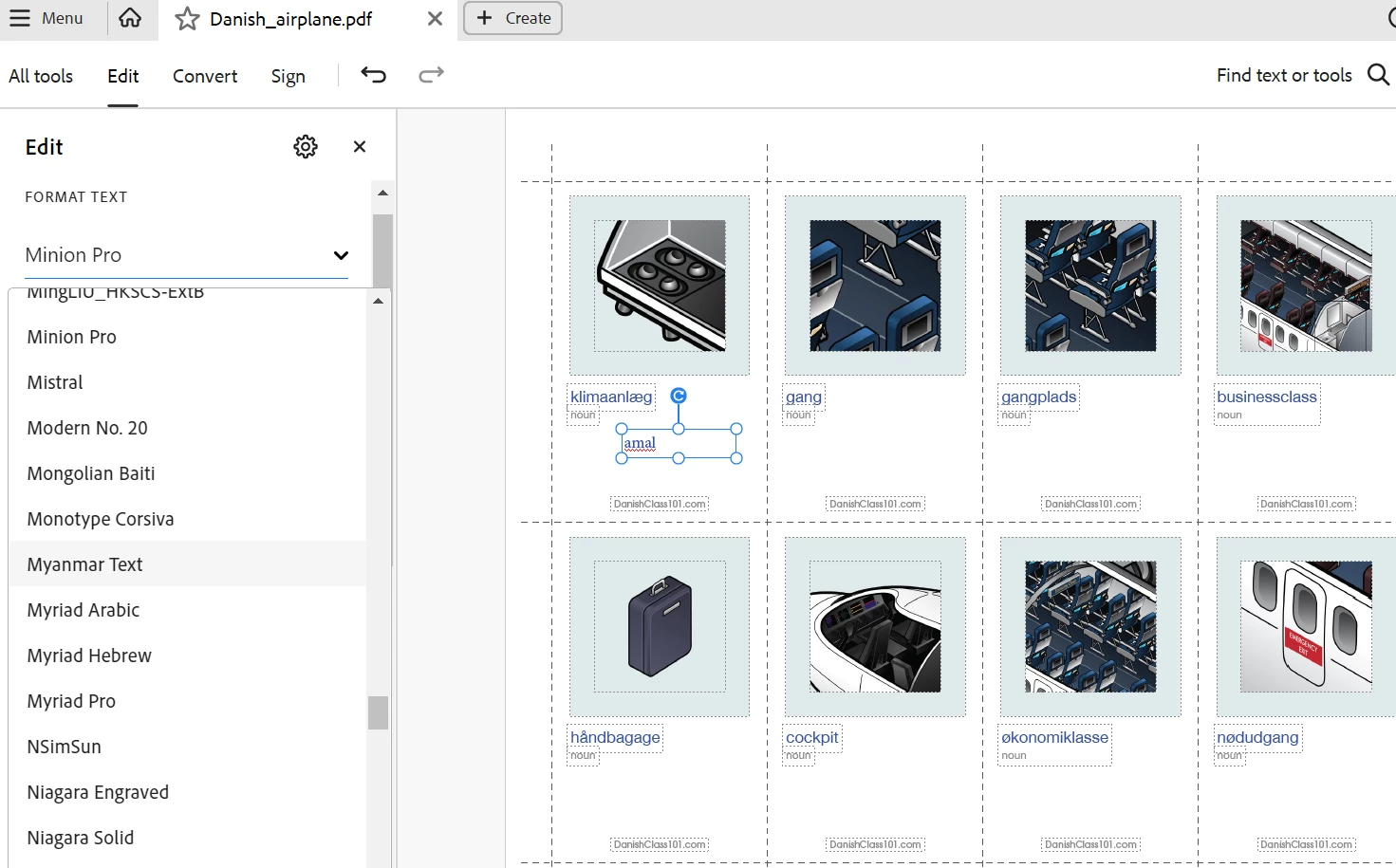
I have tried to reproduce the issue on my end and its working fine. please check the screenshot below:


~Amal


1 reply

Amal.
Community Manager
Amal.Community ManagerCorrect answer
Community Manager
December 25, 2023

Hi @Inochi-PM 


Hope you are doing well and thanks for reaching out.


What is the version of the Acrobat DC you are using? To check the version go to Help > About Acrobat and make sure you have the recent version 23.08.2042X  installed. Go to Help > Check for updates and reboot the computer once.

Also try to repair the installation from the help menu (Win Only) and see if that works.

Please try to reset the Acrobat preferences as described here https://community.adobe.com/t5/acrobat-discussions/how-to-reset-acrobat-preference-settings-to-default/td-p/4792082

You may also try to create a new test user profile with full admin rights in Win or enable the root account in MAC and try using the application there and check.


I have tried to reproduce the issue on my end and its working fine. please check the screenshot below:


~Amal