


Duncan1101
Participant
January 28, 2020
해결됨

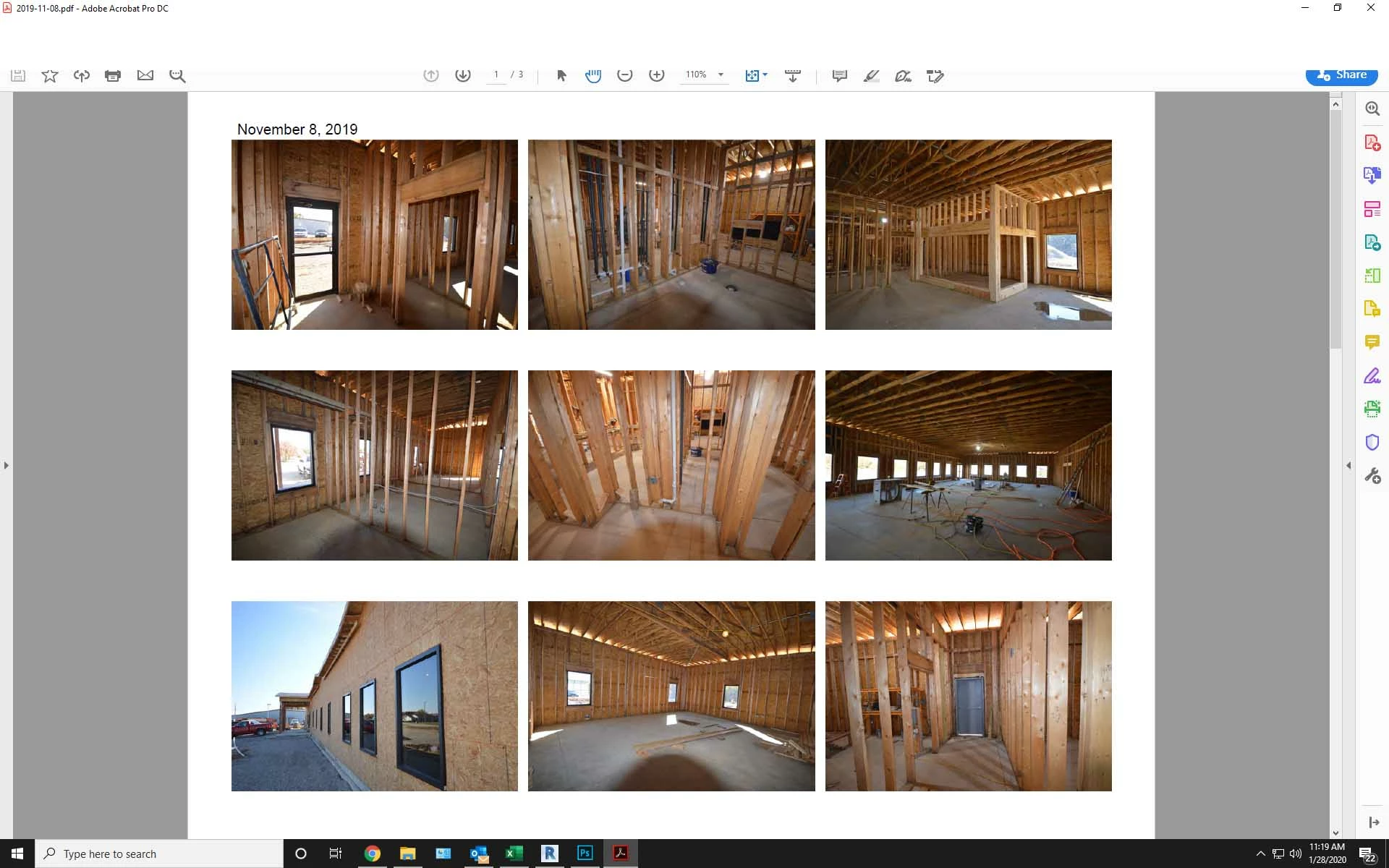
Menu bar and part of tool bar missing from top of screen.

  • January 28, 2020
  • 23 답변들
  • 221002 조회

The menu bar and top portion of the tool bar will not display on Acrobat DC. When I try to click in that area it activates whatever application is running behind the Acrobat window. The only way to close Acrobat is to close the window via the Windows taskbar at the bottom of the screen. The partial icons that are visible will function but I can't access any tools or menu items above that point.


I have tried to uninstall then reinstall the program and that did not help. I have also run a repair on the program which did not work either. This version is installed from Creative Cloud.  help please.
 

최고의 답변: Brad33530775qom8

I was racking my brain over this. The solution was really simple after eventually finding it.


Try pressing Ctrl+Shift+Win+B to restart the graphics driver.

23 답변

Participant
July 8, 2025
Participant
April 2, 2025

I was racking my brain over this. The solution was really simple after eventually finding it.


Try pressing Ctrl+Shift+Win+B to restart the graphics driver.

S_S
Community Manager
Community Manager
May 14, 2025

Hi @Brad33530775qom8,


Hope you are doing well. 


Thanks for writing what worked for you.

Marking this as a correct answer for future users to use as a reference.


Regards,
Souvik.

Participant
August 23, 2024

I'm not certain if this will help everyone, but I had this same issue and was able to resolve it by changing the display settings while the app was open. That seemed to fix it. 

Participant
July 2, 2024

I've researched this problem in the past, and this is one of those that comes and goes. This problem is not exclusive to Adobe Reader, it happens also in Google Chrome, both are up-to-date.


The quick fix is usually WIN+down arrow after you click somewhere in the program, as this restores the window from maximized state to normal state. I often then resize the window to fit the entire screen without using the maximize window because it is a habit for many people to click maximize button for a window that is not maximized.


Usually resetting the graphics driver using WIN+SHIFT+CTRL-B will fix it for a while, but I'm currently experiencing it inside a terminal server for one user, but not for others, and there the fix doesn't work, but the workaround still does.


Also, returning to classic UI for Adobe Reader does not actually fix the issue. I'm weary to try the chkdsk /r /f because that can corrupt files if they're partially broken.

Participant
December 5, 2023

We had the same behaviour with an old Version of Hardcopy (a screenshot program) somehow conflicting with Acrobat.
After we updated Hardcopy the Problem was gone

Participant
January 18, 2024

I have been having a similar problem on and off with Chrome and Acrobat Pro 2020 for a year or two - the menu and ribbon would disappear, and clicking in that area would bring up whatever window was behind Chr or Acro. The problem only occurs when the Chr or Acro are in max-window mode, and the menu / ribbon would reappear when somehow the window has been resized (if only I could remember the keyboard shortcuts!). (max window but not technically "full screen" = cntr L in Acro, F11 in Chr)

The problem is intermittent and resolves on restarting my computer (= app windows can be full screen without losing the menu / ribbon). I have had to reinstall windows, Acro and Chr a couple times for unrelated reasons, but the problem still develops ... intermittently. This issue does not develop with MS Office or other applications, though I use Chr and Acro (and Outlook, Word, etc) a lot more than other apps, and routinely in max window mode. I have kept windows, the Intel graphics driver, and the apps involved up to date. My laptop has a 12th gen i7 processor and 32GB of RAM. System / app details are below.


It would be helpful to know what is wrong between the graphics (?), windows (?) and these apps. As MS apps seem ok, I worry the issues might be one of those challenges with software companies playing nicely with each other.


Acrobat 2020 v 2020.005.30539 (latest)

Chrome Version 120.0.6099.218 (64 bits)

Windows 10 22H2 19045.3930

Participant
October 3, 2023

Windows 10 Laptop:

Uninstalled app

Re-Installed from Microsoft Store

Works fine now

gudguy1a
Participating Frequently
October 25, 2023

Check out @RichMarO posting from Apr 2023, that is the better fix than what you (and I as well) did.

Participant
April 30, 2023

On April 24, 2023 I downloaded Adobe Reader to my new computer. The NEW reader was missing the top menu bar. This version had a vertical tool bar and the other tools were on the left instead of the right where I was accustomed to seeing them. After some playing around and looking for a solution on the community forums I found if you click on the hamburger in the upper left corner, a drop down window appears and the choice to "Disable the New Acrobat Reader" is listed. Click that and reaunch and voila the Menu bar etc. returns

See screenshot:

dick@cdrowe.com
Participant
May 8, 2023

Thanks, this worked great!!

Participant
March 7, 2023

None of the solutions posted below works for me.  I've uninstalled the drivers, did the ctrl-shift-win-b thing, tried to restore the menu bar (with alt-spacebar), tried to get the GPU to do the scaling, it's been run in full screen mode and not in full screen. Nothing works.  The issue is on two laptops in the office.  Both occurred more or less the same time.  I've tried rolling back Windows, I've uninstalled and reinstalled Adobe but this piece of .... software that we're paying for (as opposed the freeware pdf readers) is persisting with the problem.  The moment I open a pdf file, I just have to hover the mouse on the doc for a few seconds before the menu disappears. I can get it back by clicking tools but then I have to work really fast (2-5 seconds) before I lose the menu bar again.  Come on Adobe, seriously.  Have you not yet been able to fix this problem after so many years??! Shame on you!

Participant
March 23, 2023

I have also tried all the solutions above and it always reverts back and the menu bar disappears.  It happened on both my Dell computers but not on my surface they are all running Windows 11.  

Participant
January 24, 2023

Ctrl+Shift+Windows+B (press all together)

The menu bars reappear.

Participant
June 30, 2022

Go to display settings, mess around with where the displays sit (put left monitor to the middle, save, revert back), put back to original settings of where the monitors sit. Magic.