Participant
Jan 13, 2023 10:02 AM UTC
Answered

Windows Explorer crashes when viewing PDF files in the preview pane

Hi,


This happened on Windows 10 Pro and Windows 11 Pro.

I have also uninstalled and installed the Acrobat Pro.
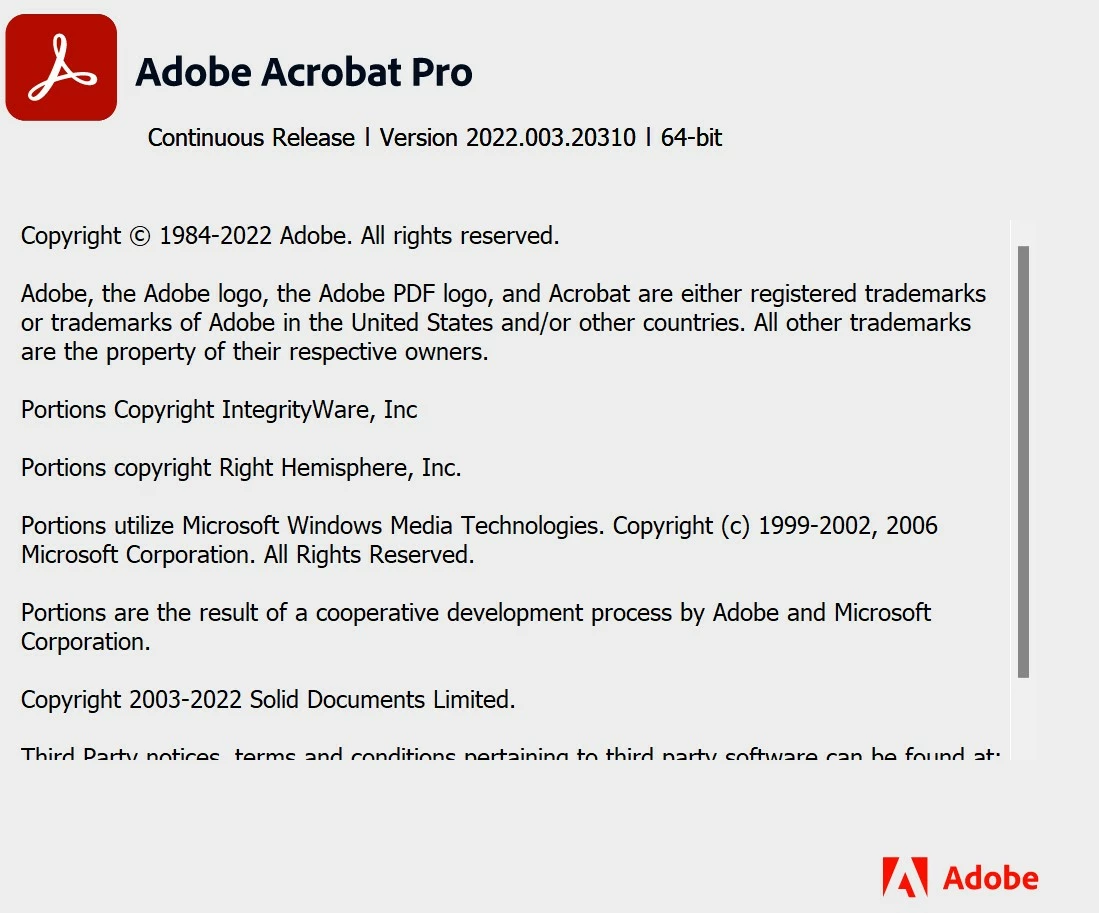
But it does not help.

YuriStruCorrect answer
Participant
Dec 20, 2023 4:58 PM UTC

Same here. But already had the same issues every now and then over the last few years. Annoying.


Update - here is a working solution: https://community.adobe.com/t5/acrobat-discussions/an-internal-error-has-occurred/m-p/13332260

Remove unknown Groups or Users from Folder C:\Users\%YourUsername%\AppData\Local\Adobe
Right Click on Folder -> Preferences -> Security Tab
I kicked everything instead of My User, SYSTEM, Administrator.

For me this solution worked.

22 replies

Participant
Nov 28, 2023 11:18 PM UTC

I have a similar issue.
Windows 11 pro (fully updated) Acrobat Pro DC or whatever its called now (subscription model and fully updated).

I have long file names enabled in Windows.

When I click a PDF with a long file name in Windows Explorer, with preview enabled, the Windows Explorer window immediately crashes.

If I turn off preview the window no longer crashes.

If I uninstall Acrobat DC or use the same PDF in a "non long-name" location, it works fine.

This seems to be an issue with adobe and how it still can't handle long path names correctly.
If I open the pdf using chrome, edge, or literally any other program it works fine.

Translate
Abambo
Community Expert
Community Expert
Nov 28, 2023 11:49 PM UTC

The OPs problem is when using the preview pane, which seems to be different of your case, where the crash happens when you open a PDF file.

Translate
ABAMBO | Hard- and Software Engineer | Photographer
Participant
Nov 29, 2023 6:15 PM UTC

No, mine is the same. Windows explorer crashes when i have preview pane enabled and try to preview a file.
if I have it disabled I can at least copy and move the file somewhere w/ a shorter name.

Translate
Amal.
Legend
Jan 13, 2023 12:46 PM UTC

Hi @desmondt25088014 


Hope you are doing well and sorry to hear that.


I tried to reproduce the issue on my end and its working fine.


Is this an issue with a specific PDF file or all the PDFs? Please try with a different PDF and check.


You may also try to create a new test user profile with full admin rights in Win and try using the application there and check.


Also check for any missing/pending updated for Windows OS and try updating it and check.


Let us know how it goes.


Regards

Amal

Translate
Participant
Feb 15, 2023 12:03 PM UTC

Dear Amal,


I have a similar problem with Acrobat, I think for two or three month now. Whenever I clicck in a PDF file in Explorer (I work with Windows 10) the PDF preview won`t work and stays blanc (first picture). On top of that a pop up from Acrobar appears, stating that there is an issue with Acrobat (second picture). And the bigest problem, quite often after clicking (not opening) a PDF file to move or rename it, explorer won`t respont anymore and crashes a few seconds later. I couldn`t recognise a pattern. Sometimes it crashes 5 times repetedly sometimes I am lucky and I only get the pop up.

If I open a PDF everything is normal and Acrobats works just fine.


So far I de- and reinstalled Acrobar 4 times, I installed every update the Adobe Cloud gave notice of and Windows is also on it´s current status.


Thank you for your support.


Sincerly

Jessica

Translate
YuriStruCorrect answer
Participant
Dec 20, 2023 4:58 PM UTC

Same here. But already had the same issues every now and then over the last few years. Annoying.


Update - here is a working solution: https://community.adobe.com/t5/acrobat-discussions/an-internal-error-has-occurred/m-p/13332260

Remove unknown Groups or Users from Folder C:\Users\%YourUsername%\AppData\Local\Adobe
Right Click on Folder -> Preferences -> Security Tab
I kicked everything instead of My User, SYSTEM, Administrator.

For me this solution worked.

Translate
Eric Dumas
Community Expert
Community Expert
Jan 13, 2023 10:21 AM UTC

Is this a new issue after an upgrade or a update?

Is the file opening in Acrobat correctly? Have you tried to open it and save a copy to see if it makes a difference?

Is it a file you created or was automated/exported by someone else. Sometimes, software like accounting packages can create their own version of a PDF, but that's not always 100% compatible with other systems.


Translate
Participant
Jan 13, 2023 10:45 AM UTC

Hi,


This is a new issue.

I am able to open acrobat files without any issue.

Any files I previewed will lead to explorer crashing.

Those files didn't give problems before.

Translate