Answered
Windows Explorer crashes when viewing PDF files in the preview pane
Hi,
This happened on Windows 10 Pro and Windows 11 Pro.
I have also uninstalled and installed the Acrobat Pro.
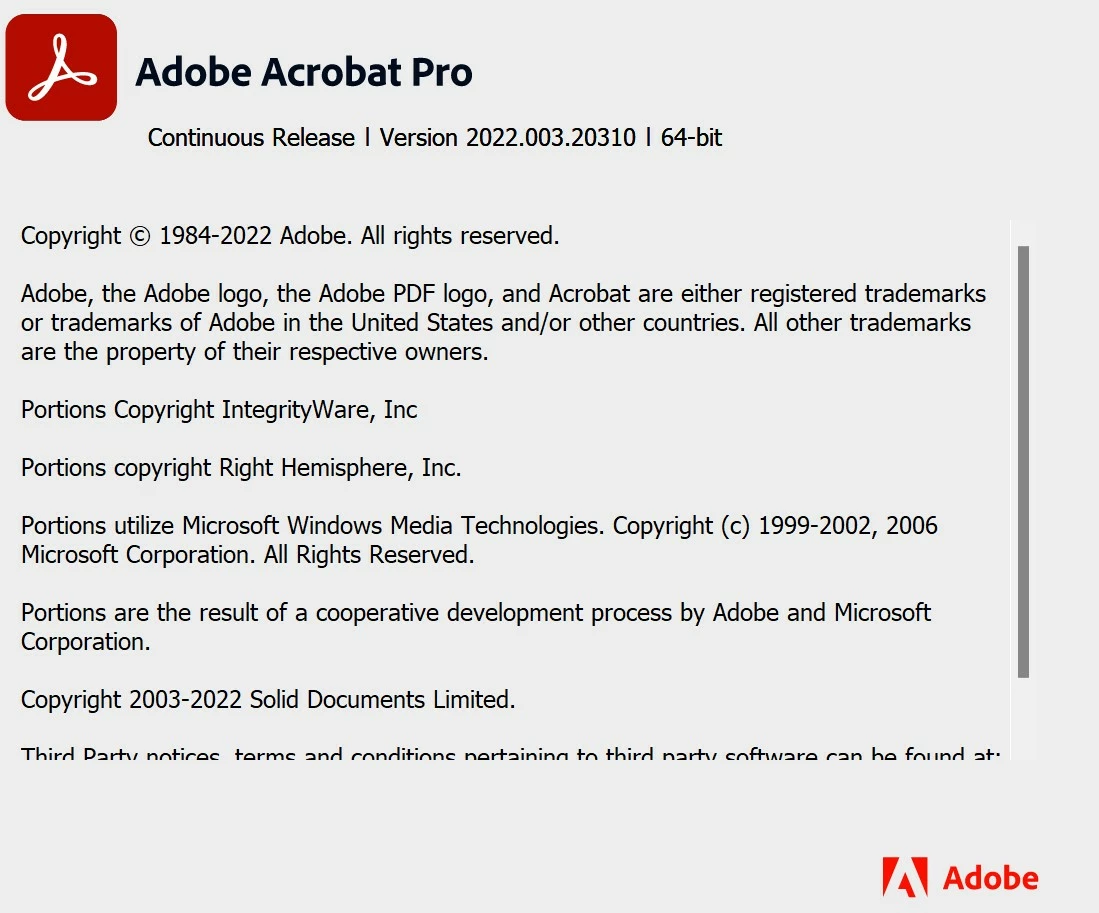
But it does not help.

Hi,
This happened on Windows 10 Pro and Windows 11 Pro.
I have also uninstalled and installed the Acrobat Pro.
But it does not help.
Same here. But already had the same issues every now and then over the last few years. Annoying.
Update - here is a working solution: https://community.adobe.com/t5/acrobat-discussions/an-internal-error-has-occurred/m-p/13332260
Remove unknown Groups or Users from Folder C:\Users\%YourUsername%\AppData\Local\Adobe
Right Click on Folder -> Preferences -> Security Tab
I kicked everything instead of My User, SYSTEM, Administrator.
For me this solution worked.
Already have an account? Login
Enter your E-mail address. We'll send you an e-mail with instructions to reset your password.
 AdChoices