
Acrobat Reader DC print vector graphics problem
I am working on creating pdf document for print very big vector images. I create the pdf document with slices of the image.
Then I open this document in Acrobat Reader DC and try to print it. There are some atrifacts on paper of which were not on the screen of reader.
If I print it using Microsoft print to PDF (Windows 10 OS), the result pdf will also include these artifacts.
But If prints the same document using browser (open it in Google Chrome and Ctrl+P), the result is good without any additional bugs.
The same result if I use Acrobar reader PRO v7.0 (the old one on the another machine).
What kind of problem is it?
I use Windows 10 and Adobe Acrobat Reader DC with lasest updates (File version: 18.009.20050.57426)
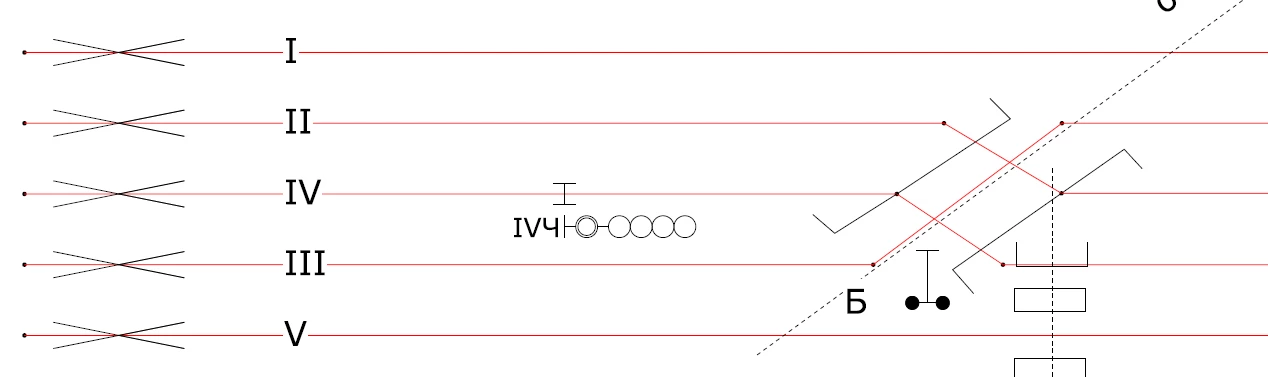
Original part of pdf page opened in reader DC
The same part after print to pdf using reader DC
.png)
 AdChoices