Exit
  • Global community
    • Language:
      • Deutsch
      • English
      • Español
      • Français
      • Português
  • 日本語コミュニティ
  • 한국 커뮤니티
0

Block Cursor

New Here ,
May 24, 2017 May 24, 2017

Hello Meenakshi,

we're experiencing the same problem here. It's a Windows 10 Enterprise system with the latest Adobe Acrobat Reader DC installed. Here's a screenshot of the issue:
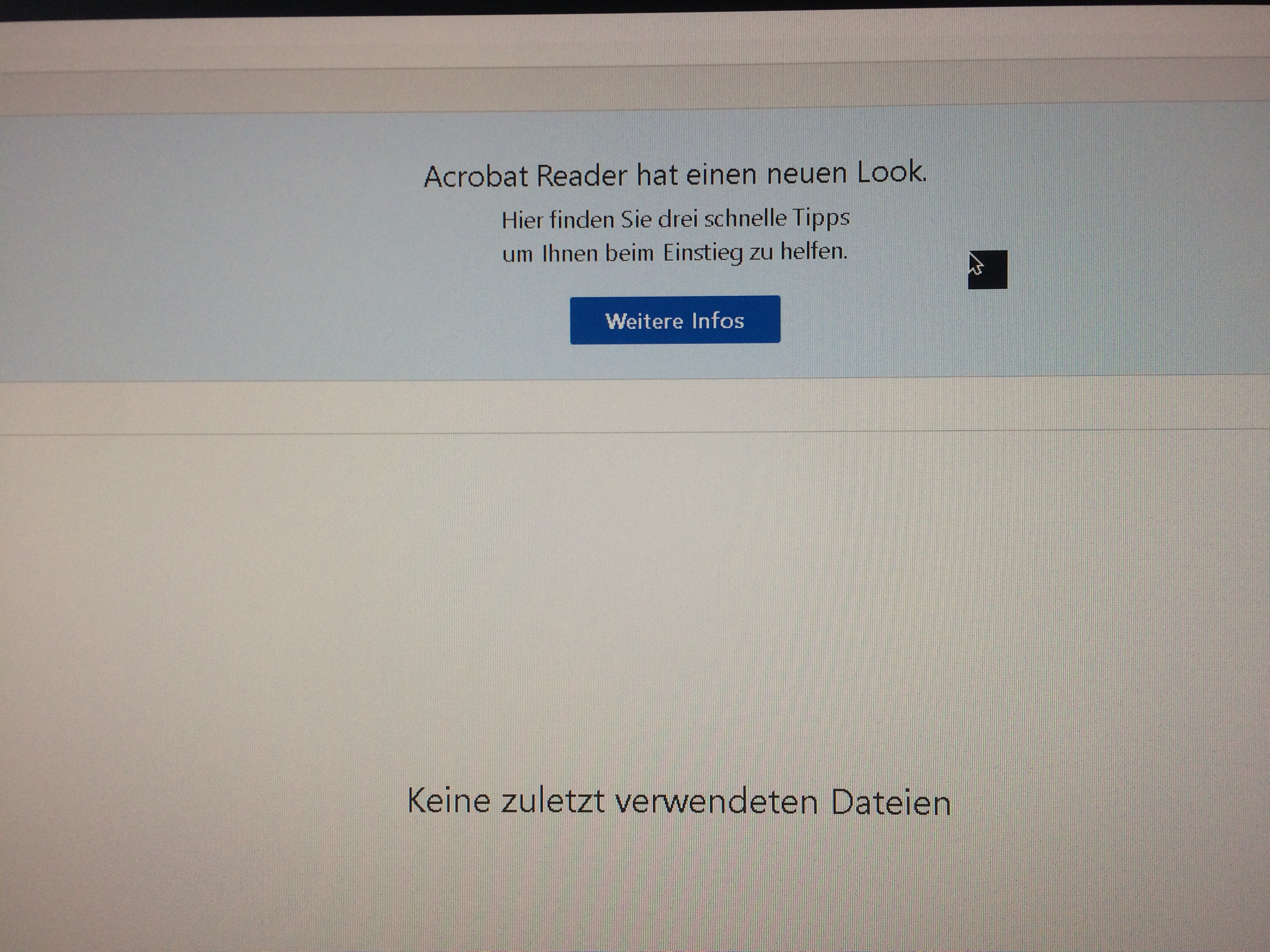
IMG_0585.JPG

I have already tried the following steps:

  • Complete Uninstall (including all hidden AppData folders)
  • Cleaned all Adobe entries in the registry under HKCU and HKLM
  • Reinstalled the current version of Reader DC
  • Updated graphics card drivers

is anyone at Adobe actively addressing this problem? Apparently it exists for over a year now, spanning multiple versions, without a definite solution.

Thanks

Matthias

431
Translate
Report
Community guidelines
Be kind and respectful, give credit to the original source of content, and search for duplicates before posting. Learn more
community guidelines
LEGEND ,
May 24, 2017 May 24, 2017
LATEST

You mean, the same problem described here? Block Cursor  If so, try the suggestion that worked there.

Translate
Report
Community guidelines
Be kind and respectful, give credit to the original source of content, and search for duplicates before posting. Learn more
community guidelines
