Participating Frequently
August 16, 2023
해결됨

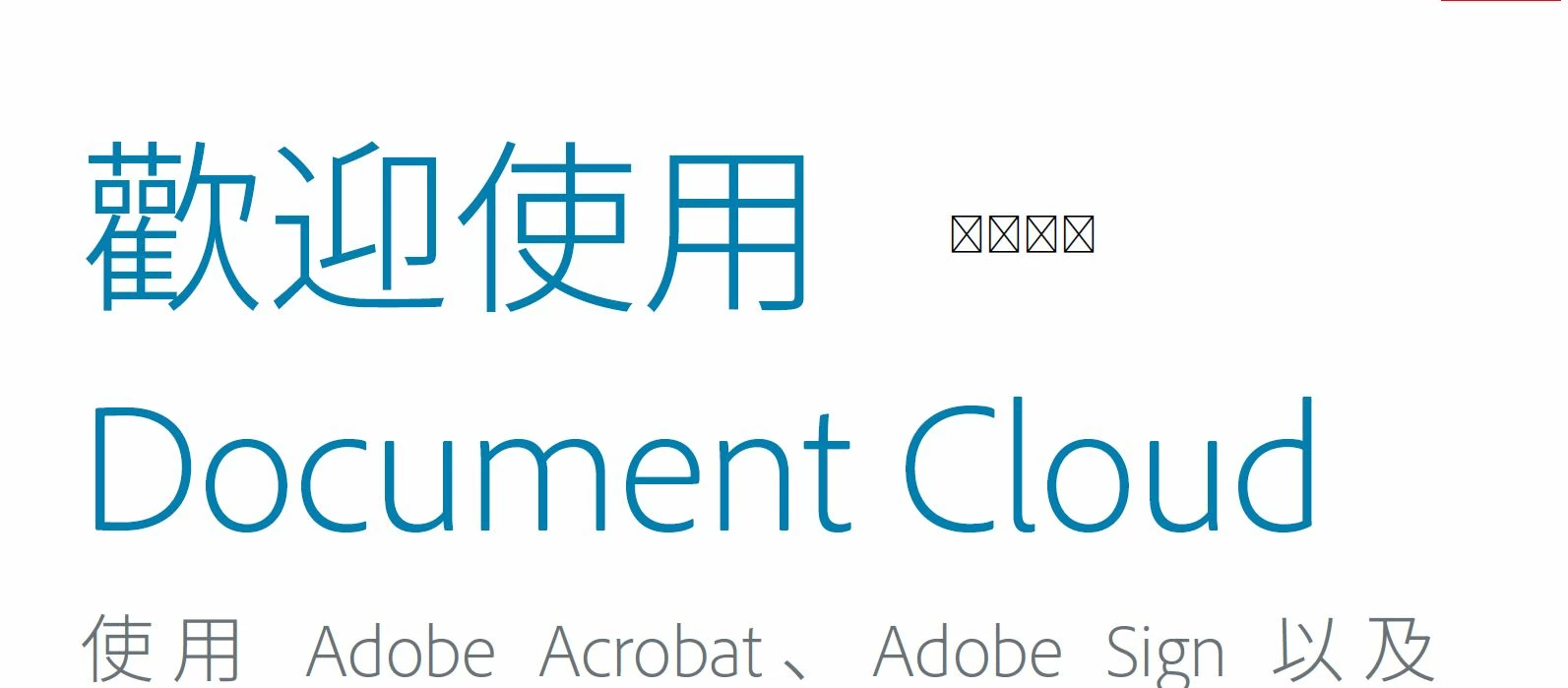
Chinese Character can not display correct after lastest acrobat reader update 2023.003.20269

  • August 16, 2023
  • 3 답변들
  • 3714 조회

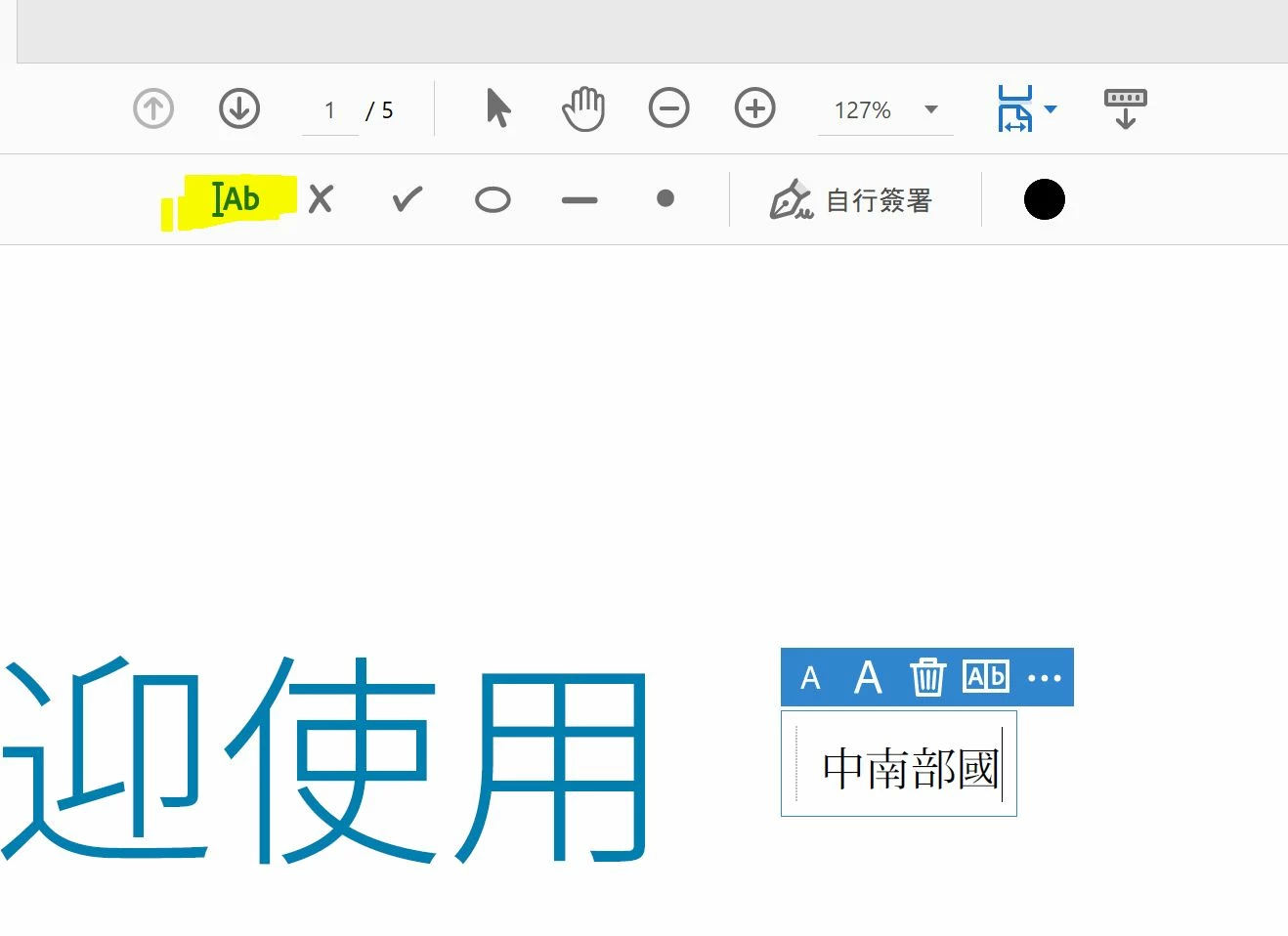
When add signature and add text, the Chinese Character display is correct. After save and reopen the pdf, the chinese character cannot display. Look like the signature text use differnet font which not support .


System with latest font pack and we test on english / traditional edition with font pack, the problem not fix. 

On perference setting change language left to right and enable support hkcsc also not work 


exam the register font at registry also all correct
 

이 주제는 답변이 닫혔습니다.
최고의 답변: Vinod Dobhal

Hi All,


The font corruption issue has been fixed in the latest update of Adobe Acrobat 23.003.20284.2636a55. Please try updating the application to the latest version.


Thanks,

Vinod

3 답변

Adobe Employee
August 24, 2023

Hi All,


The font corruption issue has been fixed in the latest update of Adobe Acrobat 23.003.20284.2636a55. Please try updating the application to the latest version.


Thanks,

Vinod

Participant
October 21, 2023

I have upgraded to the latest version 2023.006.20360. My OS is macOS Sonoma V14.0. However, the chinese characters are still uneble to be displayed properly. Could you please tell how to fix it? Thank you!

AkanchhaS8194121
Legend
August 17, 2023

Hi @kajirouji 


Thanks for reporting this to us.


This is a known issue, and it has already been under discussion. Our engineering team is working on the fix; a bug has been logged.

As soon as we hear an update from them will keep you posted.


Thanks,

Akanchha