


- Home
- Acrobat Reader
- Discussions
- Re: Installation fails. Found higher version.
- Re: Installation fails. Found higher version.

Copy link to clipboard
Copied
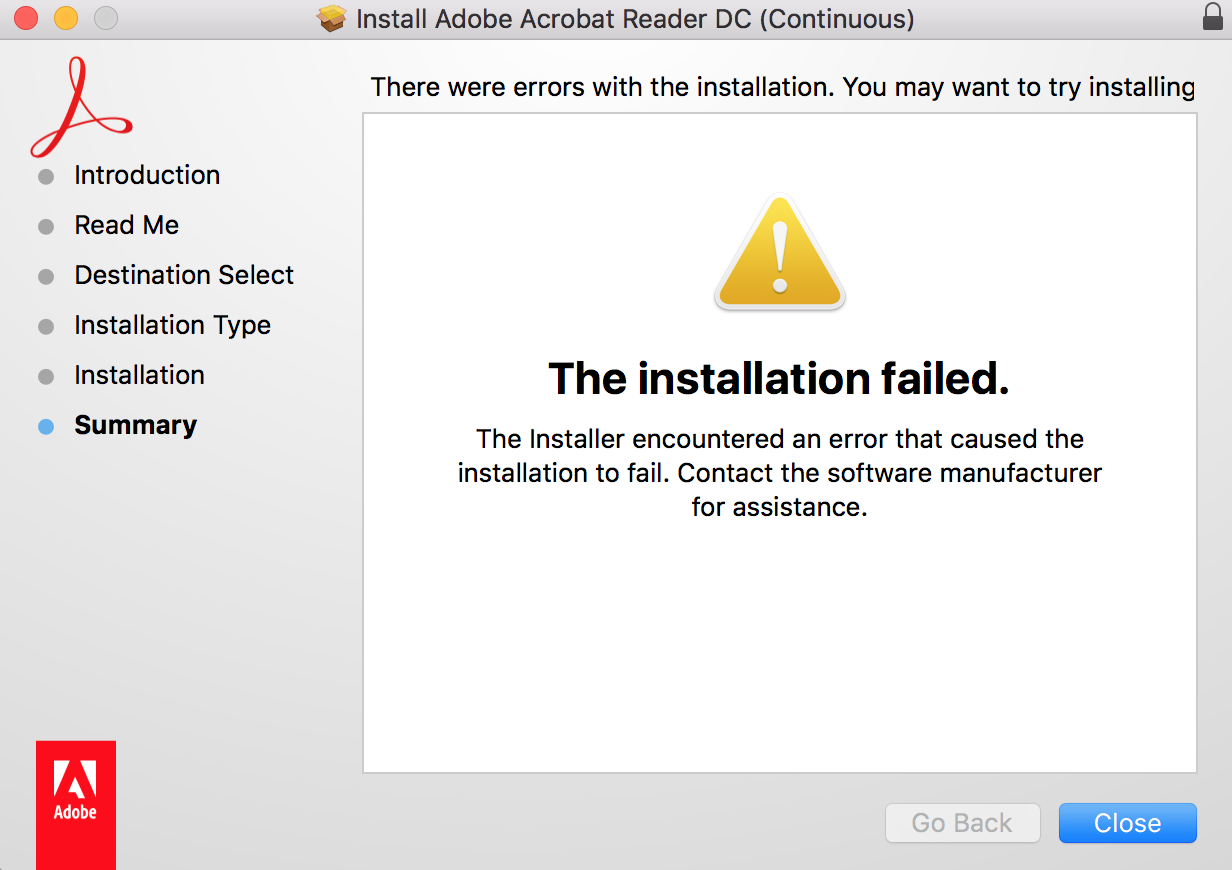
When I try to instal Acrobat Reader DC on Mac OSX 10.12.3 I get a message during the installation process (after typing in admin password to instal). Message reads "found a higher version of Acrobat Reader in the installation location. Installation cancelled" (or something similar.
Then get this popup: I've delewed the previous version and searched hard drive for any other version. Can't find anything.


 1 Correct answer


Hi Greganm,
As per the error message appears above, in this scenario you need to reset the application preferences and then try reinstalling the app again. So that the old files that has been created or saved on your system would be deleted.
If you see the Acrobat Reader under application, then you need to move it to the trash first. And after that follow the steps suggested below and reset the Acrobat's preferences.
How to reset Acrobat Preference settings to default.
Let us know if it still does
...
 8
Replies
8
8
Replies
8

Copy link to clipboard
Copied
Hi Greganm,
As per the error message appears above, in this scenario you need to reset the application preferences and then try reinstalling the app again. So that the old files that has been created or saved on your system would be deleted.
If you see the Acrobat Reader under application, then you need to move it to the trash first. And after that follow the steps suggested below and reset the Acrobat's preferences.
How to reset Acrobat Preference settings to default.
Let us know if it still doesn't work.
Regards,
Akanchha

Copy link to clipboard
Copied
Hi there:
I know this is rather late, but a note for posterity: before rushing to uproot files under the "preference" folder, try removing the deleted/uninstalled adobe files from "trash" as well.
Best,
Poldy

Copy link to clipboard
Copied
Much appreciated. You would assume that since it is in the Trash that it is removed everywhere. Apparently not

Copy link to clipboard
Copied
Thanks a lot.
Removed Acrobat files from the Trash and It worked !! 

Copy link to clipboard
Copied
Thank you! That worked.
Copy link to clipboard
Copied
Removing from trash - worked like a charm... Thanks a lot... Who would have thought that

Copy link to clipboard
Copied
Much appreciated. Taking out of the trash did the trick... Lame but true!

Copy link to clipboard
Copied
you saved my day! remove old acrobat from the trash! this helped


Get ready! An upgraded Adobe Community experience is coming in January.
Learn more
 AdChoices