
Participant
March 8, 2018
Answered

Microsoft Edge PDF Automatic Switch

  • March 8, 2018
  • 3 replies
  • 4053 views

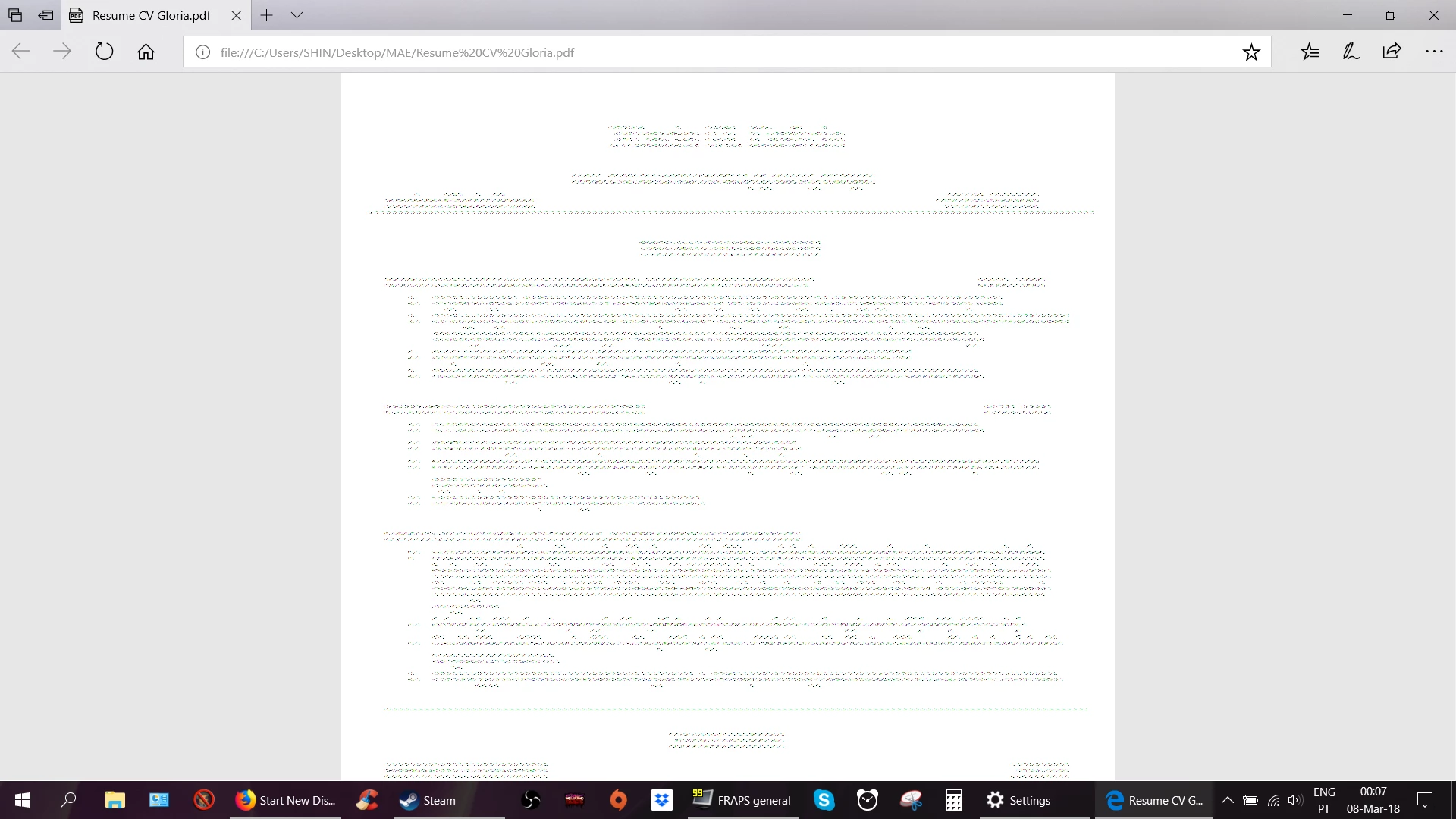
Hi. As of recently (few days ago) whenever I open a PDF, an automatic pop-up window saying ms edge is now the only thing capable of opening pdfs shows up, but the documents are now completely screwed up. Please look at the attached picture. What is this and what should I do?

Thank you very much.
    Correct answer ~graffiti

    Sounds like Edge took over for being the default pdf viewer. Try right-clicking on a PDF file, choose "Open with", select "Choose default program". Select Adobe Acrobat Reader and click the button that says "Always use the selected program to open this kind of file".

    If that doesn't work, try opening Adobe Acrobat Reader and use File>Open to open the file.

    If that doesn't work, we'll try something else.

    3 replies

    Participant
    February 19, 2024

    Hi all,


    I am also strugeling with the same issue and stumbled upon this post. In another post someone suggested reporting this as anticompetitive behavior with the US government.


    https://community.adobe.com/t5/acrobat-discussions/microsoft-edge-keeps-hijacking-my-pdfs/td-p/10754576


    This is a great idea, so I checked if this is also possible within the EU, and it is!


    https://competition-policy.ec.europa.eu/antitrust-and-cartels/procedures/complaints_en#:~:text=You%20can%20provide%20information%20on,the%20practice%20you%20have%20observed.


    Also a note to Adobe: could you please add the keys to disable this switching in the Adobe installers? I am using a managed PC so have no rights to edit the registry myself, plus it would be a good way to fight back!

    websandy100
    Participant
    August 14, 2018

    Hey there, graffiti,

    Nice try, but Microsoft has got this locked down. It doesn't work to do "Open with" and it doesn't work to open from Adobe Reader. And all of these forums pretend to know how to disable the automatic save as an Edge .pdf, but I haven't seen one set of instructions on it. I'm laughing my head off - how could a company as lame as Microsoft, trump Adobe???????

    Of course it's not so funny when you have to deal with an Edge .pdf. Wow . . . Microsoft is up to its usual antics, and this time it's winning.

    ~graffiti
    ~graffitiCorrect answer
    Legend
    March 8, 2018

    Sounds like Edge took over for being the default pdf viewer. Try right-clicking on a PDF file, choose "Open with", select "Choose default program". Select Adobe Acrobat Reader and click the button that says "Always use the selected program to open this kind of file".

    If that doesn't work, try opening Adobe Acrobat Reader and use File>Open to open the file.

    If that doesn't work, we'll try something else.

    websandy100
    Participant
    August 14, 2018

    . . . and as long as some lame Adobe person goes in and says "Answered," it will NEVER be answered. Adobe .pdf's will go away, and we'll have to deal with - Edge! I don't know about you, but it certainly puts me over the edge!