
cs9598676
Participating Frequently
December 19, 2016
Answered

Read Out Loud - Not Functioning

  • December 19, 2016
  • 11 replies
  • 109760 views

I have been using Adobe Acrobat Reader DC and love the Read Out Loud Function.  I now have a new computer that's running Windows 10 and Acrobat Reader DC Version # 15.020.20042 that I would like to use the Read Out Loud feature with.  When I load my PDF Document I select:

  1. View > Read Out Load > Activate Read Out Load, then
  2. View > Read Out Load > Read To End of Document

(Alternatively I have tried:  View > Read Out Load > Read This Page Only)

Normally, this will cause Adobe Acrobat DC to start reading, but I hear nothing.  I have gone into my Windows Settings and initiated the Narrator and after hearing it work just fine, I have gone back to Acrobat and tried again, but it didn't read anything.  I can't figure out when this isn't working as it should be easy.

Do you have suggestions?  Thanks for your help!
Correct answer Meenakshi Negi

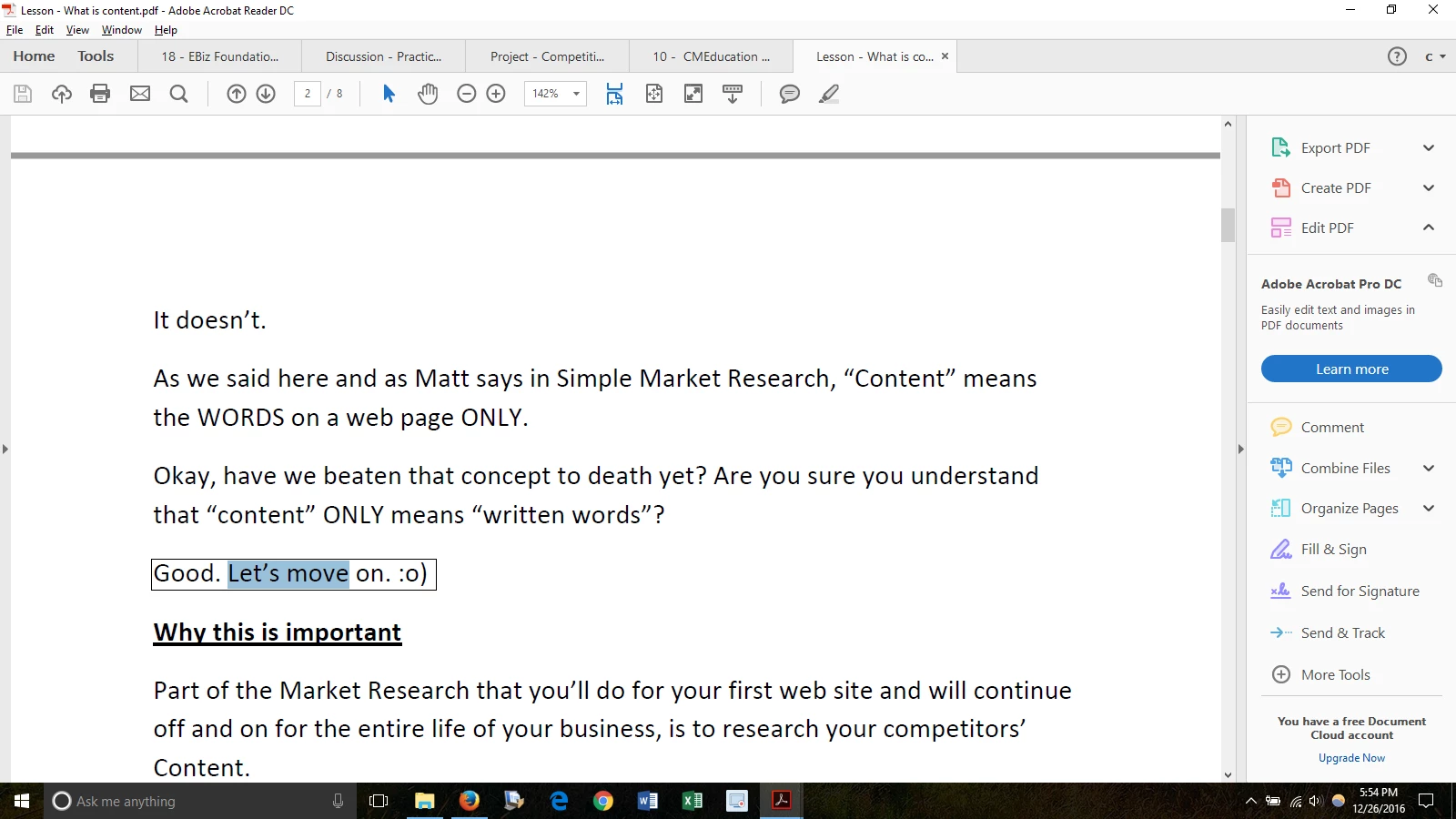
Thanks for your reply!  Yes, I'm able to select the text on the page.  I have attached what selecting the text looks like:

I'm having this problem in ALL PDFs, not particular ones.


Hi cs9598676,

For testing purpose, could you please disable "Enable Protected mode at start up".

Go to Edit menu > Preferences > Security (Enhanced). Then check if Read Out Loud works.

It is recommended to enable the "Protected mode" after testing is complete.

Let us know how it goes.

Regards,

Meenakshi

11 replies

Participant
April 4, 2025

Incredibly, this problem continues even in 2025!  I can hear my wife yelling at her two-year-old Macbook Air as the reading stops randomly, EVEN WITH "Enable Protected Mode at start up" disabled.  

Participating Frequently
November 4, 2023

Same problem, Macbook Pro. Any solutions?

Participating Frequently
November 4, 2023

Also, I have not been notified of any replies, I have received, via email. Frustrating.

Participant
September 25, 2022

Adobe told not to read text "selected" in read outloud. I double checked. Is there a reason this BS is happening? because everytime Adobe decides I "touched" the page, I have to close everything.

Participant
September 10, 2022

Hi guys, 

I am having similar problem with my read out loud. It looks like I do not have any voice set up in my Adobe Acrobat DC 32bit.

Do you know how to add default voice? 


Participant
October 16, 2021

I WANT TO use MY BRAND NEW COWIN HEADPHONES! It works fine through my computer, but NOT my HEADPHONES! 

Participant
June 29, 2020

Thank you dear for the post 

I just got my problem solved

shaguftas6892493
Adobe Employee
Adobe Employee
October 18, 2018

Hi cs9598676.,

The issue can also be resolved Enabling App Container in Adobe Reader.

Go to Edit >> Preferences >> Security (enhanced) >> Enable "Run in AppContainer".

Restart Adobe Reader and try read out loud with David's voice. This should work now.

-Shagufta

Participant
November 27, 2018

I have the same problem, but your solution didn't work for me.

I do not have a Preferences option under Edit. I have Preferences under the Adobe Acrobat Pro drop down, but there is no option to "Enable Run in AppContainer" in Security (enhanced).

I have a brand new MacBook Pro, and Read Out Loud was working perfectly for awhile. I tried selecting another voice but that didn't help either. Please help.

Thanks, Lisa

Participant
August 7, 2018

I have the same issue but then I disabled "Enable Protected mode at start up" and then read out loud works. When "Enable Protected mode at start up" is enabled only the female voice works. Please fix Adobe. Still an on going issue

nilanthad72369217
Participant
February 10, 2018
  1. Go to the Preferences dialog box of Acrobat Reader by selecting Edit > Preferences.
  2. In the left pane, select Reading.
  3. In the right pane, deselect the Use Default Voice and select a voice from the drop-down list that you have verified installed on your computer.
  4. Click OK.
timn38850056
Participant
April 16, 2018

Changing to Zira - Security enhancements still enabled worked.

David's voice does not work

Participant
December 10, 2017

I was having the same problem as was originally described over a year ago. Luckily for me, disabling Protected mode at startup has made it able to read the document.  It would be nice to not have to lower security to be able to use this function though... Is anyone still working on this? One of the articles I was having trouble with can be found here: https://www.nature.com/articles/ncomms13195.pdf