
Participant
March 1, 2023
Question

Signature Trust

  • March 1, 2023
  • 1 reply
  • 1387 views

Hi,

Thank you for any help in advance.

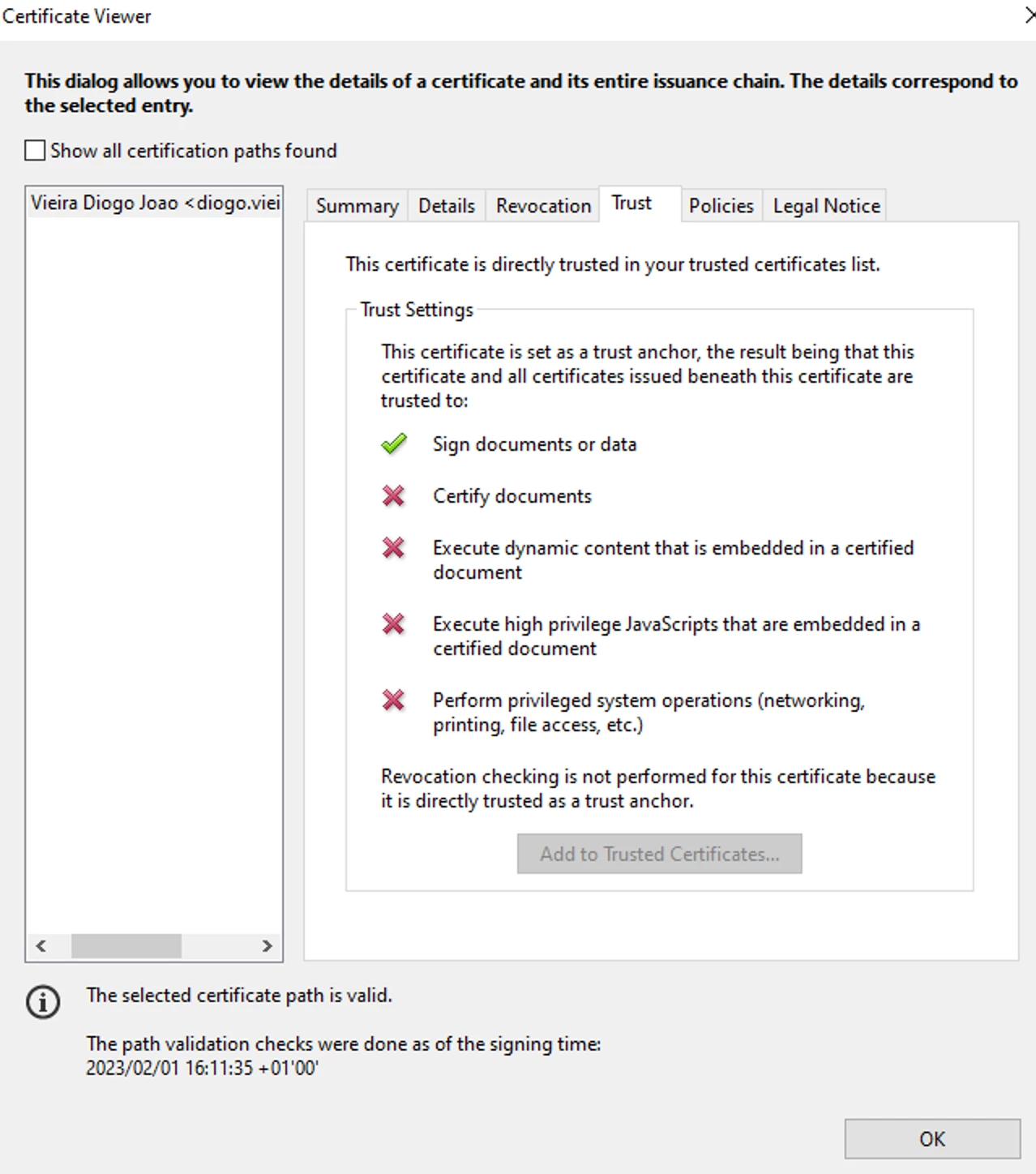
In my company, we generally sign documents with an PKI card in Adobe Acrobat Reader, but after signing the Signature Panel appears, notifying about problems with the signature.


I was able to solve this, on my machine, just by trusting the certificate to Sign documents or data.

Anyone know what is the registry key, to be able to update these settings on 600 machines via intune?
 

This topic has been closed for replies.

1 reply

Participant
March 3, 2023

Hi Kevin,

I was looking at this article, https://helpx.adobe.com/acrobat/using/trusted-identities.html#import_and_export_a_certificate and I think this will solve my problem.

But do you know if this can be done in intune? I already deployed the certificate to user's machines through intune, and now I just need the Acrobat Reader to trust the certificate.

Thank you

Participant
March 9, 2023

Hi @DiogoTeibão I belive so - it's a simple cert push. You can confirm with your Support team via the Admin console. Click the Support tab and either request an Expert session, file a ticket or start a chat.


Hi Kevin,


Once again, thank you for your quick reply.


I did talk with the support trhough the chat, and I was told, that the configuration that I want, it's only possible trhough Adobe Admin console, that we don't have.

We use Adobe Reader Free version.

Isn't there an option on Intune for these.

For now I wasn't able to solve my problem to all the users in the company.

Thank you.