

New Participant
November 4, 2017
Answered

How do I view 'spreads' on an iPad pro

  • November 4, 2017
  • 1 reply
  • 4604 views

Created a pdf from InDesign, set as spreads with two-up and cover, but does not show in spreads on my iPad pro

This topic has been closed for replies.
Correct answer Dov Isaacs

OK. I created a 4 page file using spreads with InDesign. The spread feature in InDesign hasn't changed at all in the last decade if not much longer. The first page is a “right page” (i.e. the right page of a single page spread), the second and third pages comprise a full two page spread, and the fourth page is “left” page (i.e., the left page of a single page spread). I exported PDF using the Spreads option. Both the InDesign document and the resultant PDF file are attached for your perusal.

Opening the PDF file in Acrobat DC Pro, there are three physical pages. The first is an 8.5"x11" single page spread of page 1. The second is a 17"x11" double page spread of pages 2 and 3. And the third is an 8.5"x11" single page spread of page 4. This is exactly how one would expect the PDF to be when this InDesign document was prepared as it was and exported with the Spreads option.

I then copied the PDF file to my iPad running the latest version of the Adobe Acrobat Mobile Reader. I certainly did get the exact same results on the iPad as I got on my by honk'ing desktop system running WIndows 10 and Acrobat DC Pro.
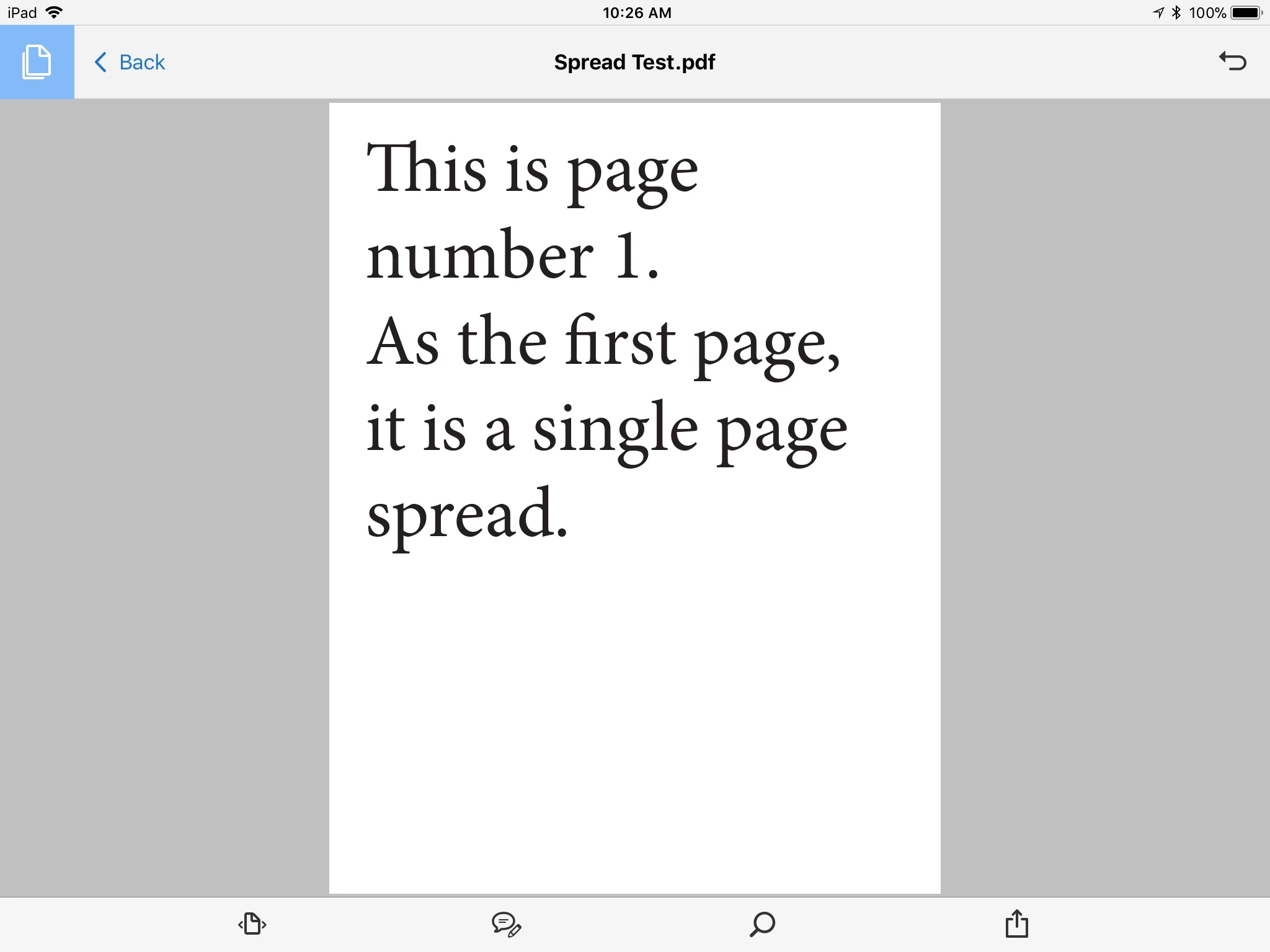
Note that to both PDF and Acrobat, there is no such thing as a “spread” versus single pages. Spreads are simply physical pages consisting of multiple (typically 2 but possibly more or one) logical pages output as single pages. Thus, no version of any PDF reader can distinguish between logical single pages and spreads of multiple logical pages.

Then how do we explain what you are reporting? My best guess is that although your InDesign document is setup as spreads, you inadvertently exported as single pages (the default option) and had your copy of Reader or Acrobat set to show 2-up pages (“two page view”) upon file open. Since the Adobe Acrobat Mobile Reader has no such “two page view” option, you only saw single pages since that was exactly how the PDF was exported from InDesign.

          - Dov

1 reply

Dov Isaacs
Brainiac
November 5, 2017

A “spread” exported as such in PDF from InDesign appears as a single, double-sized PDF page and should appear no differently in the Adobe Mobile Reader than it does in Adobe Reader or Acrobat on MacOS or Windows, a single page per spread. What are you seeing in terms of the PDF display on the desktop?

          - Dov

- Dov Isaacs, former Adobe Principal Scientist (April 30, 1990 - May 30, 2021)
Graydog66Author
New Participant
November 5, 2017

On the desktop I see exactly what I expect ‘spreads’. That is pages left and right showing together in the same screen.

My iPad 12.9 pro does NOT.

Cheers

Chris

New Participant
February 21, 2020

OK. I created a 4 page file using spreads with InDesign. The spread feature in InDesign hasn't changed at all in the last decade if not much longer. The first page is a “right page” (i.e. the right page of a single page spread), the second and third pages comprise a full two page spread, and the fourth page is “left” page (i.e., the left page of a single page spread). I exported PDF using the Spreads option. Both the InDesign document and the resultant PDF file are attached for your perusal.

Opening the PDF file in Acrobat DC Pro, there are three physical pages. The first is an 8.5"x11" single page spread of page 1. The second is a 17"x11" double page spread of pages 2 and 3. And the third is an 8.5"x11" single page spread of page 4. This is exactly how one would expect the PDF to be when this InDesign document was prepared as it was and exported with the Spreads option.

I then copied the PDF file to my iPad running the latest version of the Adobe Acrobat Mobile Reader. I certainly did get the exact same results on the iPad as I got on my by honk'ing desktop system running WIndows 10 and Acrobat DC Pro.
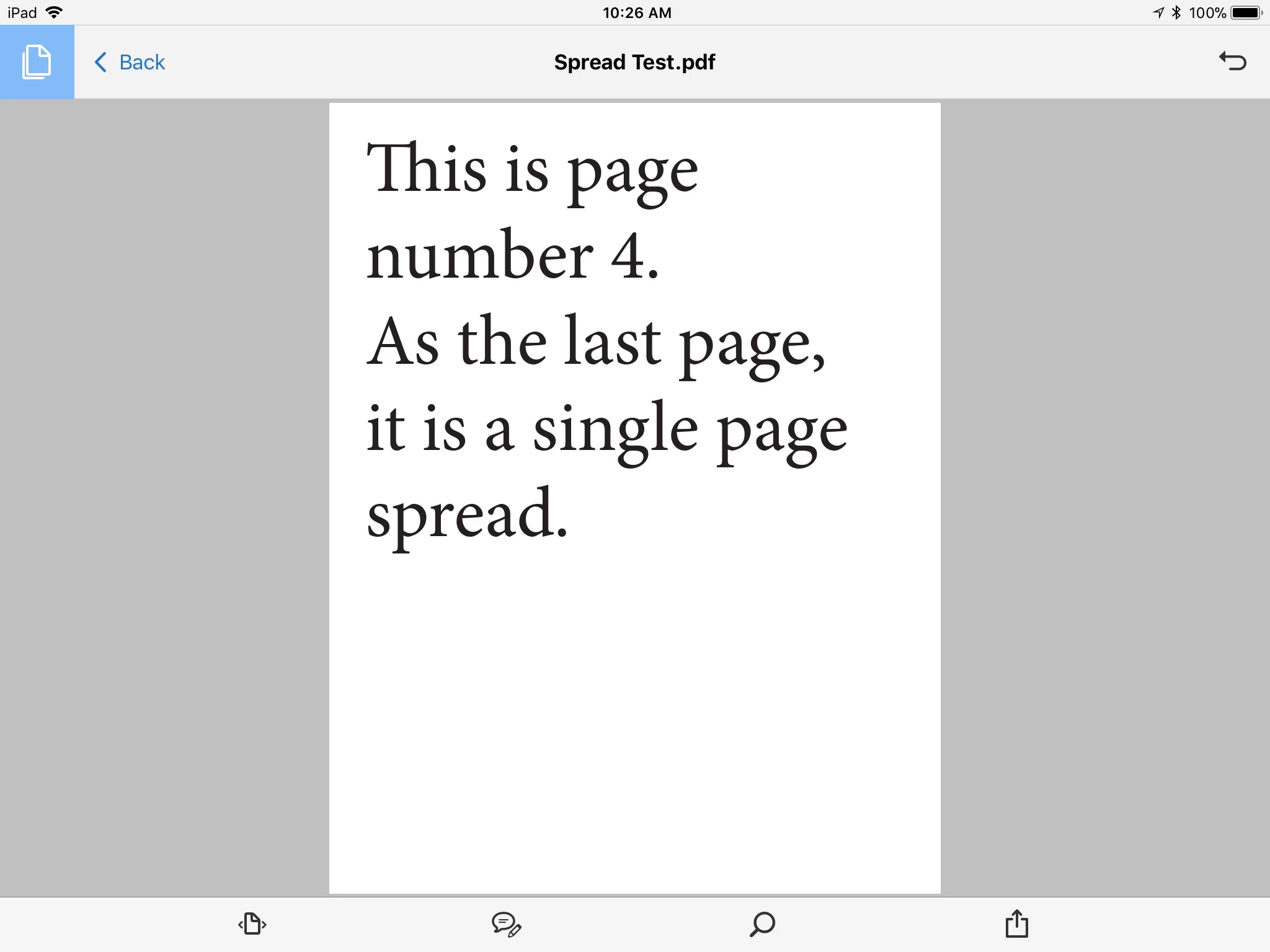
Note that to both PDF and Acrobat, there is no such thing as a “spread” versus single pages. Spreads are simply physical pages consisting of multiple (typically 2 but possibly more or one) logical pages output as single pages. Thus, no version of any PDF reader can distinguish between logical single pages and spreads of multiple logical pages.

Then how do we explain what you are reporting? My best guess is that although your InDesign document is setup as spreads, you inadvertently exported as single pages (the default option) and had your copy of Reader or Acrobat set to show 2-up pages (“two page view”) upon file open. Since the Adobe Acrobat Mobile Reader has no such “two page view” option, you only saw single pages since that was exactly how the PDF was exported from InDesign.

          - Dov


IOS Acrobat Reader should have this feature to show 2-up pages in landscape mode, while be able to show same file in single page mode in portrait.