
Participating Frequently
September 26, 2025
Question

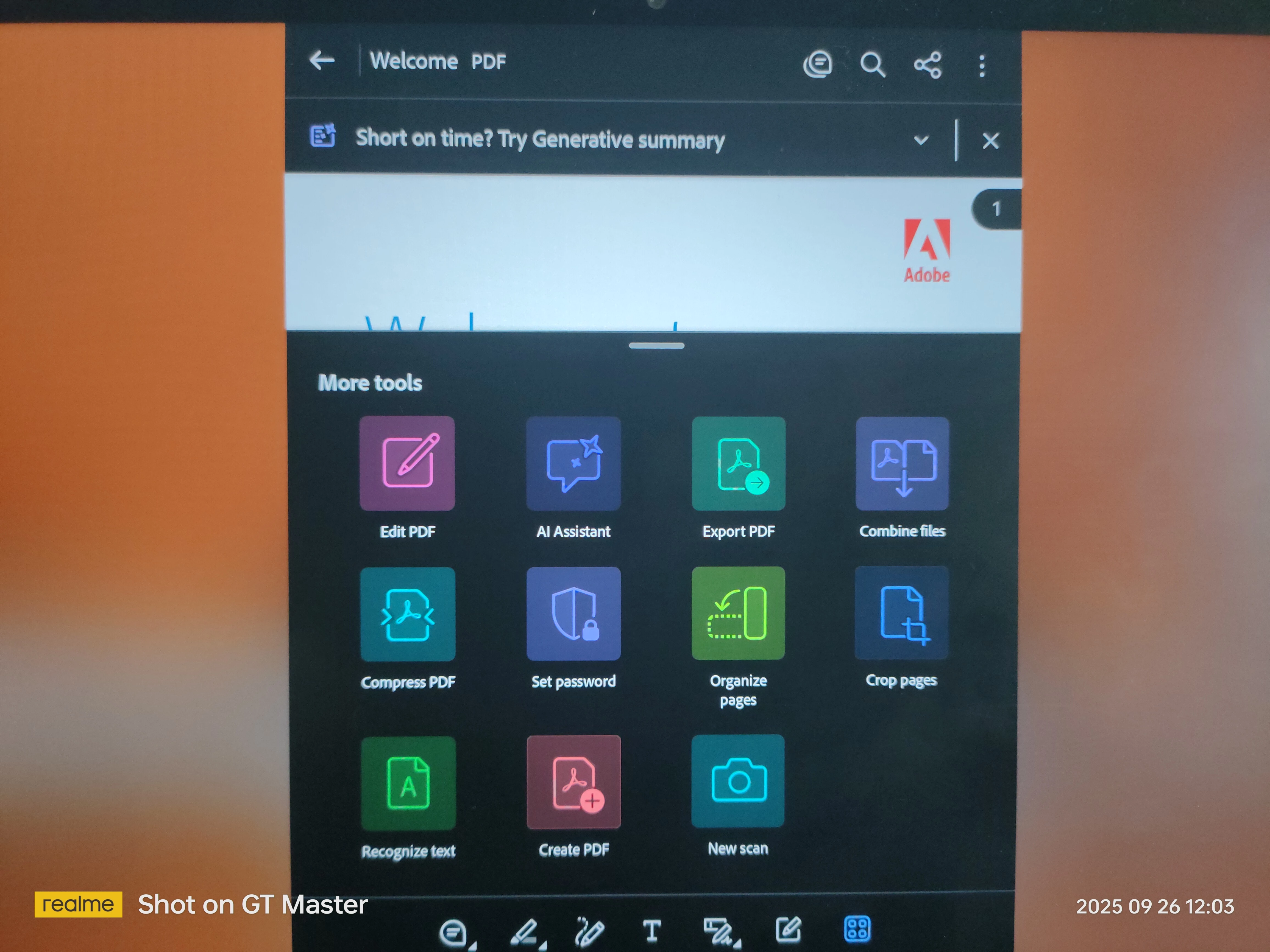
I can't edit the PDF on my tablet
  • September 26, 2025
  • 1 reply
  • 878 views

 i can't edit the pdf on the tablet despite having pro subscription 

i have rebooted the device and tried everything to do but edit feature is not working

all other pro feature are working except this one 

[P.I removed by moderator]

1 reply

Amal.
Legend
September 26, 2025

Hi there 


Hope you are doing well, and thanks for reaching out. 


I have checked your Adobe account and found that you have recently purchased the Acrobat Premium plan. Please try to log out of the application and re-login using your Adobe credentials and see if that helps. 


Also, try to restore the purchase. Tap on the Profile icon > Subscriptions > Restore Purchase and check. 


If it still doesn't work, please check if the issue is with a particular PDF file or all the PDFs that you want to edit. Also, share a small video recording of the steps you are taking and the issue as it occurs for more clarity.


~Amal

Participating Frequently
September 26, 2025
  1. editing doesn't redpond and i have checked the subscription and it seem that there's something wrong
Amal.
Legend
October 1, 2025

the app has been installed from the app gallery

the tablet is Huawei matepad 11.5s 

did all of this signing out and re-signing in

i deleted it and reinstalled it and yet editing doesn't respond

i want a sollution or i want my subscription back


Hi there,

Hope you are doing well. Our engineering team looked into this and noticed that the version of Acrobat Reader you are using does not seem to be a genuine build.

When Acrobat Reader is installed through the Huawei App Gallery, the download is redirected to a third-party site (https://adobe.ly/4nQYcb0). This site only hosts older versions of the app and is not an official source of information. Because of this, features like Restore Purchases may not work properly.

To help us better understand your case, could you please confirm which device you originally made the purchase on? This will allow us to guide you in the right direction.

Thanks for your patience and understanding.


~Amal