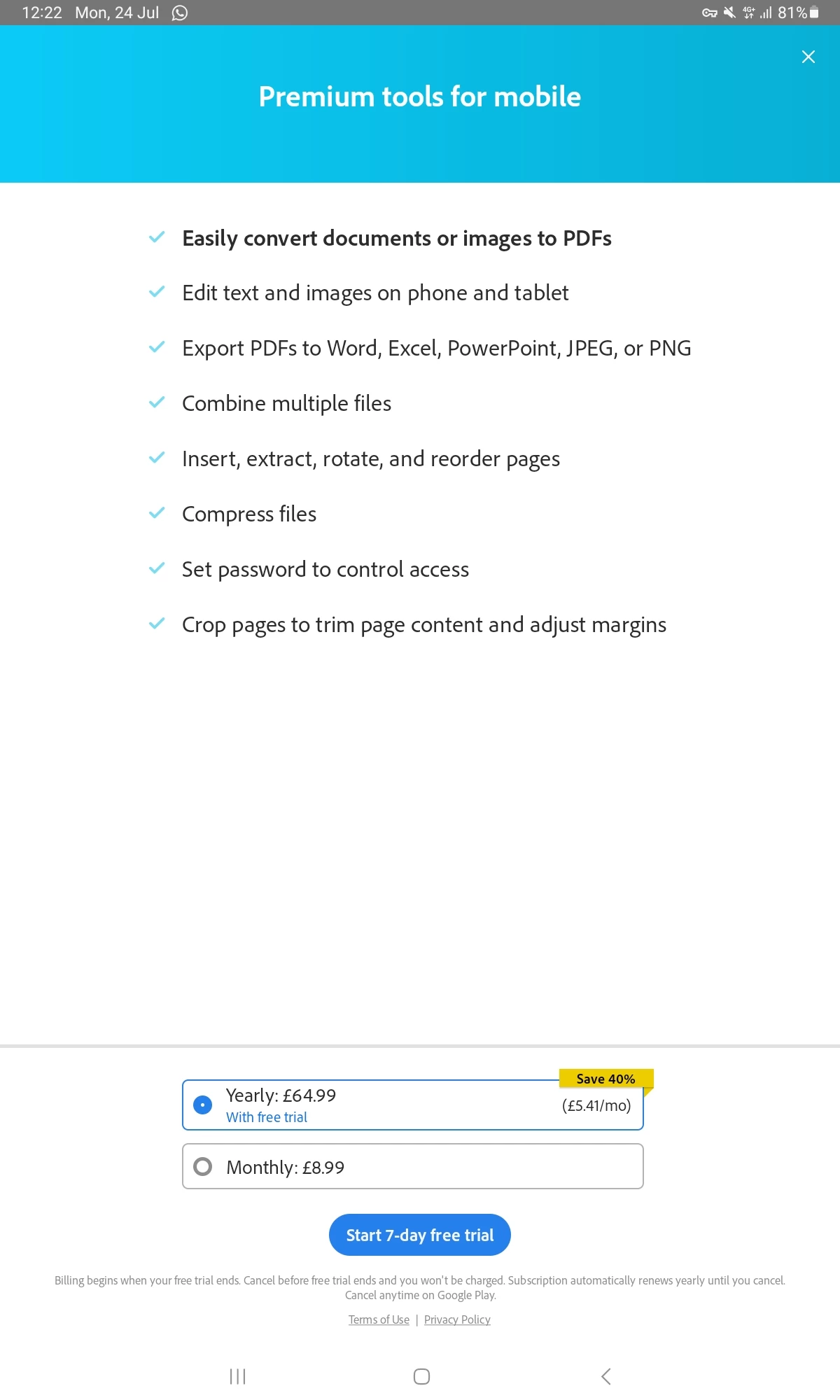
I'm getting the same thing and it won't go away it will not let me open a word document and I never had any problems before until this last month when the pop-up started with asking me for premium upgrade. How do you get rid of the pop up
When you open a non-PDF file on Acrobat, it triggers Acrobat's Create PDF functionality, which is a premium feature, and thus you see the purchase pop-up.
Do let us know if you see the same purchase pop-up when opening a PDF file, and we can get it investigated.
Hope you are doing well. Sorry for your experience!
This is strange and shouldn't be the case when opening PDF files.
As you mentioned, if this is the case, would you mind sharing a screen recording video from where you open the file from your Email to the pop-up within Acrobat for a better understanding and further investigation?
Along with the video, please share the app version number as well.
-Souvik
Im having this same problem now. How can i get rid of the stupid pop up. No matter what the file type its auto trying to open it with Adobe and then wont because of the pop up. Have tried all of the above suggestions even unenstalled and re installed. Please help its getting very frustrating now.
I am getting the same pop up for the last month of purchasing a premium or a trial. I do not want a premium of adobe. I'm trying to open a word document and I never had a problem before. Please help the pop-up will not go away
Thank you so much for getting back to me. It had nothing to do with premium features as all I am doing is downloading attachments from my email and opening them up in Adobe and never had this problem before only up until recently. All I want is to view it, nothing else! Please help me


 AdChoices