



Acrobat Pro DC - Dropdown list always keeps the first item on the list instead of the selected item
Hello, community. 🙂
I am creating a fillable form with some calculation and dependent options.
But, I am encountering some problems. I already searched Google, here in the forum (in all topics related to dropdown), stack overflow ... And I still couldn't solve it.
The first problem, and the most annoying: I create a dropdown that is dependent on the values of other 3 dropdown lists, and that changes its content according to the choices of the previous dropdowns.
I managed to generate the dropdown, with great difficulty, but when I click on an option, it does not keep the selected item, showing only the first item in the list.
The second problem is that the list items only appear after I click on the dropdown and not before. It is blank / empty and, after I click it, it displays the result.
I already checked the option to commit immediately after choosing, however, this did not solve the problem.
I read, in another topic, that the "setItem ()" method is not the most suitable, but I only know the setItem and addItem and the most indicated, it seems to me, is the setItem.
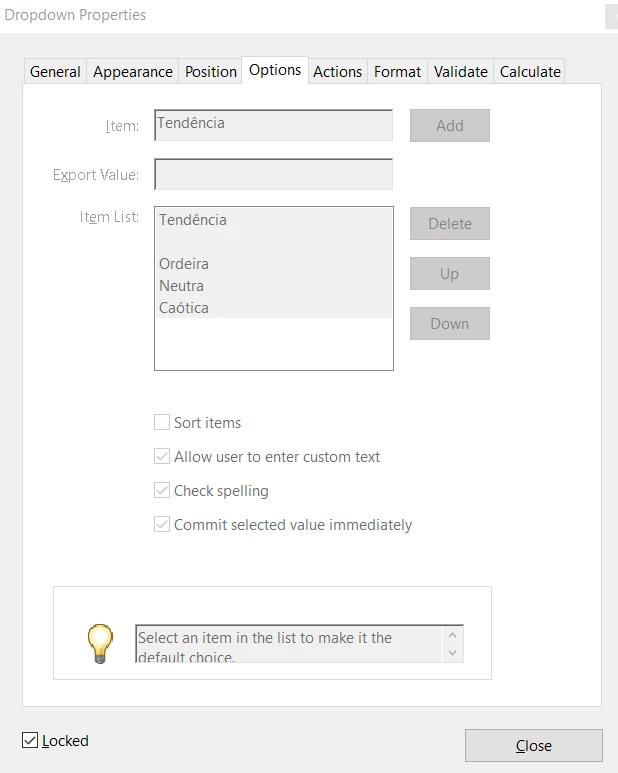
So, the first dropdown is "Classe", the second is "Nível" and the third is "Tendência", and the "problematic" dropdow is "especializacao" (NOT the "Especialização" « that one is independent and static).
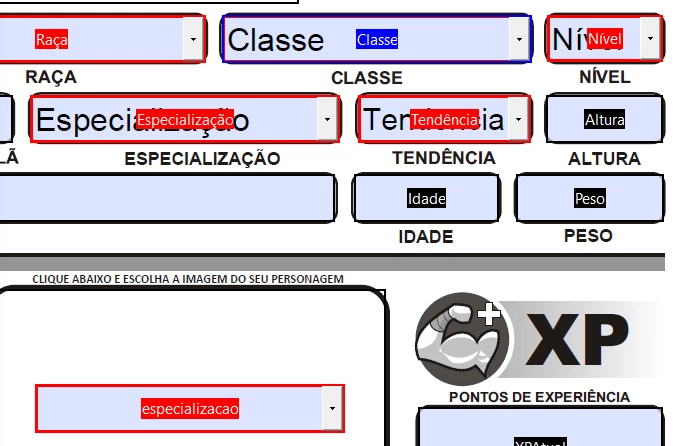
CLASSE
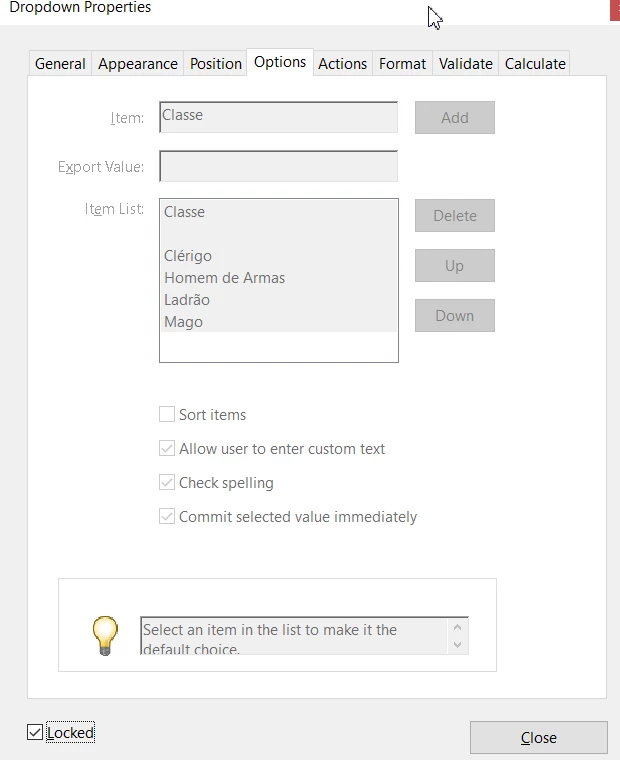
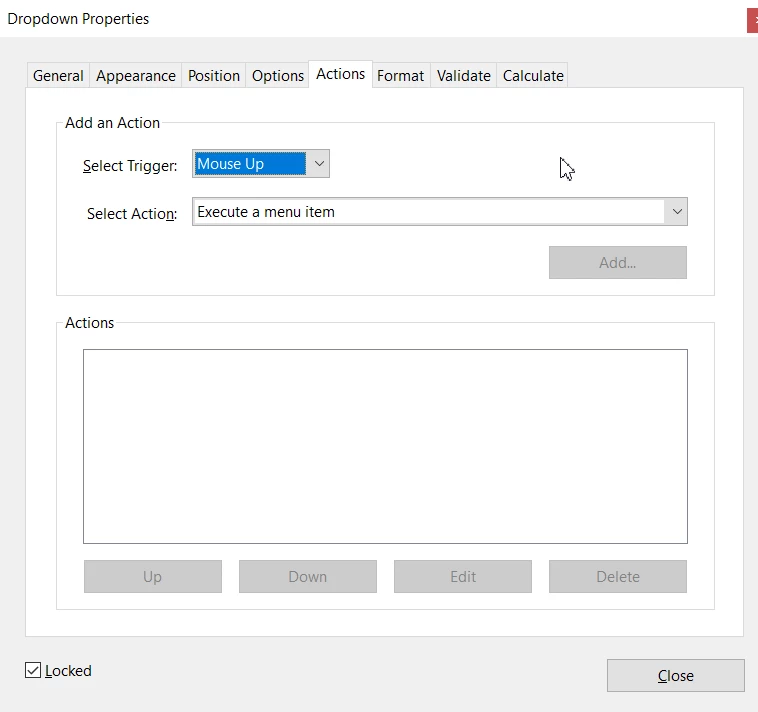
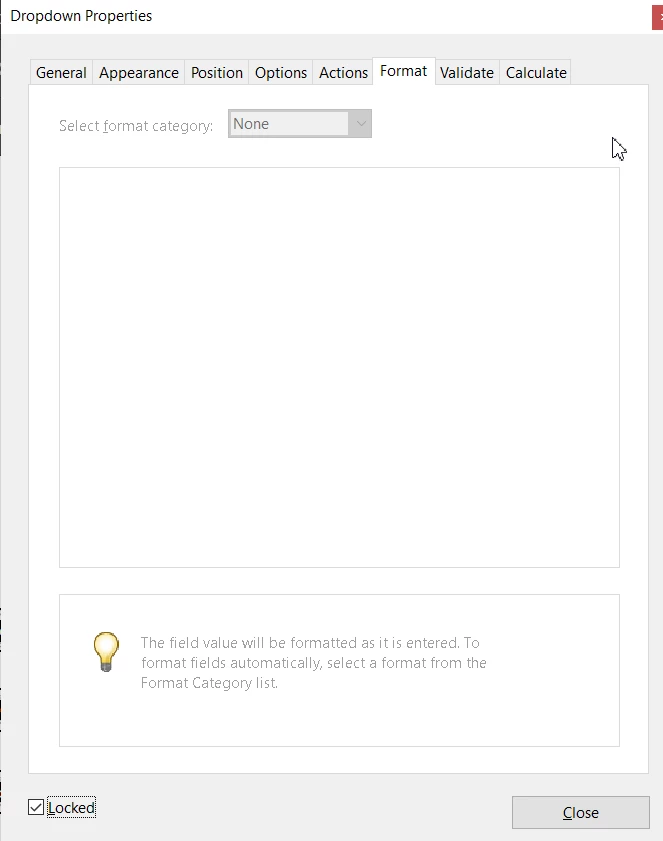
NÍVEL
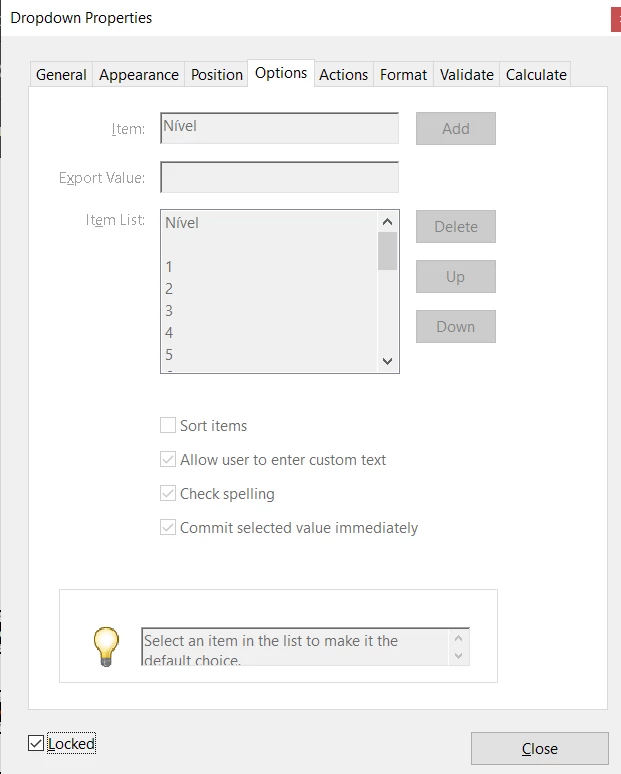
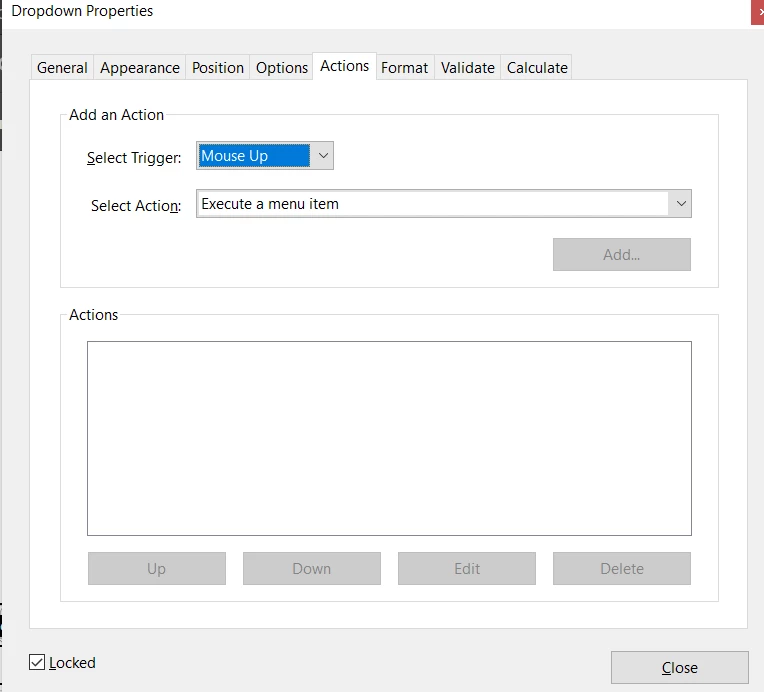
TENDÊNCIA
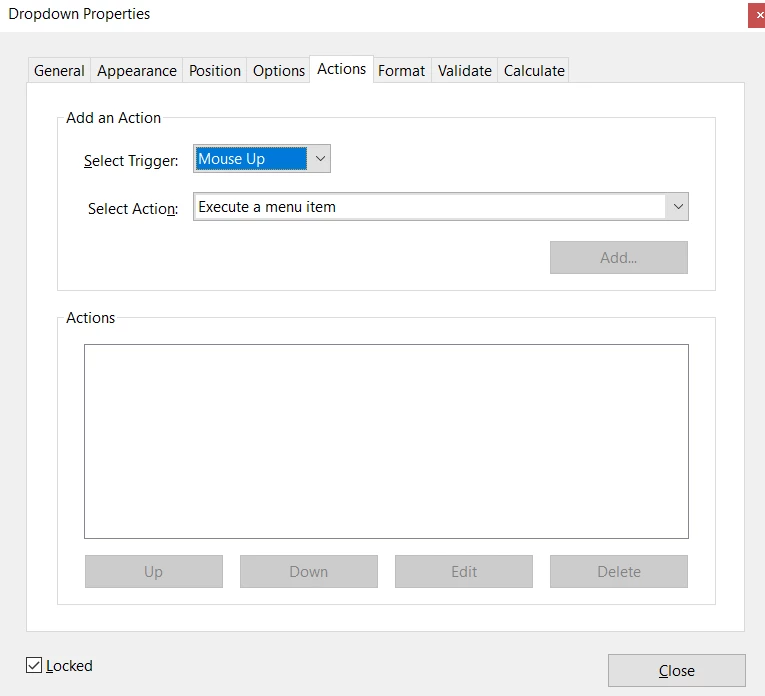
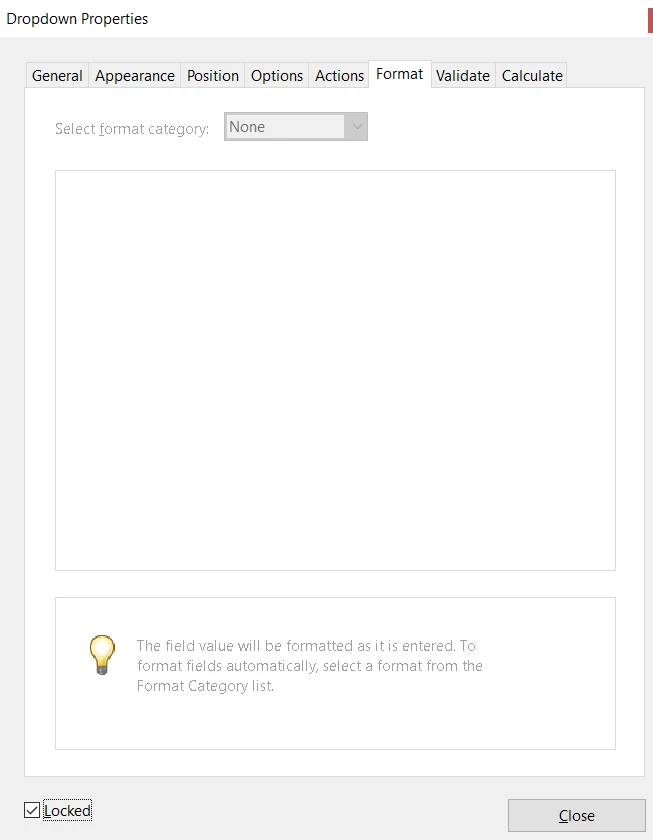
ESPECIALIZACAO
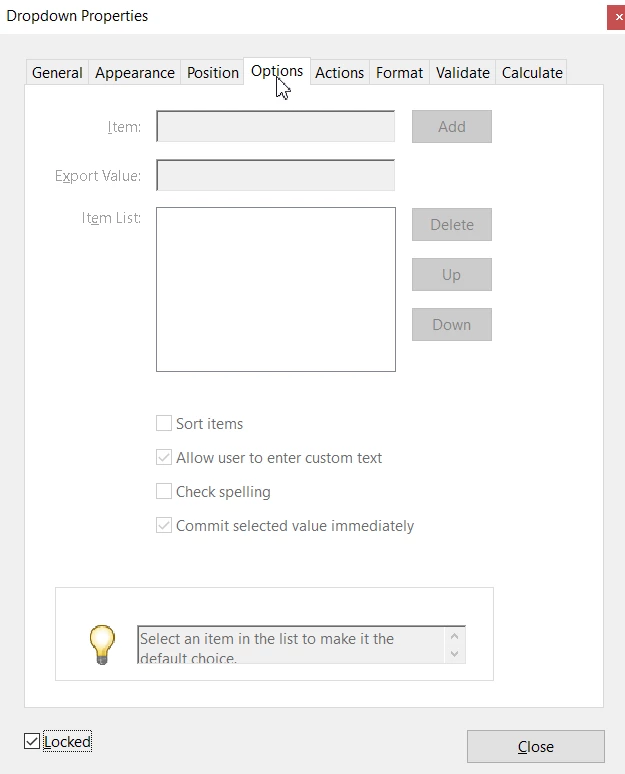
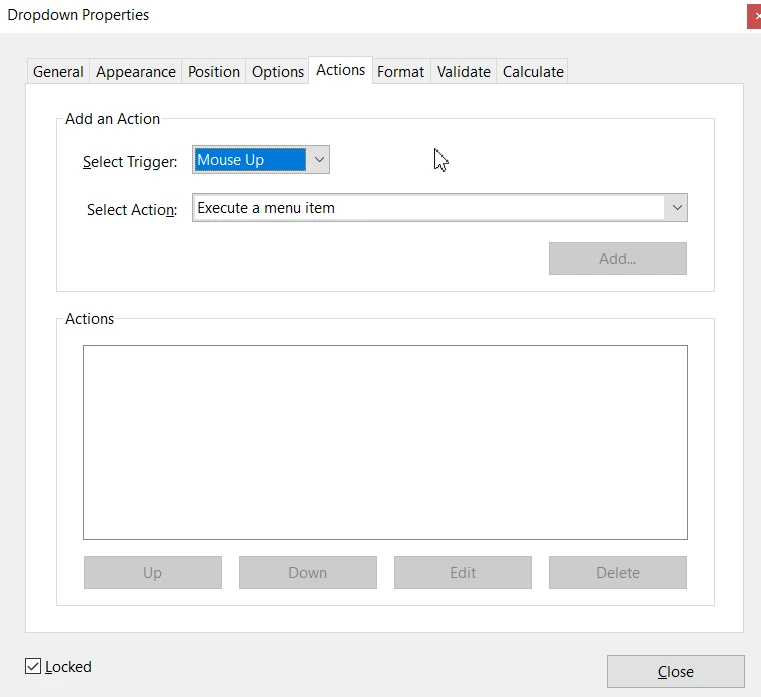
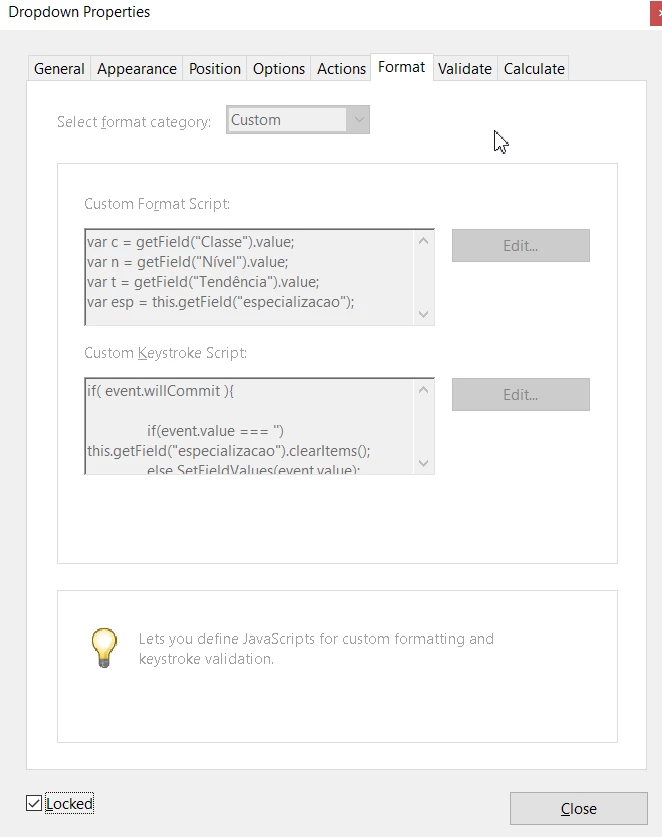
The script
Format - Custom - Custom Format Script
//Format - Custom - Custom Format Script
var c = getField("Classe").value;
var n = getField("Nível").value;
var t = getField("Tendência").value;
var esp = this.getField("especializacao");

var e;

if(c == "Classe" || c == "  " || n == "Nível" || n == "  " || n < 5 || t == "Tendência" || t == "  "){
	e = '';
	this.getField("especializacao").clearItems();
}

else{

	if(c == "Ladrão") e = ["Especialização", "Ranger", "Bardo", "Assassino"];

	else if(c == "Clérigo"){
		if(t == "Caótica") e = ["Especialização", "Druída", "Caçador", "Ocultista"];
		else e = ["Especialização", "Druída", "Caçador"];
	}

	else if(c == "Homem de Armas"){
		if(t == "Ordeira") e = ["Especialização", "Paladino", "Guerreiro", "Bárbaro"];
		else e = ["Especialização", "Guerreiro", "Bárbaro"];
	}

	else if(c == "Mago"){
		if(t == "Caótica") e = ["Especialização", "Ilusionista", "Adivinhador", "Necromante"];
		else e = ["Especialização", "Ilusionista", "Adivinhador"];
	}

	else e = '';

}

esp.commitOnSelChange = true;
esp.setItems(e);
Format - Custom - Custom Keystroke Script
//Format - Custom - Custom Keystroke Script

if( event.willCommit ){

	if(event.value === '') this.getField("especializacao").clearItems();
	else SetFieldValues(event.value);

}
Here the dropdown "working"
Still ... It takes 3 minutes to load for nothing and, in the end, I only have the first option on the list instead of the entire list.
By the way: it is necessary to display the choice from the list, it must be possible to change the choice, and if the "Nível" drops from 5, the dropdown should be empty again.
And, to make my situation worse, the result of this dropdown will fill a field.
Update: Working code
var c = getField("Classe").value;
var n = getField("Nível").value;
var t = getField("Tendência").value;
var esp = this.getField("especializacao");

if (event.source && (event.source.name=="Classe" || event.source.name=="Nível" || event.source.name=="Tendência")) {

	this.getField("especializacao").clearItems();

	if(c == "Ladrão" && n > 4) esp.setItems([["Especialização", "esp"],["  ","  "],["Ranger", "ran"],["Bardo", "bar"],["Assassino", "ass"]]);

	else if(c == "Clérigo" && n > 4){
		if(t == "Caótica") esp.setItems([["Especialização", "esp"],["  ","  "],["Druída", "dru"],["Caçador", "cac"],["Ocultista", "ocu"]]);

		else if(t == "Ordeira" || t == "Neutra") esp.setItems([["Especialização", "esp"],["  ","  "],["Druída", "dru"],["Caçador", "cac"]]);

		else this.getField("especializacao").clearItems();
	}

	else if(c == "Homem de Armas" && n > 4){
		if(t == "Ordeira") esp.setItems([["Especialização", "esp"],["  ","  "],["Paladino", "pal"],["Guerreiro", "gue"],["Bárbaro", "brb"]]);

		else if(t == "Neutra" || t == "Caótica") esp.setItems([["Especialização", "esp"],["  ","  "],["Guerreiro", "gue"],["Bárbaro", "brb"]]);

		else this.getField("especializacao").clearItems();
	}

	else if(c == "Mago" && n > 4){
		if(t == "Caótica") esp.setItems([["Especialização", "esp"],["  ","  "],["Ilusionista", "ilu"],["Adivinhador", "adi"],["Necromante", "nec"]]);

		else if(t == "Ordeira" || t == "Neutra") esp.setItems([["Especialização", "esp"],["  ","  "],["Ilusionista", "ilu"],["Adivinhador", "adi"]]);

		else this.getField("especializacao").clearItems();
	}

	else this.getField("especializacao").clearItems();

}
For mor information look the comments below and the attached PDF. 🙂
 AdChoices