


Answered
Adobe Acrobat Pro DC - Character spacing in form text field
Hi All
We are currently creating a form that contains a money transfer part.
This form will be printed on preprinted paper that contains special rectangle fields for the characters (f.e. a bank account number => IBAN).
Every character needs to match their respective rectangle field.
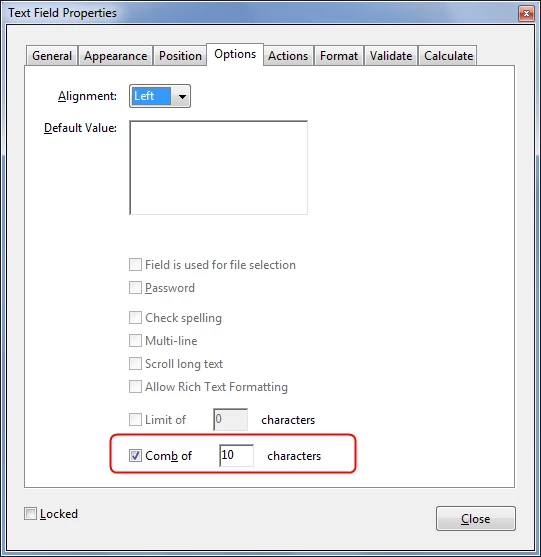
Because of the spacing between the rectangles, we have to be able to increase the spacing between the characters, but it seems this is not possible for form text fields in Adobe Acrobat Pro DC? We searched everywhere, but we can't seem to find it.
Did we miss something? If not: are there any other options to solve our problem?
Thanks.
Best Regards.
 AdChoices