Known Participant
May 17, 2018
Answered

Checkbox: How to auto-populate when checked / remove info when unchecked.

  • May 17, 2018
  • 1 reply
  • 1915 views

How do I set up the check-boxes to auto-populate fields when checked, then remove the info from the field when unchecked. I am a complete beginner when it comes to javascript. This is what I have soo far based on looking at online forums.

Basically the checkbox represents a product. If the person is interested in choosing this product, I want them to click the checkbox so that info goes to the next page for the final form. If they accidentally click the checkbox, I want the information to be removed.

if (getField("Box1").value!="Yes") 

    this.getField("profile").value = this.getField("Landmark").value;

if (getField("Box1").value!="No") 

    this.getField("profile").value = " ".value;

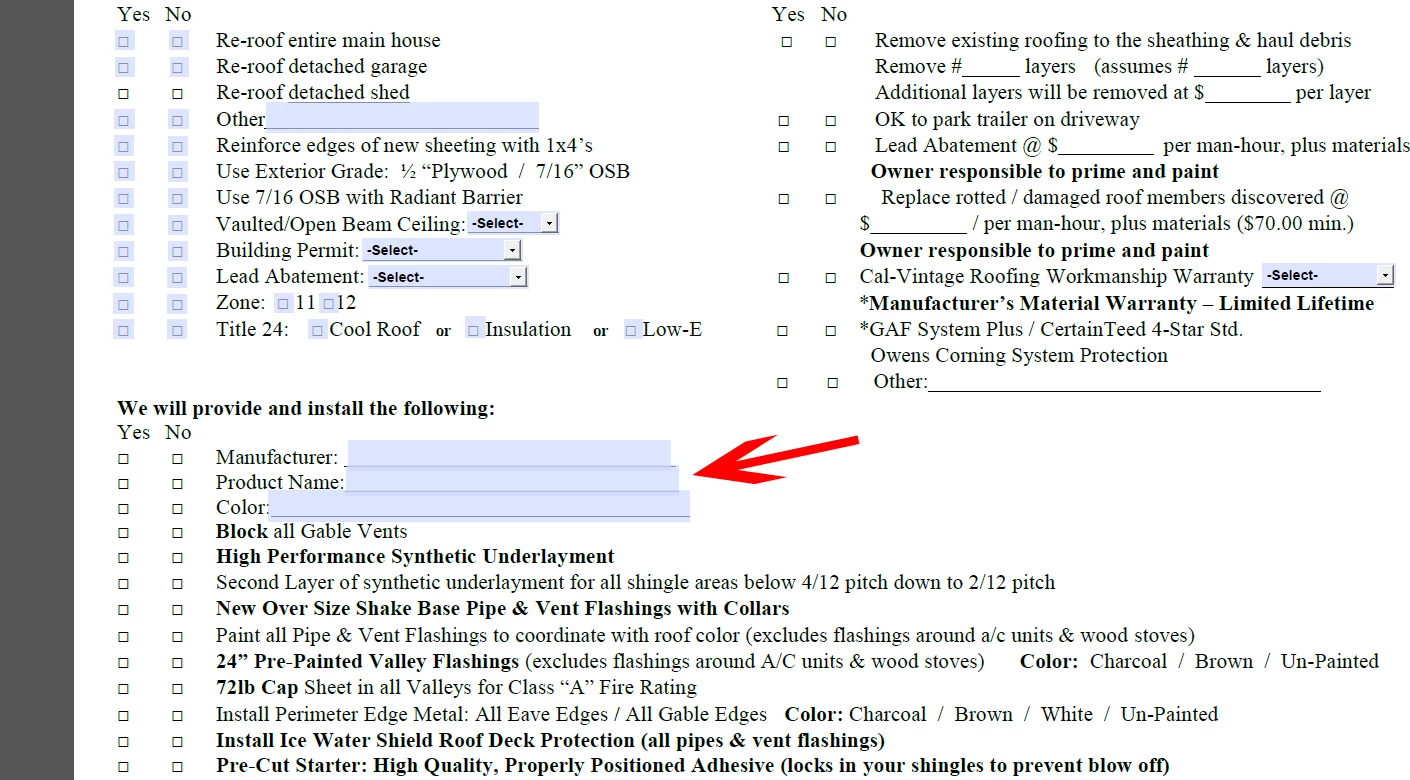
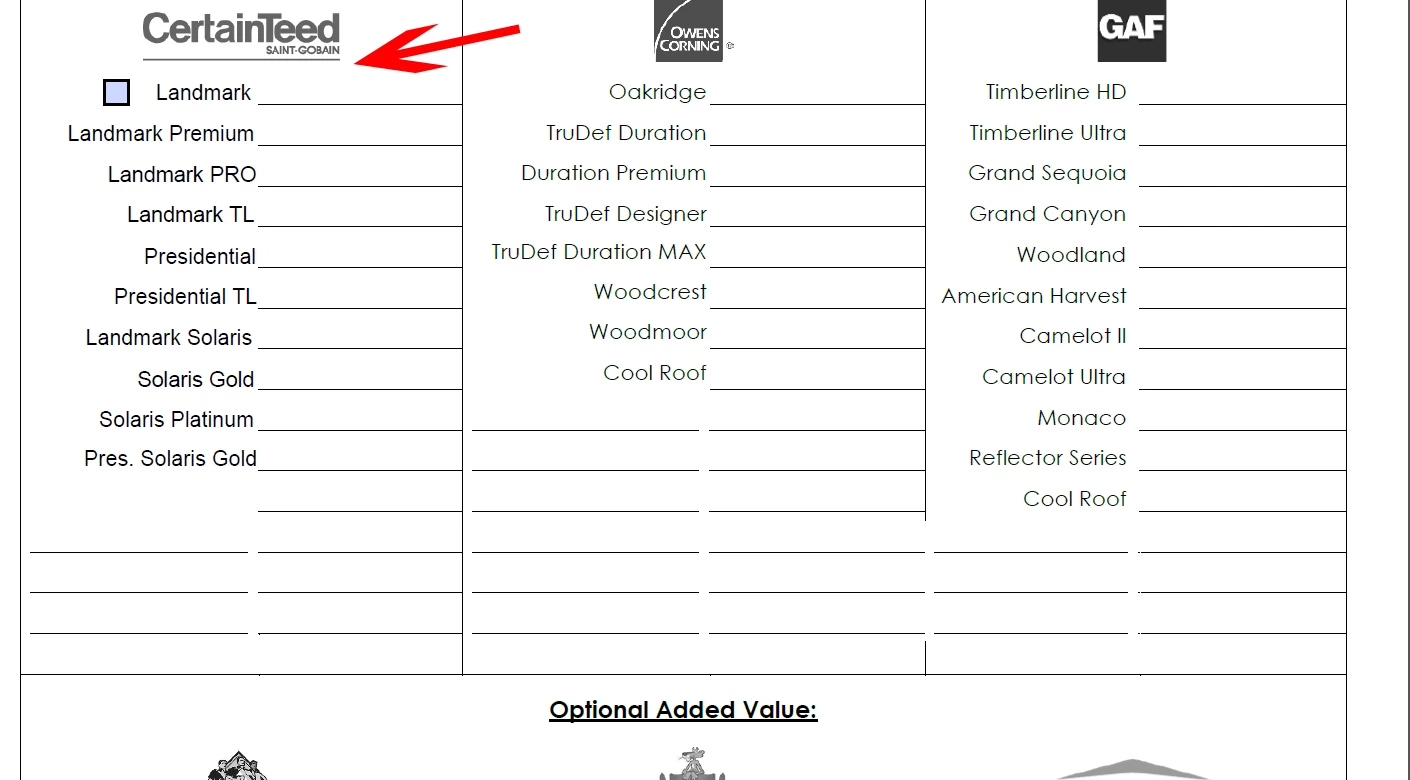
I inserted screenshots below. The one checkbox that says "Landmark" is the Landmark Field. The second screenshot, I want that information to go to "Product Name" which is the profile field.

I only did this one check box, but plan on having all the selections, in screenshot one, have check boxes that go to the profile field.

Any suggestions would be greatly appreciated.
This topic has been closed for replies.
Correct answer try67

I put the code in the check box actions as java script. I only used that operator because I found it online. I'm still new to javascript. I updated it as you recommended and it still populates, but doesn't remove the information once unchecked. This is what I have soo far:

if (getField("Box1").value=="Yes")

this.getField("profile").value = this.getField("Landmark").value;

if (getField("Box1").value=="No")

this.getField("profile").value = " ";

Any ideas what else I could be doing wrong? Doing the "==" operator already helped a lot. Just can't figure out why it isn't removing the info when unchecked.


When a check-box is unticked its value is always "Off", not "No".

1 reply

try67
Community Expert
May 17, 2018

This is incorrect:

this.getField("profile").value = " ".value;

Change it to:

this.getField("profile").value = " ";

Known Participant
May 17, 2018

So I tried that and didn't get any results. Just to make sure I understood correctly, is this right?

if (getField("Box1").value!="Yes") 

    this.getField("profile").value = this.getField("Landmark").value;

if (getField("Box1").value!="No") 

    this.getField("profile").value = " ";

try67
Community Expert
May 17, 2018

Where did you put the code? Why are you using the "!=" (NOT EQUALS) operator? It seems to make more sense to use the "==" (EQUALS) operator for this...