


Brainiac
February 22, 2021
Question

Convert coloured area to an annotation

  • February 22, 2021
  • 2 replies
  • 1222 views

Hello,


I asked a similar question some time ago, sorry I could not find it in the forum.


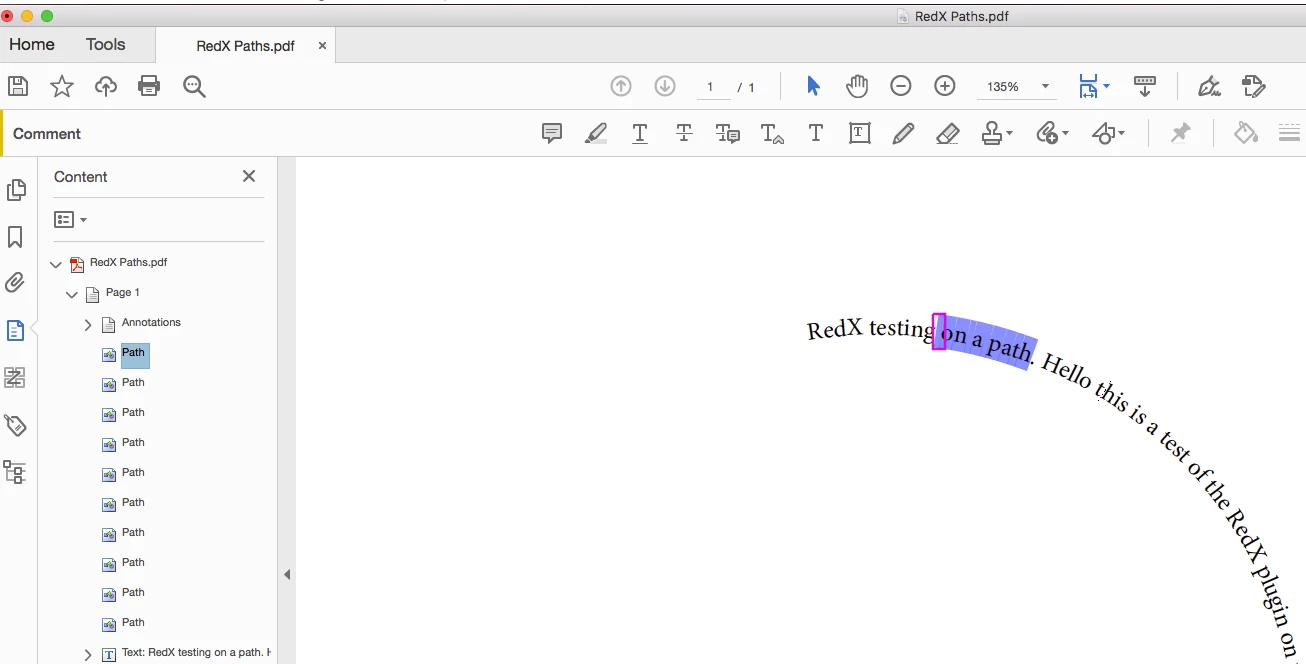
I am exporting marked areas from InDesign to PDF. I would like to find these areas and be able to create an annotation. The areas appear in the PDF as a path. Is there a way to itterate over all paths?


Thank you.


P.
This topic has been closed for replies.

2 replies

Brainiac
February 24, 2021

If you are completely familiar with PDF internals for graphical objects you can use a plugin to iterate all the graphical objects, find their color space and color, and take actions. This sounds a lot of work, so if you can do it by exporting annotations that sounds infinitely preferable.


If your question is: can you create a non-rectangular annotation at all, the answer depends on the annotation type.

PickoryAuthor
Brainiac
February 24, 2021

Hello,


Thank you for your reply.


I am limited in the types of annotation I can use from InDesign. So, I would like to write an Acrobat plugin. I have downloaded an SDK but it does not compile, see pic. Is there a step by step tutorial? Is there any thing I should do to my Acrobat installation to make plugins load. I am using a Mac, is better to develop plugins on Widnows.


Thank you.


PickoryAuthor
Brainiac
February 25, 2021

Hello,


I needed execute permission on the scrpt, feel a bit silly.


Now the fun start!


Thank you.

PickoryAuthor
Brainiac
February 22, 2021

It would be really handy if I could get the bounding boxes. like these.

PickoryAuthor
Brainiac
February 23, 2021

Took a different approach. Exporting square annotatons from InDesign. Not really what I wanted.