


Question
Converting PDF to Excel and Issue with Structure and Character Artifacts
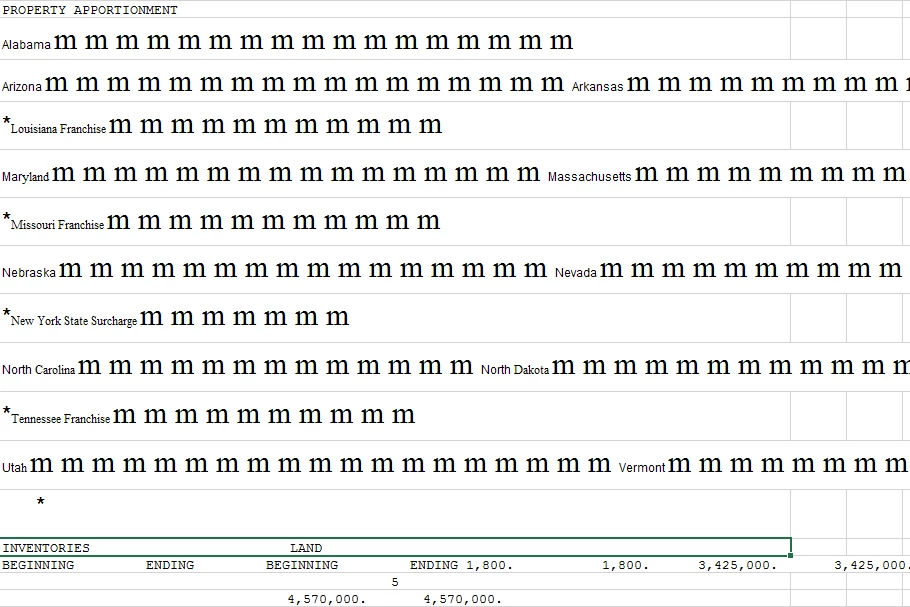
I am trying to convert a standard report from a tax software application to Excel. Screenshots of a standard snippet from the PDF report and the Excel conversion result are below. I think the starting point is finding some way to systematically remove the box graphics; once those are removed, a lot of the structure issues are easier to address. I think.
But I am desperate. The software vendor has confirmed they have no way to get these reports in Excel rather than PDF, not that they're willing to invest in, at least. But figuring this out would save a lot of time.
PDF with Structure and Formatting:

Excel Conversion Result:
 AdChoices