JR Boulay
Community Expert
Community Expert
September 21, 2018
Question

Ghost JavaScript and ghost Document Action enigma

  • September 21, 2018
  • 3 replies
  • 970 views

Hi experts.

Today I received a strange PDF document, when it is opened it automatically launch the Print command.

So I tried to remove this unwanted Action with Acrobat Pro DC.

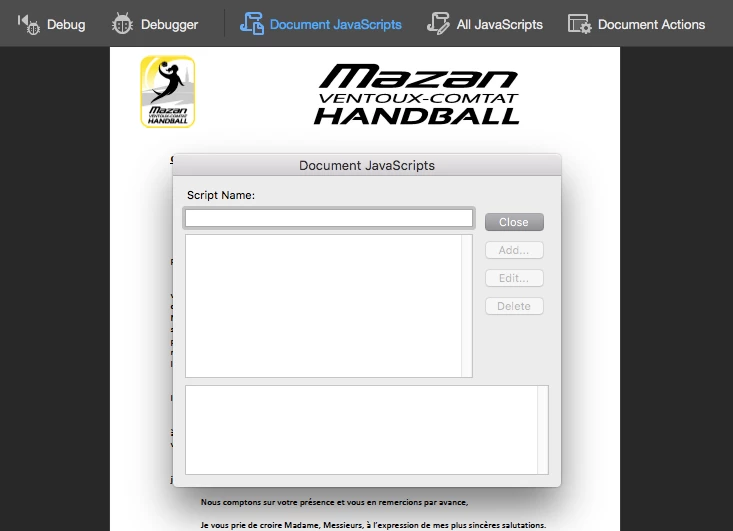
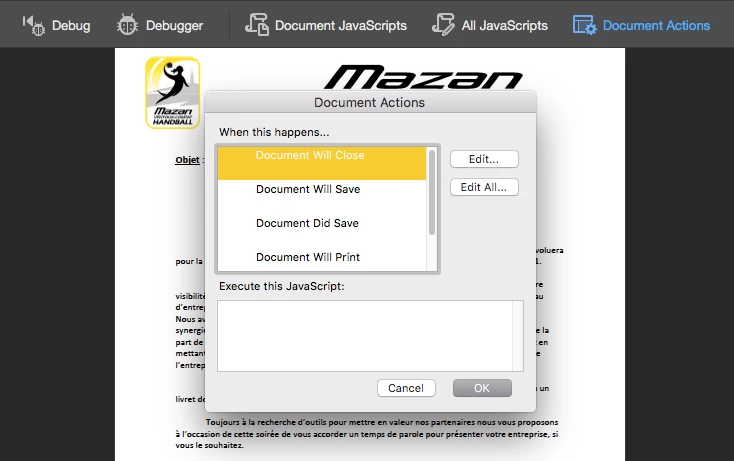
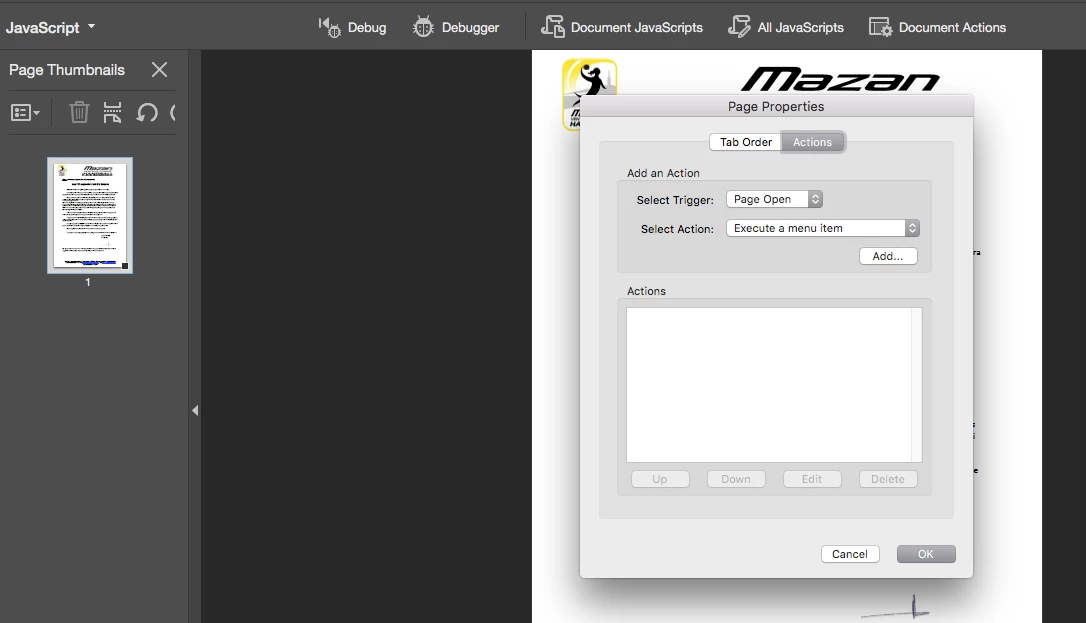
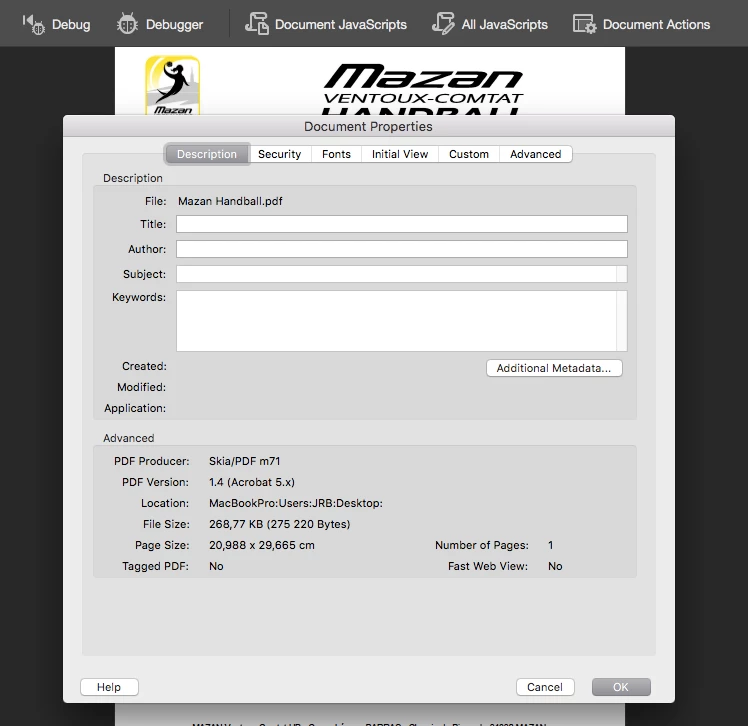
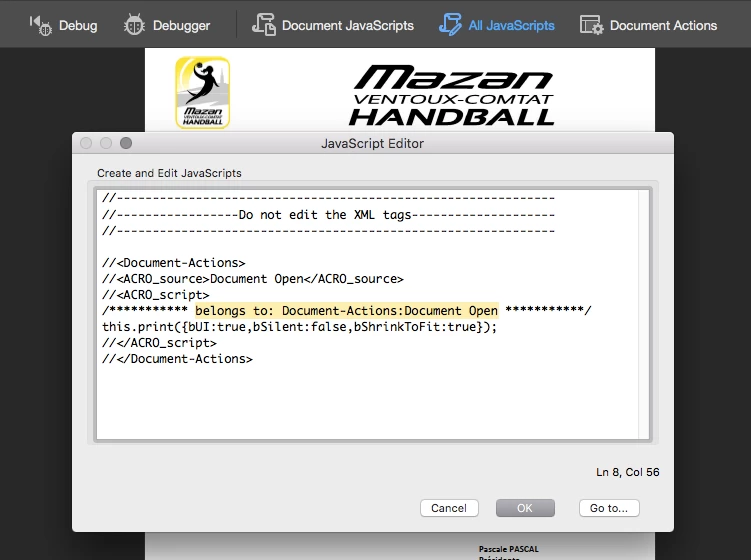
But I cannot find it, it can only be seen in JavaScript : All JavaScript, and it's labelled "Belong to: Document-Actions : Document Open" (see screengrabs), and it's not a Page Action.

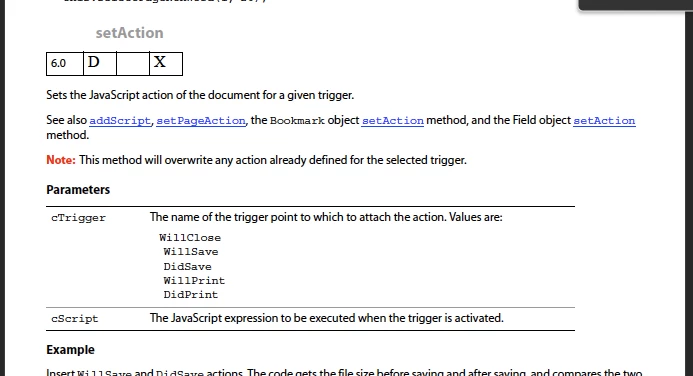
I never heard about a Document Action named "Document Open", I cannot find it in the Acrobat UI nor in the SDK JavaScript Reference…

The only clue I have is the document creator : Skia/PDF

Did I mess something obvious or is it a real mystery?

You can download this PDF here: Shared Files - Acrobat.com
This topic has been closed for replies.

3 replies

JR Boulay
Community Expert
JR BoulayCommunity ExpertAuthor
Community Expert
September 24, 2018

Thank you to all.

Now I am less ignorant.

Acrobate du PDF, InDesigner et Photoshopographe
Inspiring
September 21, 2018

There is a document open action, but Acrobat has never provided a UI for setting an action for it. See the PDF Reference for more info (OpenAction).

JR Boulay
Community Expert
JR BoulayCommunity ExpertAuthor
Community Expert
September 23, 2018

See the PDF Reference for more info

As you can see on the screengrab above, there is nothing about a "Document Open" action in the PDF Reference.

Acrobate du PDF, InDesigner et Photoshopographe
Karl Heinz  Kremer
Community Expert
Community Expert
September 23, 2018

Your screenshot shows the JavaScript API documentation, not the PDF specification.

in the 1.7 version of the spec, it’s in table 28

try67
Community Expert
Community Expert
September 21, 2018

It's just the internal name of that doc-level script. I've seen it happen in the past that such scripts that were applied using external tools don't show up in the Document JavaScripts window (probably because they were not defined completely correctly), but they still execute when the file is opened.

JR Boulay
Community Expert
JR BoulayCommunity ExpertAuthor
Community Expert
September 23, 2018

It's just the internal name of that doc-level script.

Did you try to remove this script?

I cannot: I can delete it and save the PDF, and when I reopen the PDF it's still here…

Acrobate du PDF, InDesigner et Photoshopographe
Bernd Alheit
Community Expert
Community Expert
September 23, 2018

JR_Boulay  wrote

It's just the internal name of that doc-level script.

Did you try to remove this script?

I cannot: I can delete it and save the PDF, and when I reopen the PDF it's still here…

The file without the script:

Shared Files - Acrobat.com