



How can I populate other text fields when I click on an option (list box)?
So a helpful member of the community helped me with JS that will populate other text fields based on a selection. Now the issue is, these text fields don't populate as soon as you click on them. Can anyone help please with how I may be able to accomplish this, more info:
I can't work Option2 to populate its values to the fields when I click on it. 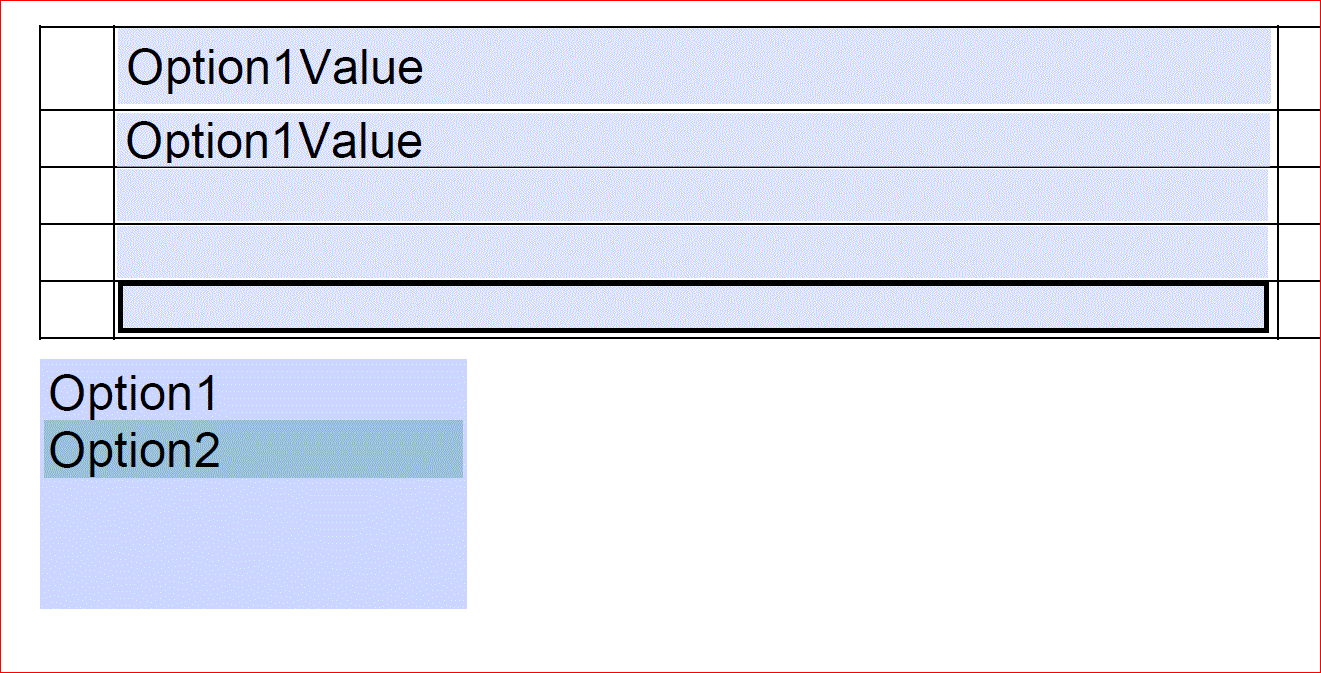
Here is the code:
var text1Value = "";
var text2Value = "";
switch (this.getField("dropdownList").value)
{
case "Option1":
text1Value = "Option1Value";
text2Value = "Option1Value";
break;
case "Option2":
text1Value = "Option2Value";
text2Value = "Option2Value";
break;
default:
text1Value = "Please select an option for this field to populate";
text2Value = "Please select an option for this field to populate";
break;
}
this.getField ("text1").value = text1Value;
this.getField("text2").value = text2Value;
-----------------------------------------------
Thank you for your help!
 AdChoices