


Answered
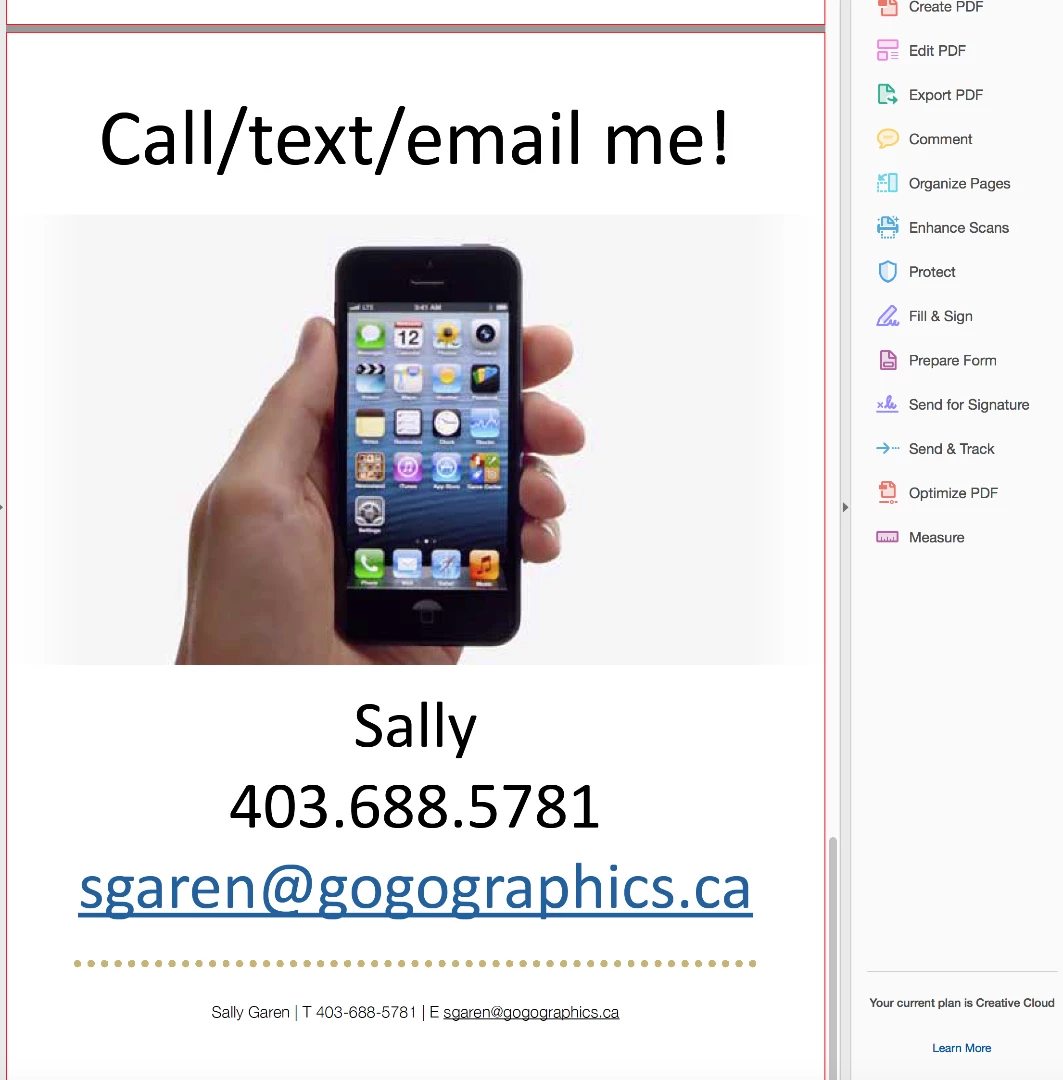
How do I save a PDF without print production trim marks (red outline)?
Adobe Acrobat DC, Creative Cloud
Operating system Mac OS X El Capitan Version 10.11.5
Memory 16GB 1600 MHz DDR3
Graphics AMD Radeon R9 M290X 2048 MB
- I recently made use of the Print Production tools in Acrobat when fussing over a PDF that was having issues at the printer. All I did was select (click on) the Print Production tool. Now EVERY pdf I save from InDesign has the red outline of the trim area on it and I don't want that visible usually.
- I tried checking the options in InDesign and looked for how to deselect this option to no avail.
I'm posting a screenshot below showing the outlines in the PDF so you can see what I'm referring to.
PLEASE HELP!
Many thanks in advance,
Sally
 AdChoices