


Answered
How print 2 pages per paper sheet
Comment imprimer 2 pages par feuille?

Comment imprimer 2 pages par feuille?
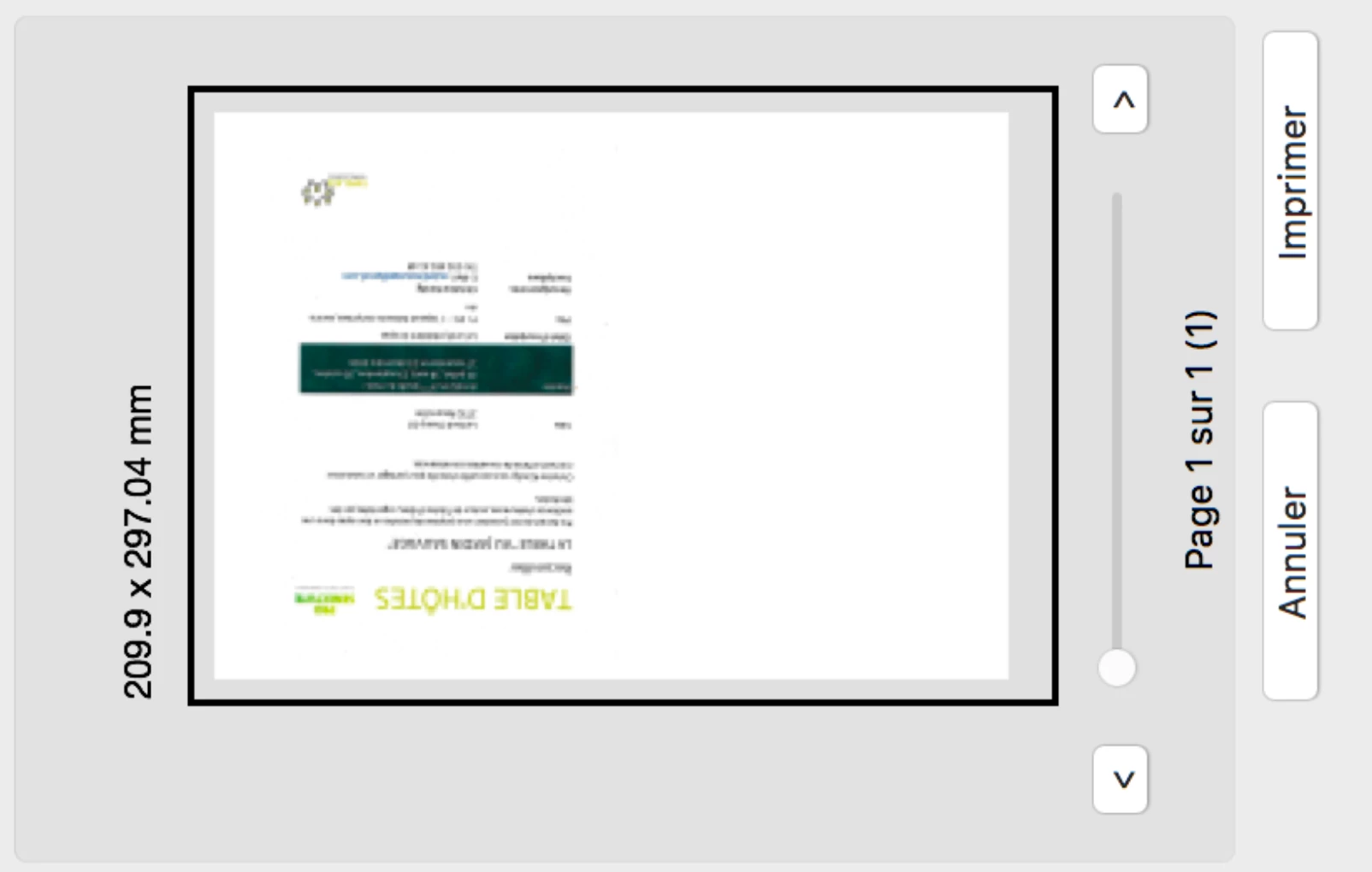
Thank you for the picture—it helps! The difference between yours and mine is that I have a multiple page document and selected 2 pages per sheet. You have a one page document and it left one side blank. (Or possibly it's page 1 which is set as a Cover Page.)
Solution #1: If you have a multiple page document, then print more than one page.
Solution #2: If you have a one-page document, you need to duplicate the page first.
• In the Pages panel, Option drag the page to copy it (In Windows it's either Ctrl drag or Alt drag—one will work).
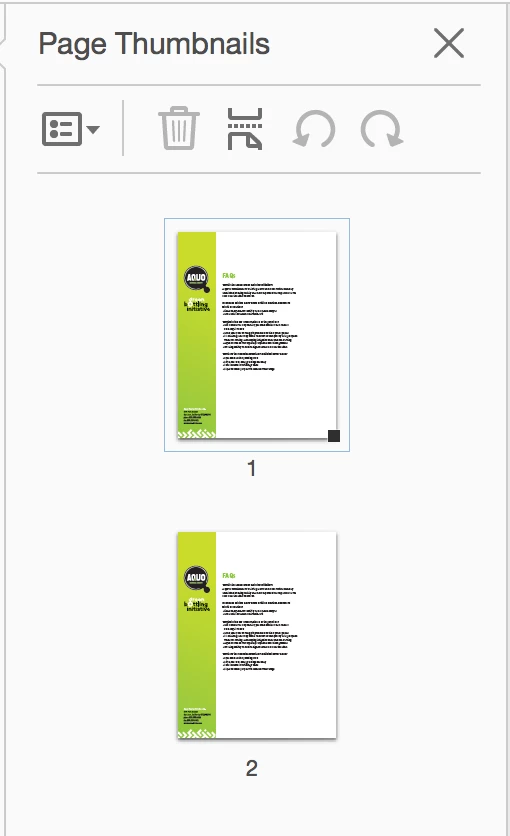
• Confirm that you are printing both pages and again, it's Multiple > 1x 2
In this example it says Selected Pages because I selected them in the Pages panel before printing.

Does it work now?
Already have an account? Login
Enter your E-mail address. We'll send you an e-mail with instructions to reset your password.
 AdChoices