


Participant
September 20, 2016
Question

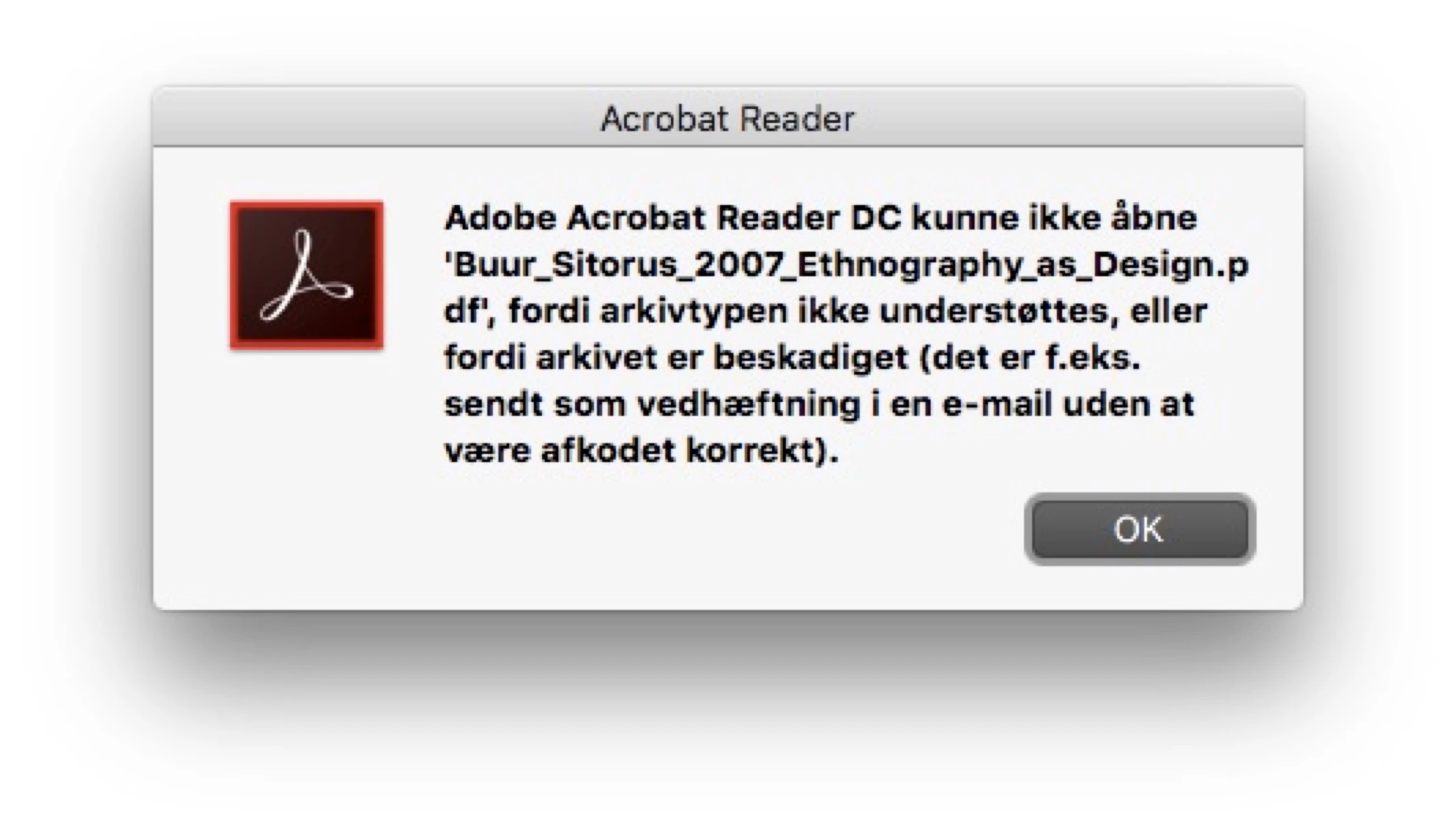
Resolve the damaged document error when opening PDF files mac os x

  • September 20, 2016
  • 1 reply
  • 2387 views

I have a problem, and it is discussed here:

Resolve damaged document error when opening PDF files

I thought I'd just follow the instructions, but I have a couple of issues/questions:

1) What is the path on my computer (Mac os 10.11.6)? Adobe Acrobat Reader DC, The version is: 2015.017.20053

2) Would it really be safe to do this, entering the code in terminal?

Thanks, Mark
This topic has been closed for replies.

1 reply

Karl Heinz  Kremer
Community Expert
Community Expert
September 20, 2016

You would not enter the information from the article in the console. What the articles shows are Windows registry keys, which need to be modified using the registry editor (regedit). On a Mac, you do not have a registry. Configuration information is stored in Plist files instead. The Plist file is stored in your Library/Preferences folder. To get to the Library folder in Finder, hold down the Alt key, and then go to Finder's "Go" menu. You will now see a "Library" element listed in the menu (when you release the Alt key again, that entry disappears). The file you are looking for in Library/Preferences is called com.adobe.Acrobat.Pro.plist (for Acrobat) or com.adobe.Reader.plist (for the free Adobe Reader) - you will need a Plist editor to actually edit it. Once you have this file loaded in an application that can edit Plist files, go to Root/DC/AVGeneral and create a new entry named ValidateBytesBeforeHeader of type boolean and set it to "NO". This is how it should work. I've never done it myself, so this is just based on the documentation.

This setting may not fix your problem. The header validation is only one of many reasons why you would see this error.

MarkAssAuthor
Participant
September 20, 2016

Hi Karl Heinz :-)

Thanks a lot for your reply! I tried to do what you wrote to me, but unfortunately it didn't help. I have modified the files "com.adobe.Reader_x86_9.0.plist" and com.adobe.Reader.plist. Do you have other suggestions? The file with this problem is stored the same place as when I added it to the pdf. Also, it seems strange to have to do these kind of things when using adobe software? I mean, it's not an open source project on linux or whatever..

Karl Heinz  Kremer
Community Expert
Community Expert
September 20, 2016

As I said, this may not fix the problem.

Let's take a step back: The most likely scenario on a Mac for this error is that you tried to save a PDF file in the browser by using the browser's save function. This will always create a file without any content (it has a file size of 0). In the Finder, when you look for the document information, do you see a "real" file size (different from 0)? If you have a 0 byte long file, then there is nothing you can do to get the content back: You will have to download it again, but this time, move the mouse cursor in the browser window towards the bottom center until you see a control bar being displayed. You can use the save button on that bar to save your PDF file. If you have a file that has content, then it gets a bit more complicated, and, without seeing the file it's impossible to give any advice.