



How to solve "User Cancelled File Select" error?
Hi All,
Firstly I would like to say thank you for the people who gave me lots of help and advice regarding my previous questions in the forum. And I really learned a lot.
But there is still a question that I do not know how to figure it out. According to Batch-Import List Data into PDF Form - KHKonsulting LLC
I try to modify the code but it always shows "User Cancelled File Select" error when I use custom command in Acrobat DC.
I only want to learn to add one field which is "Title" field to the fillable PDF form. But it doesn't work.
My data list is like(tab delimited text file): Only one row
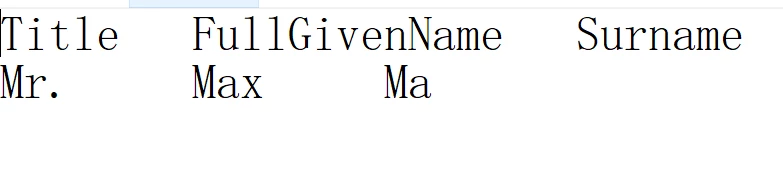
My form is like: (fillable form)

My code is :
var dataFile = "/z/JavaScriptProject/form1.txt";
var tmpDoc = app.newDoc();
tmpDoc.addField("Title", "text", 0, [0, 0, 100, 100]);
var err = 0;
var idx = 0;
while (err == 0) {
err = tmpDoc.importTextData(dataFile, idx);
if (err == -1)
app.alert("Error: Cannot Open File");
else if (err == -2)
app.alert("Error: Cannot Load Data");
else if (err == 1)
app.alert("Warning: Missing Data");
else if (err == 2)
app.alert("Warning: User Cancelled Row Select");
else if (err == 3)
app.alert("Warning: User Cancelled File Select");
else if (err == 0) {
var title = tmpDoc.getField("Title").value;
this.getField("Title" + (idx + 1)).value = title;
}
idx++;
}
tmpDoc.closeDoc(true);
this.saveAs("/z/JavaScriptProject/temp1.pdf");
And it shows when I click the custom command created button:
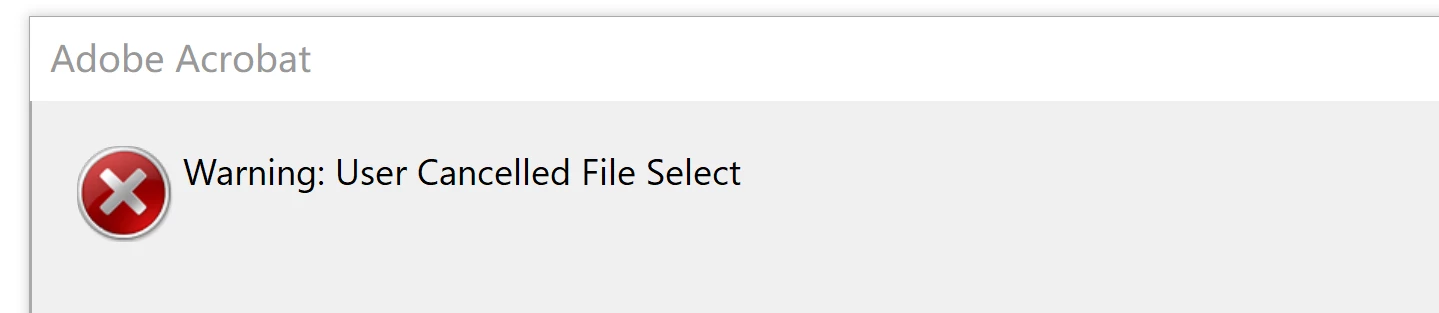
I have no idea about how to solve it. Really need some help for that. Thank you for any advice. 
 AdChoices