Participant
August 26, 2016
Question

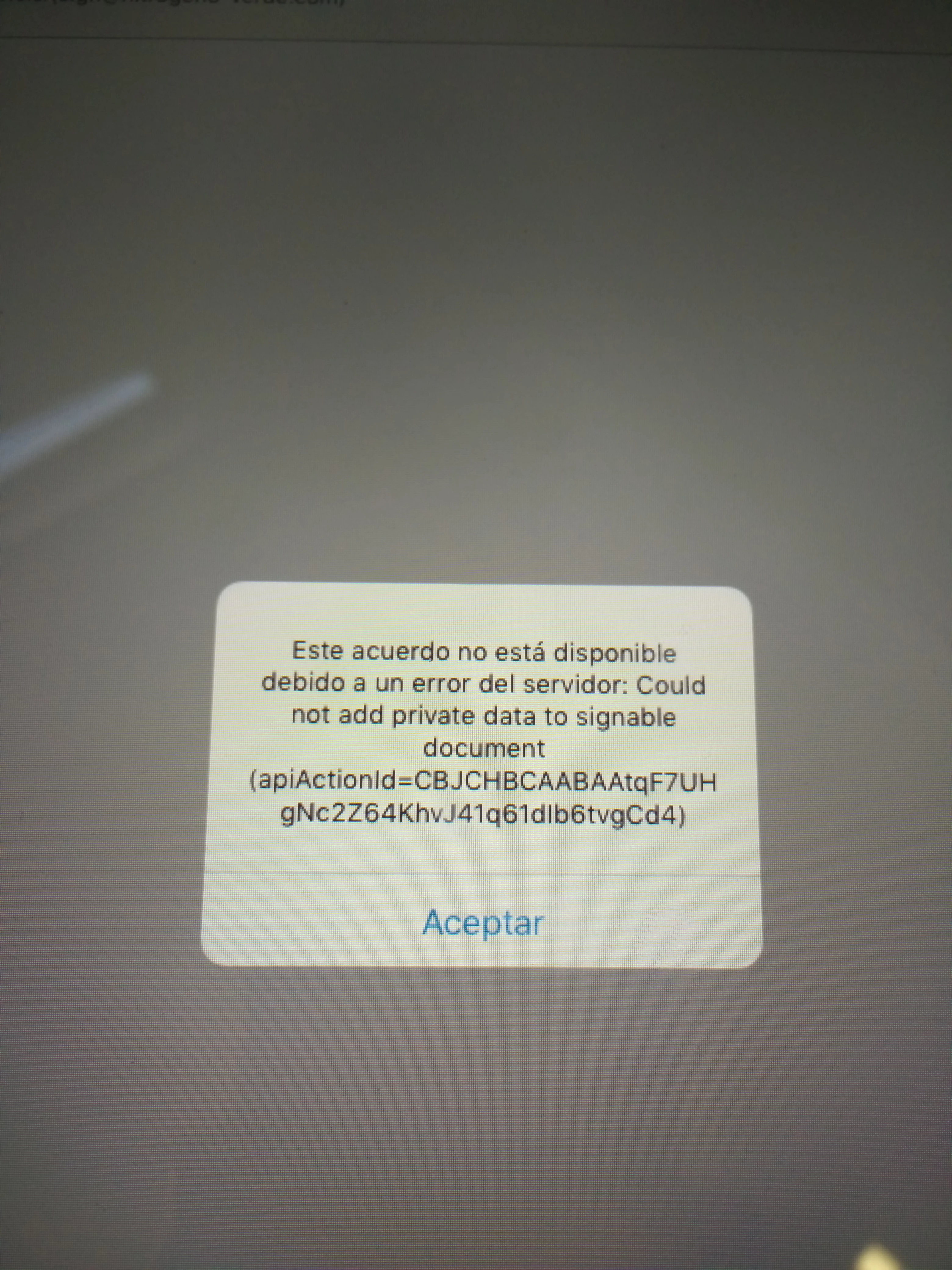
can´t sign documents in ipad apple

  • August 26, 2016
  • 1 reply
  • 1060 views

error server

This topic has been closed for replies.

1 reply

Inspiring
August 29, 2016

Hello,

Can you let me know the steps which you have followed reaching this error? In between, can you also try to reinstall the application and see how it goes?

Regards,

-Rijul

Participant
August 30, 2016

Hello,

Thanks for your response.

Here are the steps i followed to get this error:

  1. Opened a pdf file with forms in Adobe Acrobat for ipad
  2. Modified the form with the information required
  3. Opened the form in Adobe Sign
  4. Selected the option "Sign in person"
  5. The next screen is displayed with the document added and waiting for me to add a recipient email
  6. I added the email of the signer
  7. Clicked on "Sign" link displayed at the top right of the application
  8. The pdf is being loaded for the signer
  9. I click on "I am the signer" prompt
  10. And the error is displayed.

This is what i already try:

  • I already tryed to reinstall the application and it has the same behavior.
  • I already tryed on WiFi or 4g (Ipad has sim card)
  • I already tryed on a different adobe sign account and the same behavior.
  • I already tryed on another ipad and has the same behavior.
  • I already tryed on 2 different icloud accounts and has the same behavior.
  • I already tryed on different IOS versions (9.3.3, 9.3.4, 9.3.5)

I ran out of ideas to try to fix it, please help me.

Best regards!

Adobe Employee
September 9, 2016

Hello,

I have the same problem, this is the photos of the errors and of the message.

Two files are ok, but not the others…

Thank you to update as soon as possible !!!!


Hi Sébastien

Can you send me test file (syen@adobe.com) if you want to resolve the problem as soon as possible, we can have our developer to identify the problem for you?

Thanks

Steven;