
Question
Changing Digital signatures in Adobe Fill & Sign Function
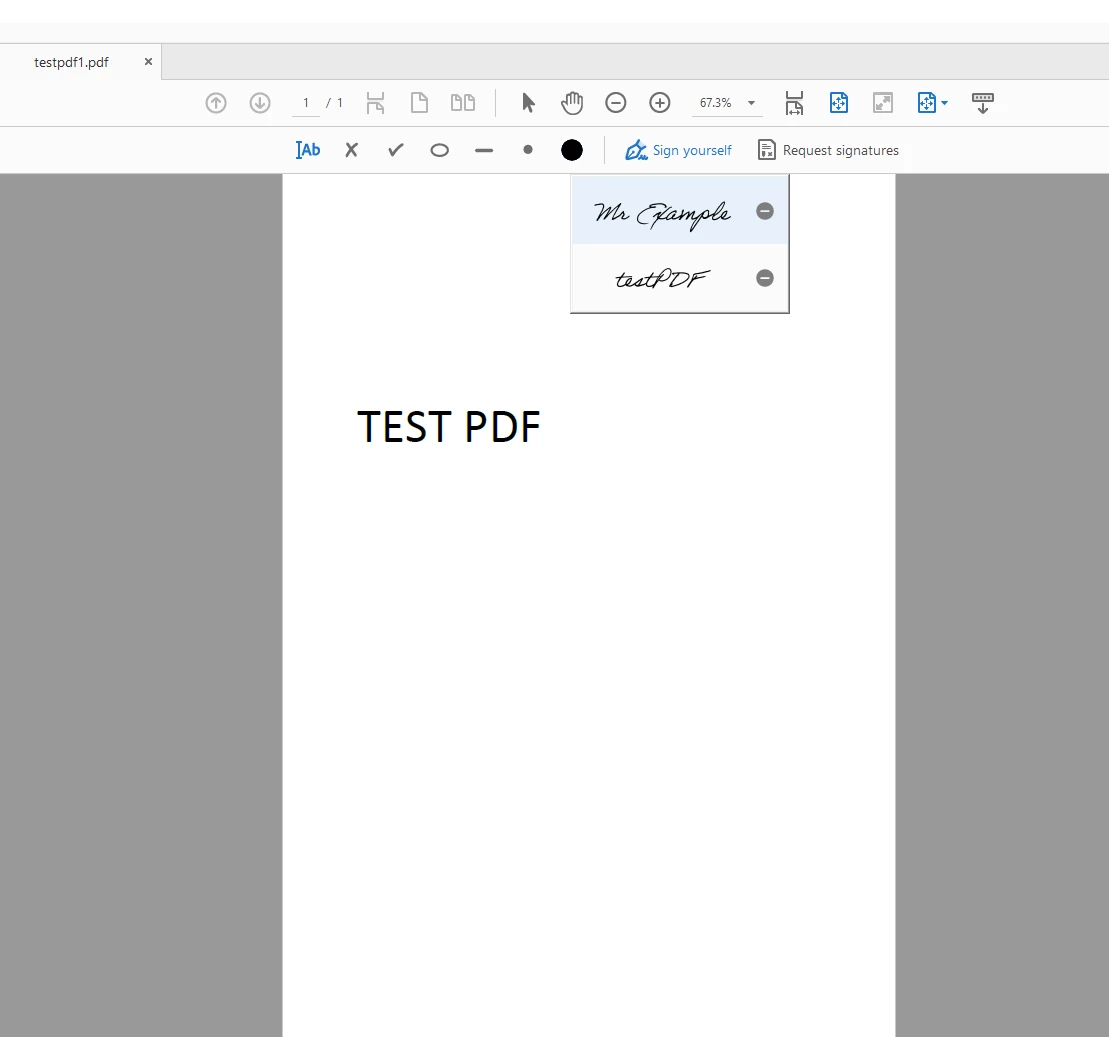
As I receive a request from a sender to sign on a PDF, can I sign on the intended field using digital signature instead of an Italic font of my name?
I want my signature to look like this:
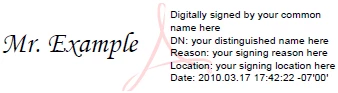
Instead of this:
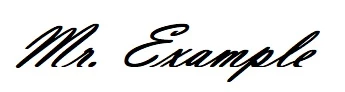
I've understood that this works under Acrobat's Certificates function. However now I'm exploring the options of having the same digital signature under "Request Signature" option under Adobe sign.
I explored Preference > Signatures > Creation & Appearence however could not find relevant settings to change it.
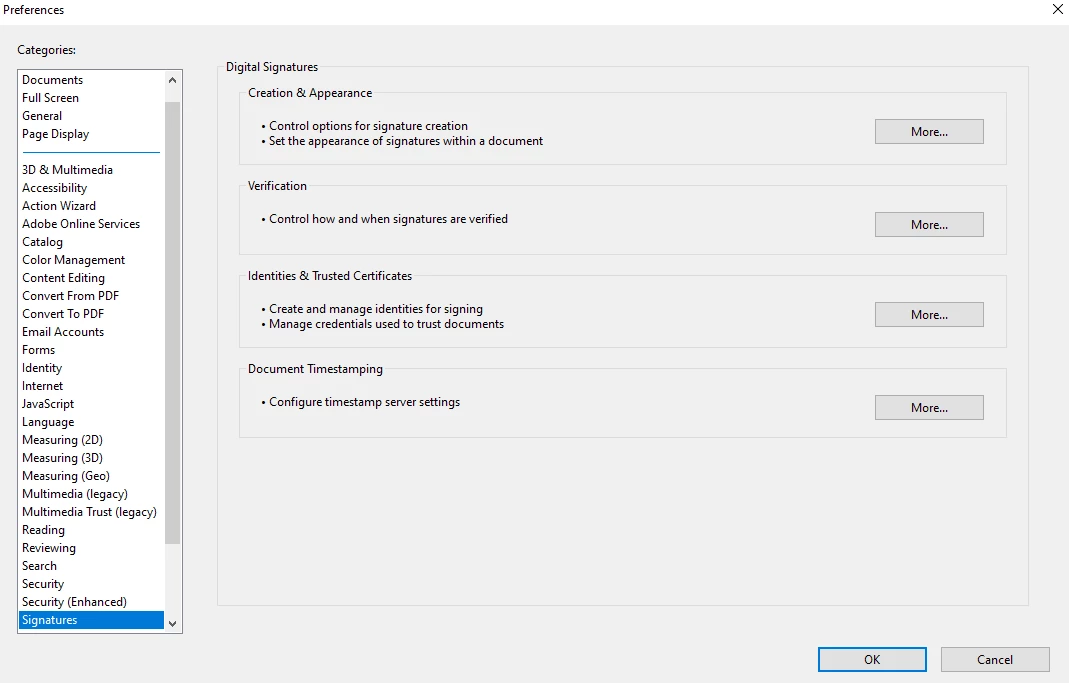
What I want is a digital signature under this option in Adobe Sign.
Thanks.
 AdChoices