New Participant
January 17, 2024
Answered

E-signature - error code 403

  • January 17, 2024
  • 4 replies
  • 25241 views

when attempting to send file for e-signature, receiving error message "file upload failed (error code 403):  we were not able to successfully establish any connection with the server."

Correct answer leonardo_1995

Hello, I found a workaround to make it work from the app. Following these steps the problem is solved.


if the error is the following:
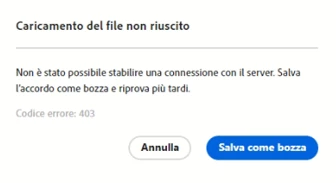
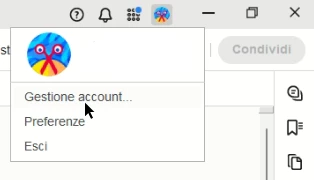
go to the top right of the application and click on your profile picture > account management:
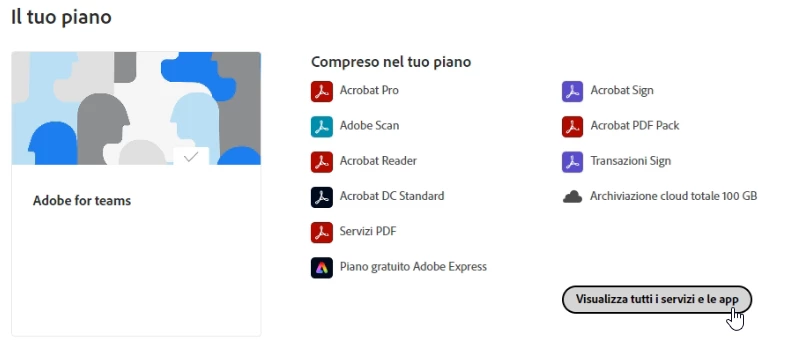
After logging in on the following screen click on the highlighted button "View all services and APPS":
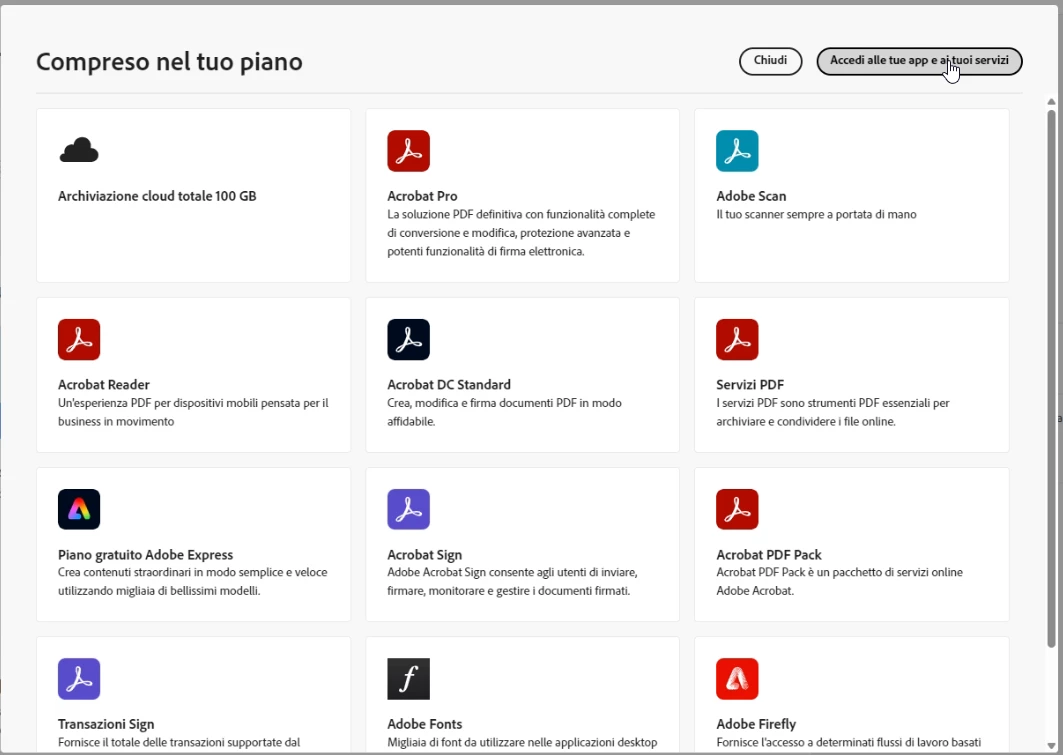
Then on "Access your apps and services" on the following screen:
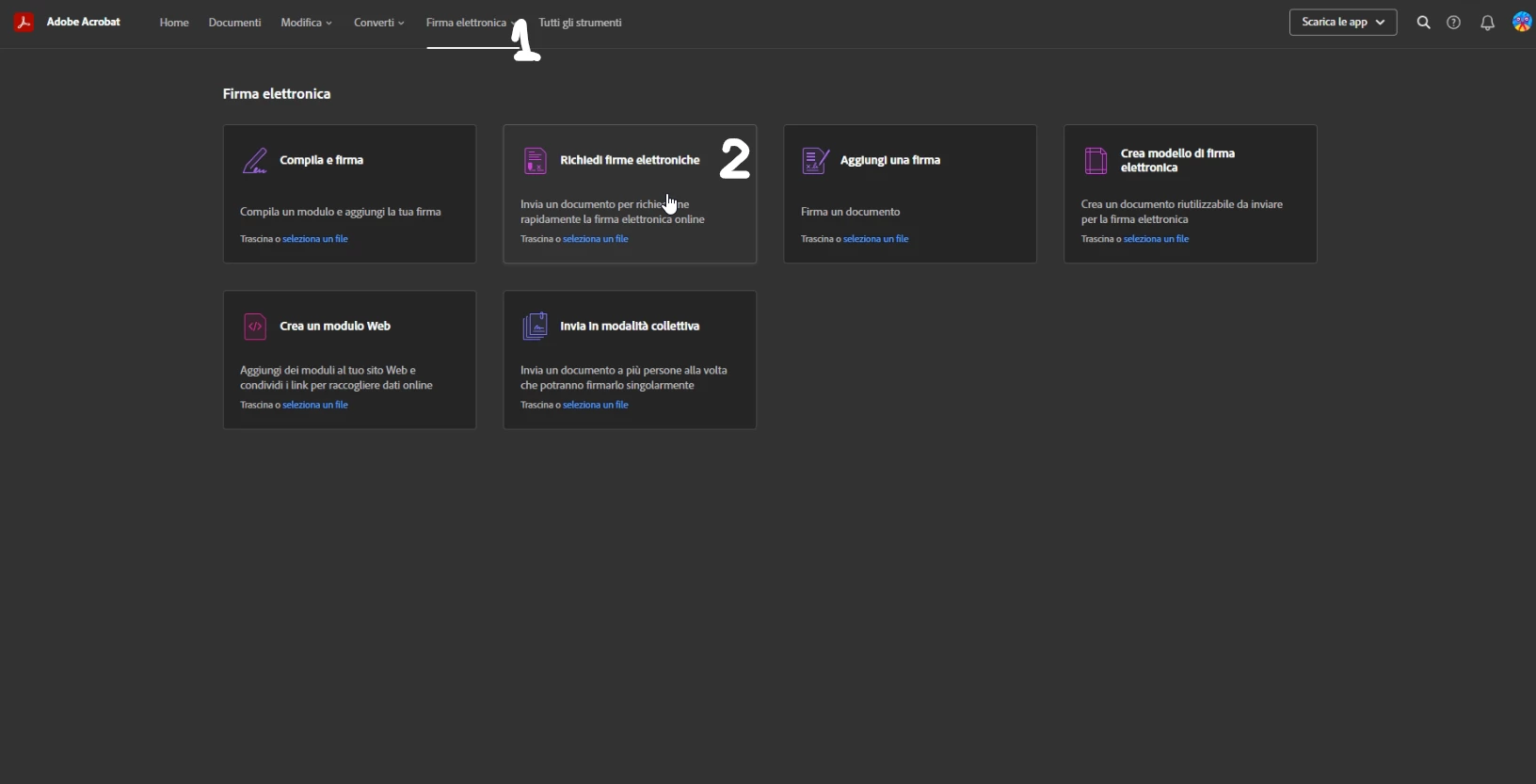
Then click on "Electronic Signature" (1) and then on "Request electronic signatures" (2):
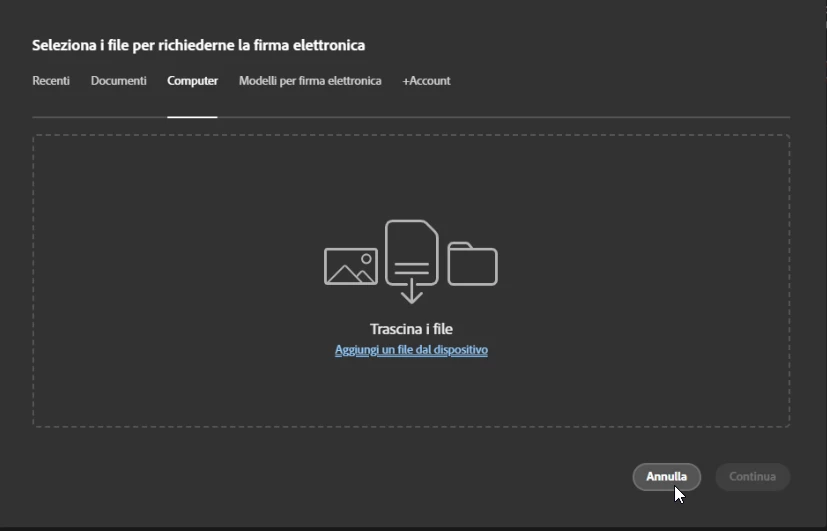
The following screen will appear, press "Cancel":
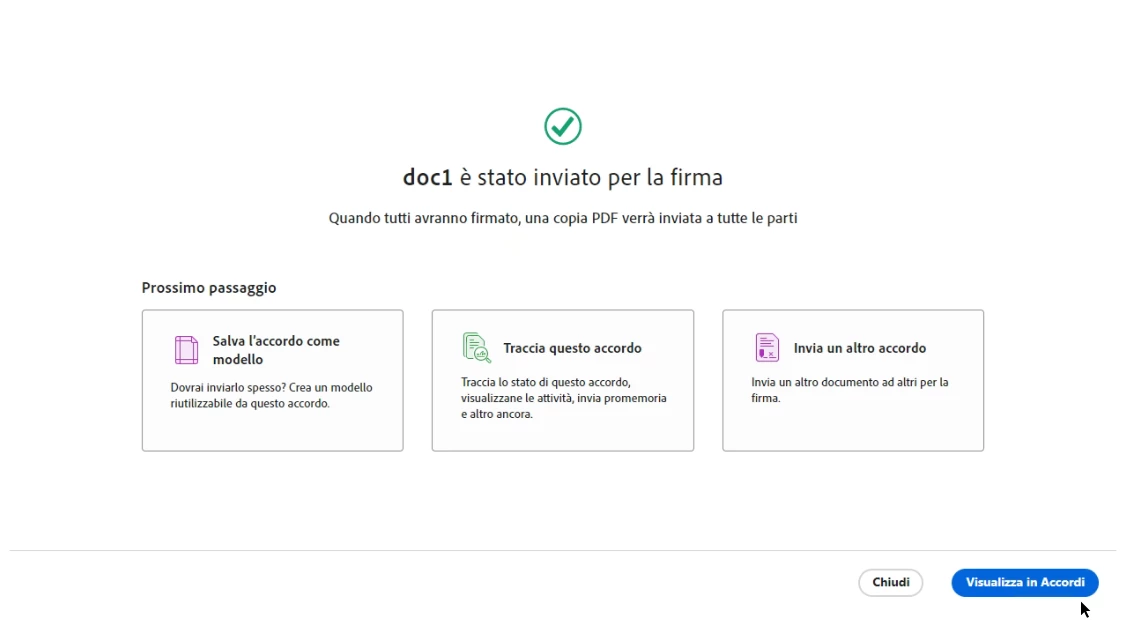
Now go back to the application on your PC and everything works fine:
 

4 replies

leonardo_1995Correct answer
New Participant
September 19, 2024

Hello, I found a workaround to make it work from the app. Following these steps the problem is solved.


if the error is the following:

go to the top right of the application and click on your profile picture > account management:

After logging in on the following screen click on the highlighted button "View all services and APPS":

Then on "Access your apps and services" on the following screen:

Then click on "Electronic Signature" (1) and then on "Request electronic signatures" (2):

The following screen will appear, press "Cancel":

Now go back to the application on your PC and everything works fine:


New Participant
September 24, 2024

Leoanrdo 1995

Thank you for workaround. This finally fixed it for me!!

New Participant
July 2, 2024

Same issue, no solution - cloud storage entirely empty...

christianv74049446
New Participant
July 12, 2024

Try on an icognito window the following url: https://documents.adobesign.com/public/login Complete the setup from the account. Then relauch the app. 

New Participant
April 22, 2024

Has anyone been able to find a fix for this? I am experiencing the same issue. Was working fine last Thursday, hasn't worked since. I open the doc, select request e-signatures, it allows me to place the fields, but when I hit review and send I get the Error 403.

New Participant
May 10, 2024

Our Adobe Cloud Storage was full.  I cleared some space, re-tried the e-sign process and it began working again...no more 403 error.

Meenakshi Negi
Community Manager
Community Manager
January 20, 2024

Hi Catherine34853419ol7r,


Thank you for reaching out.


Please try clearing the cache and cookies for the browser. Or try sending documents via a new incognito window in Chrome browser. Also, check if it happens when you upload the particular PDF.  

Let us know how it goes.


Thanks,

Meenakshi

New Participant
January 22, 2024

I am experiencing the same issue no solution as of yet?


Thanks


New Participant
January 25, 2024

my IT has sent me something to review - will advise if it works, but I will not revisit until this weekend