
Question
Found an error when saving / opening multiple documents using the new Adobe Acrobat Sign (addon)
Hi,
I work in EUC Support and we got a call from an end user who is using the new teams addon Adobe Acrobat Sign.
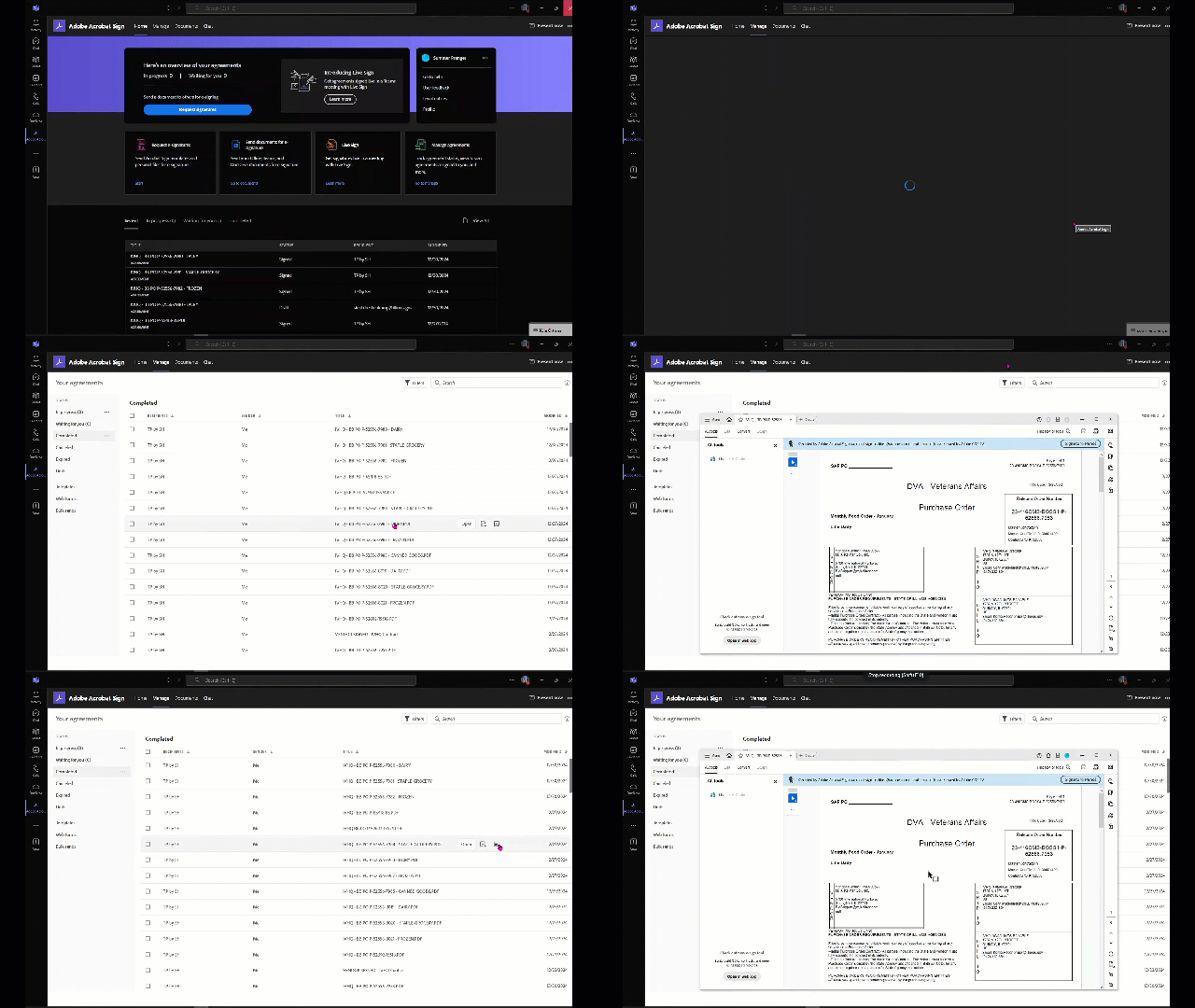
When she goes to download completed documents, she can only download one and open it. (Acrobat)
After that no other clicks to download or open work.
This also disables the program and she has to task it out and start over.
We re-installed MS Teams and the problem still happens.
We offered a work around by using Office365.com and issue DOES NOT happen.
So something is happening with the handshake with Adobe Acrobat after opening the first file out of the completed folder of Adobe Acrobat Sign.
 AdChoices