Answered
how do i change my company name
wrong company name appearing on notification email to recipient
how do I change this?
(Changing the company name in the Adobe profile does not work – tried that).

wrong company name appearing on notification email to recipient
how do I change this?
(Changing the company name in the Adobe profile does not work – tried that).
There are two profile settings locations.
When you click the Profile icon at the top right of the Adobe desktop app.
It takes it to your basic profile page for Adobe. You need the E-sign profile settings
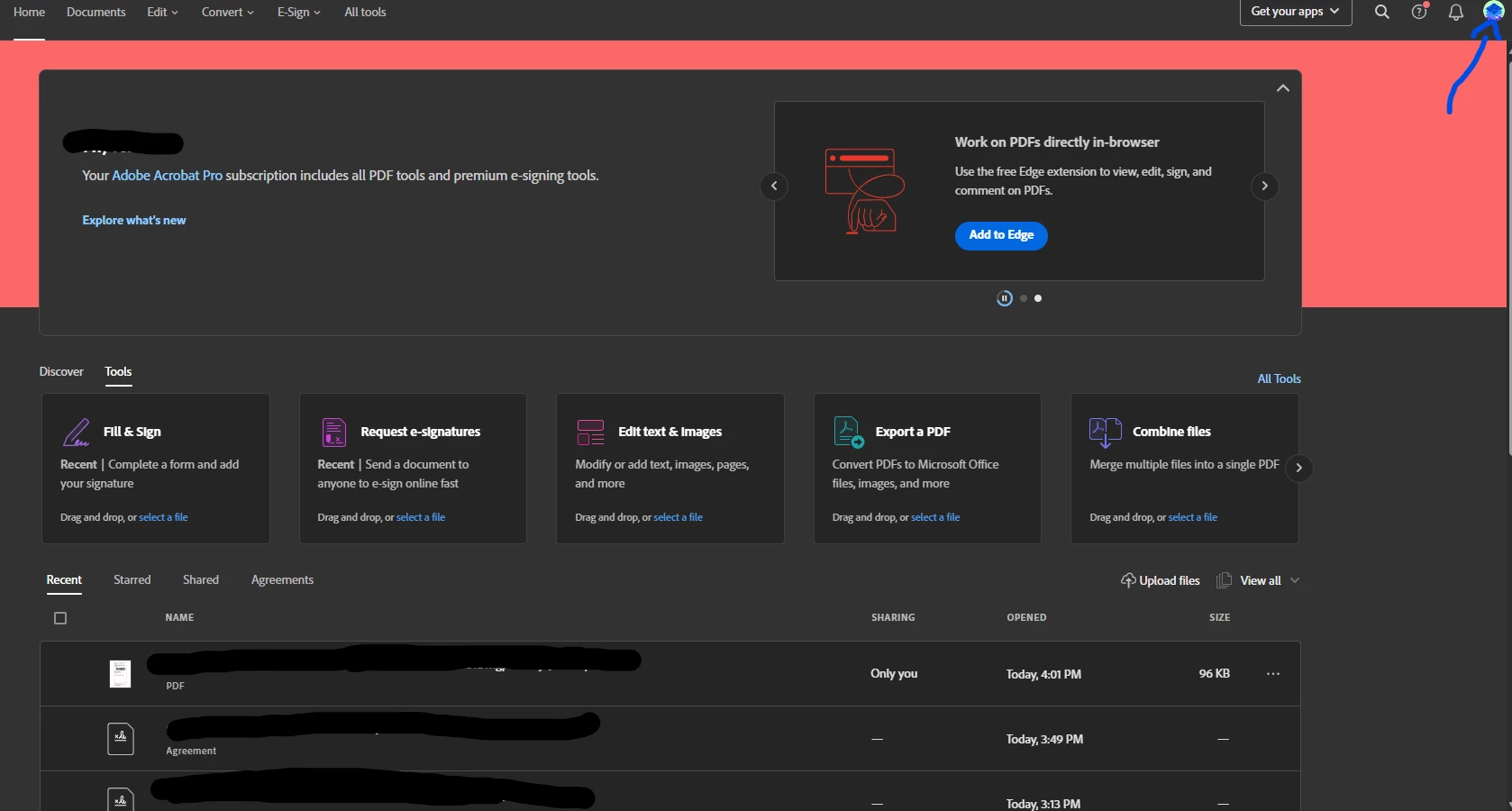
To access the E-sign settings click " View all Apps and Services", then at the top right click "Access your apps and services" This will take you to the web apps page * see the below image*. From here click the profile picture at the top right, Settings, Edit Settings, My Profile, Edit profile, update the company name, and save.
Already have an account? Login
Enter your E-mail address. We'll send you an e-mail with instructions to reset your password.
 AdChoices