This topic has been closed for replies.
Correct answer CSM_Shannon

Hi, 


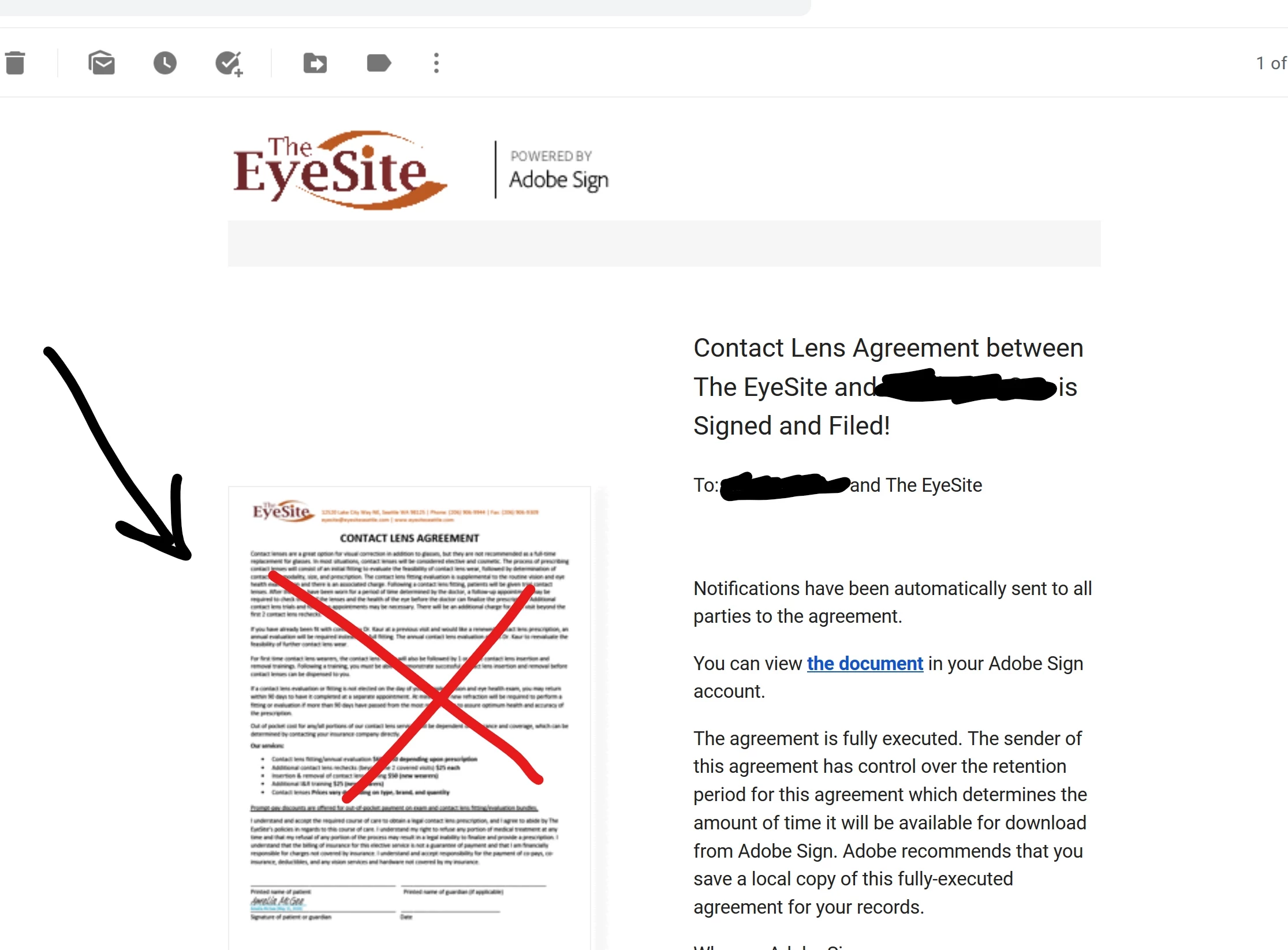
Please contact Adobe Sign customer support and request to have the email Thumbnail turned off. You can open a support case as the Admin by clikcing the "?" in the upper right hand corner of any Adobe Sign page.  Help with opening a support ticket - https://spark.adobe.com/page/DOwypsNOXKAu7/


Be well, 


Shannon

1 reply

CSM_ShannonCorrect answer
Adobe Employee
May 12, 2020

Hi, 


Please contact Adobe Sign customer support and request to have the email Thumbnail turned off. You can open a support case as the Admin by clikcing the "?" in the upper right hand corner of any Adobe Sign page.  Help with opening a support ticket - https://spark.adobe.com/page/DOwypsNOXKAu7/


Be well, 


Shannon

Participant
May 13, 2020

Thank you, this is very helpful! Is this option open to me if my account is still just a trial account? Like, do I need to be a paid subscriber to open a support case? Thanks!

Adobe Employee
May 14, 2020

Hi, 


Unfortunatley this level of support is not available for trial accounts. Once you purchase Adobe Sign, the contact support option will be displayed within your Sign account and from there can you request to have email thumbnails turned off. 


Be well, 


Shannon