Exit
  • Global community
    • Language:
      • Deutsch
      • English
      • Español
      • Français
      • Português
  • 日本語コミュニティ
  • 한국 커뮤니티
0

Request E-signatures does not work

New Here ,
Aug 25, 2022 Aug 25, 2022

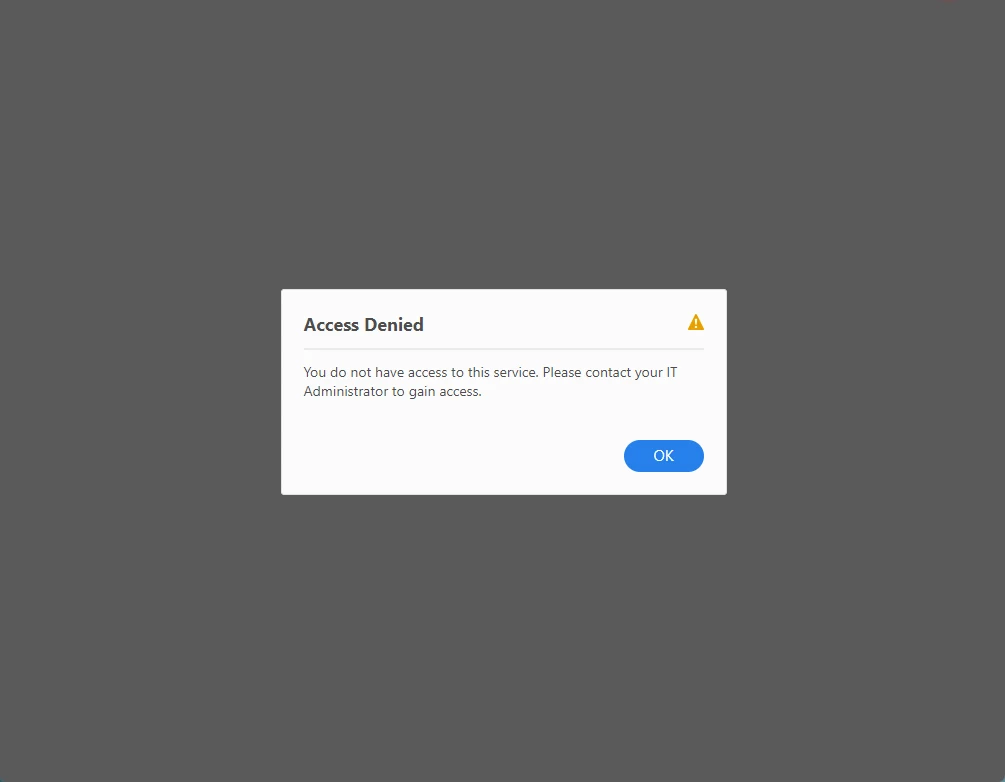
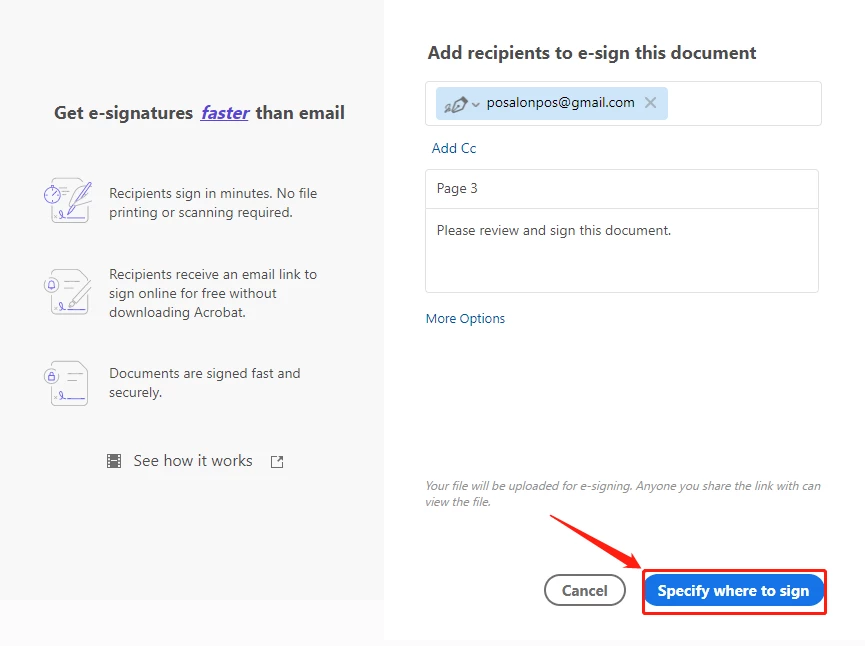
click Specify where to sign button, shows Access Denied, how to access service? please advise
 

Screenshot_20220825103252.pngScreenshot_20220825103139.png

344
Translate
Report
Community guidelines
Be kind and respectful, give credit to the original source of content, and search for duplicates before posting. Learn more
community guidelines
Community Expert ,
Aug 25, 2022 Aug 25, 2022

is this an acrobat pro question?

do you have an enterprise or team subscription?

Translate
Report
Community guidelines
Be kind and respectful, give credit to the original source of content, and search for duplicates before posting. Learn more
community guidelines
Community Expert ,
Aug 25, 2022 Aug 25, 2022

[Moderator moved from Using the Community to Adobe Acrobat Sign.]


Did you contact your organization's IT dept to verify you have access to the service?


Nancy O'Shea— Product User, Community Expert & Moderator
Translate
Report
Community guidelines
Be kind and respectful, give credit to the original source of content, and search for duplicates before posting. Learn more
community guidelines
Adobe Employee ,
Aug 29, 2022 Aug 29, 2022
LATEST

Hi dixon25707769kkje,


Thank you for reaching out.


We have checked your account, and it looks fine.

Could you please try once to sign in to your Acrobat Online account using the following link: https://acrobat.adobe.com/link/home/?

Sign in using your Adobe ID for the Acrobat desktop application.

Go to the E-sign tab and select Request Signature.

Check if you can send a document for signature.


Let us know how it goes.


Thanks,

Meenakshi

Translate
Report
Community guidelines
Be kind and respectful, give credit to the original source of content, and search for duplicates before posting. Learn more
community guidelines