2 replies

Meenakshi Negi
Community Manager
Community Manager
September 26, 2024

Hi Erica25699558o82z,


Thank you for reaching out. 


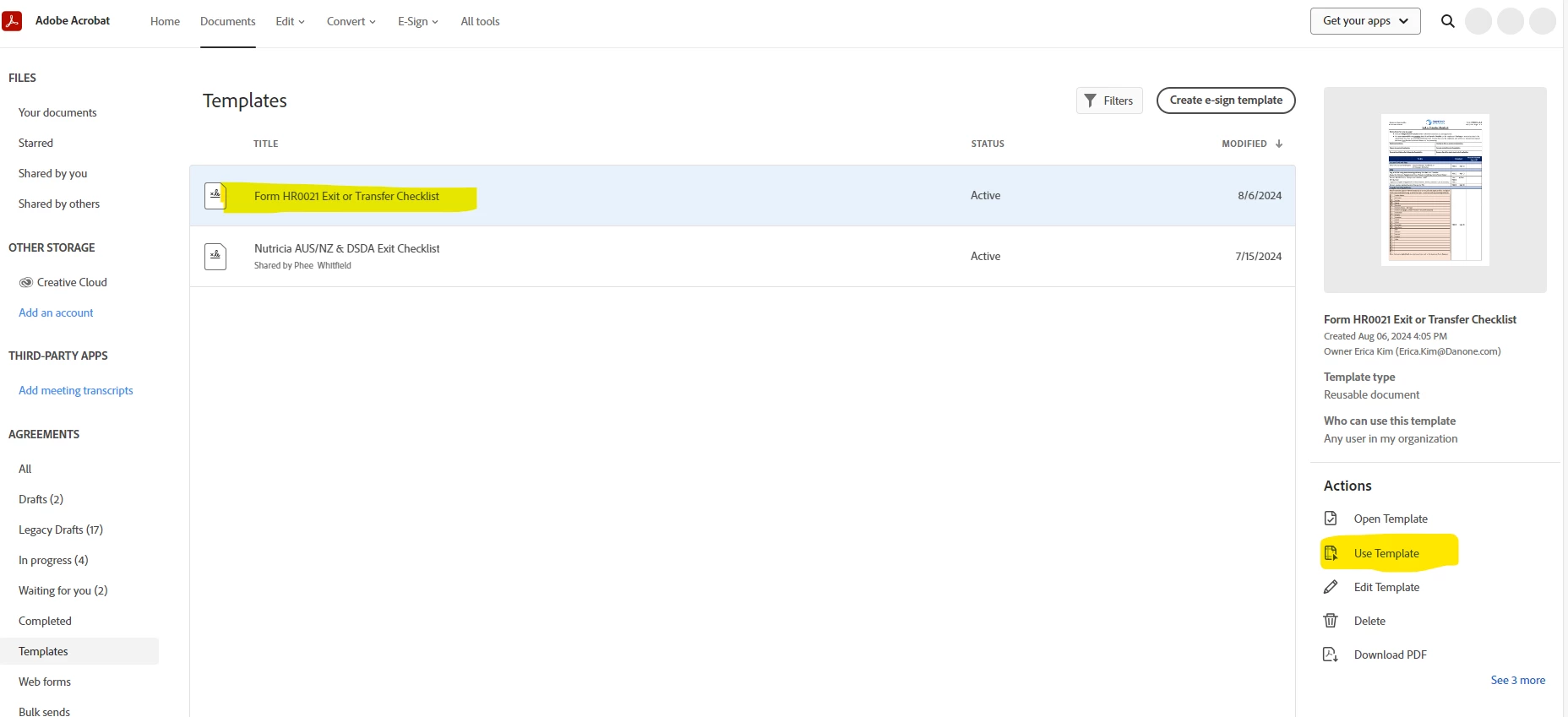
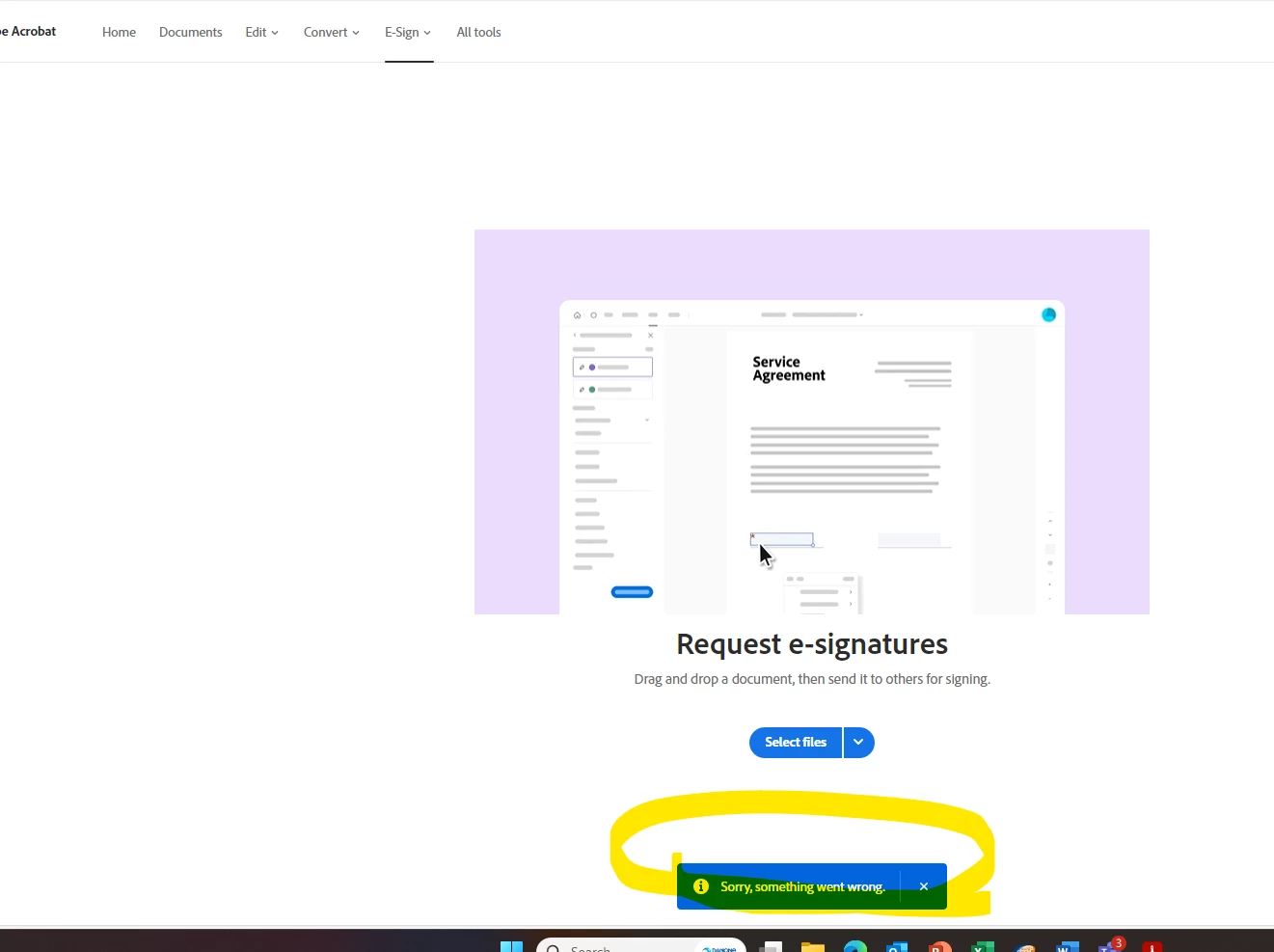
If you are still experiencing the issue, please confirm if this happens with all the templates or a particular one?

Please go to the Send tab and start the transaction. Try sending the document and then select the template when using the upload the file option. Check if that works.

If the issue still occurs, please share the screen recording. Also, try recreating the template once.


Let us know if the issue has been resolved.


Thanks,

Meenakshi

Participating Frequently
July 2, 2025

Hi Meenakshi,

I am working on behalf of our client and they are running into this exact same template issue. Our only work around is to use the desktop app. Unfortunately, that doesn't allow them to automatically select the fields they need to fill in. This is a huge issue because some of these templates are over 60 pages long and making sure all the signatures that are required on the senders end have to be filled out manually. This could cause some issues, and its strange that the desktop version is lacking this feature. 

We've tried your suggestion of recreating the template several times. Is there any other way we can get the web templates to function properly?


try67
Community Expert
Community Expert
August 7, 2024