


How to ensure enough resolution in patterns made with Capture for iphone?
I've been making a lot of patterns with Adobe Capture for Iphone. Now I find that some of these patterns are captured with incredibly low resolution (202 px sq), which renders them useless. Many are 640 px sq (adequate, usually, so far). Many are 2048 px sq (This is what I want them all to be, or at least, as high as possible).
My workflow usually is that I take a picture of some object using the camera within the capture app, which them slices and mirrors it into a pattern, and then I save the resulting pattern from Capture to creative
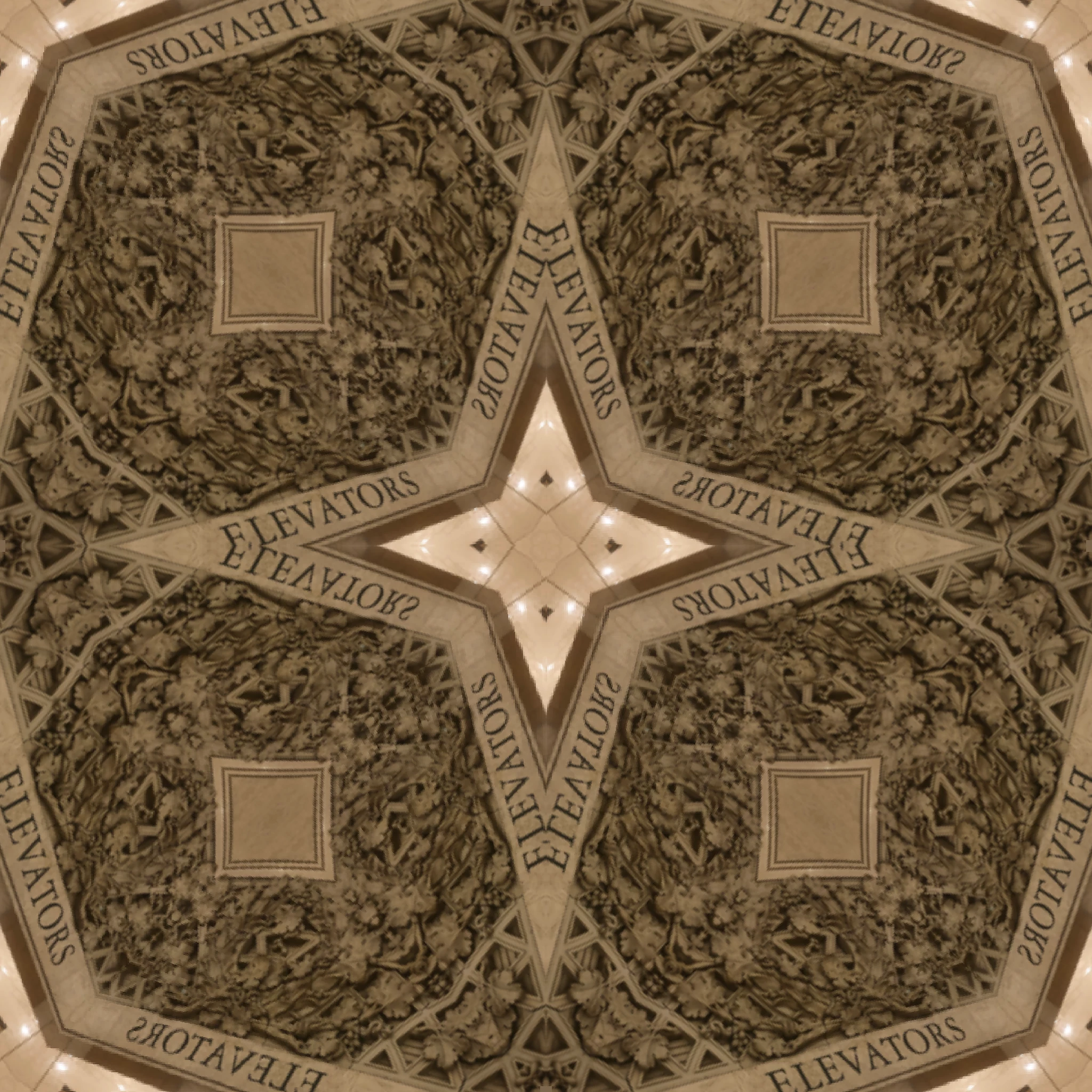
cloud. Doing this makes the pattern accessible to photoshop in a pattern library. Sometimes I use capture for iPhone to generate a pattern from a picture that I took with the iPhone camera (this is an iPhone X) apart from a different source of the picture my workflow is the same. The vast majority of these are *not* vector patterns when made in capture. A small minority of my patterns probably less than 10% are made in Photoshop using the define pattern command on the edit menu. I don't think there are enough of these patterns to account for either the low resolution set or the high resolution set. In other words, The Capture app seems to be producing output at different resolutions, even though the workflow is pretty consistent. Some possibly relevant facts: For some applications I need to create essentially a sample tile of the pattern which I can then put into another software. To do this I create a blank document which is 2048 pixel squared and I add a fill layer And pull the pattern in from the library (which is where capture on my phone puts the patterns it makes). Usually I choose quick export to PNG from the photoshop edit menu . I sometimes also save the PSD also.All the files that I'm looking at which have these differing resolutions are all PNG files.The larger res files seem to be all to big to upload here. These attached images here are from the low res set.
 AdChoices