



Slider not working in Shapes
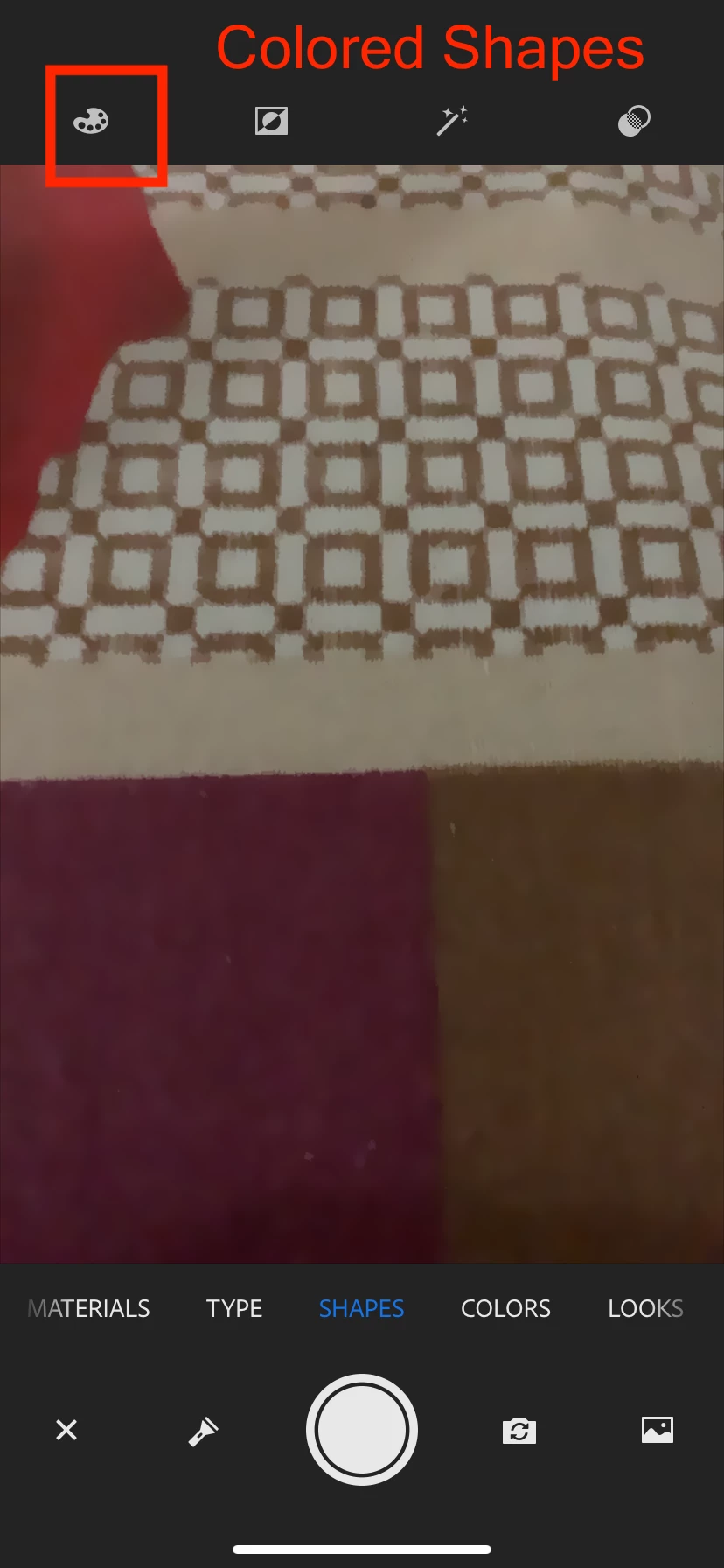
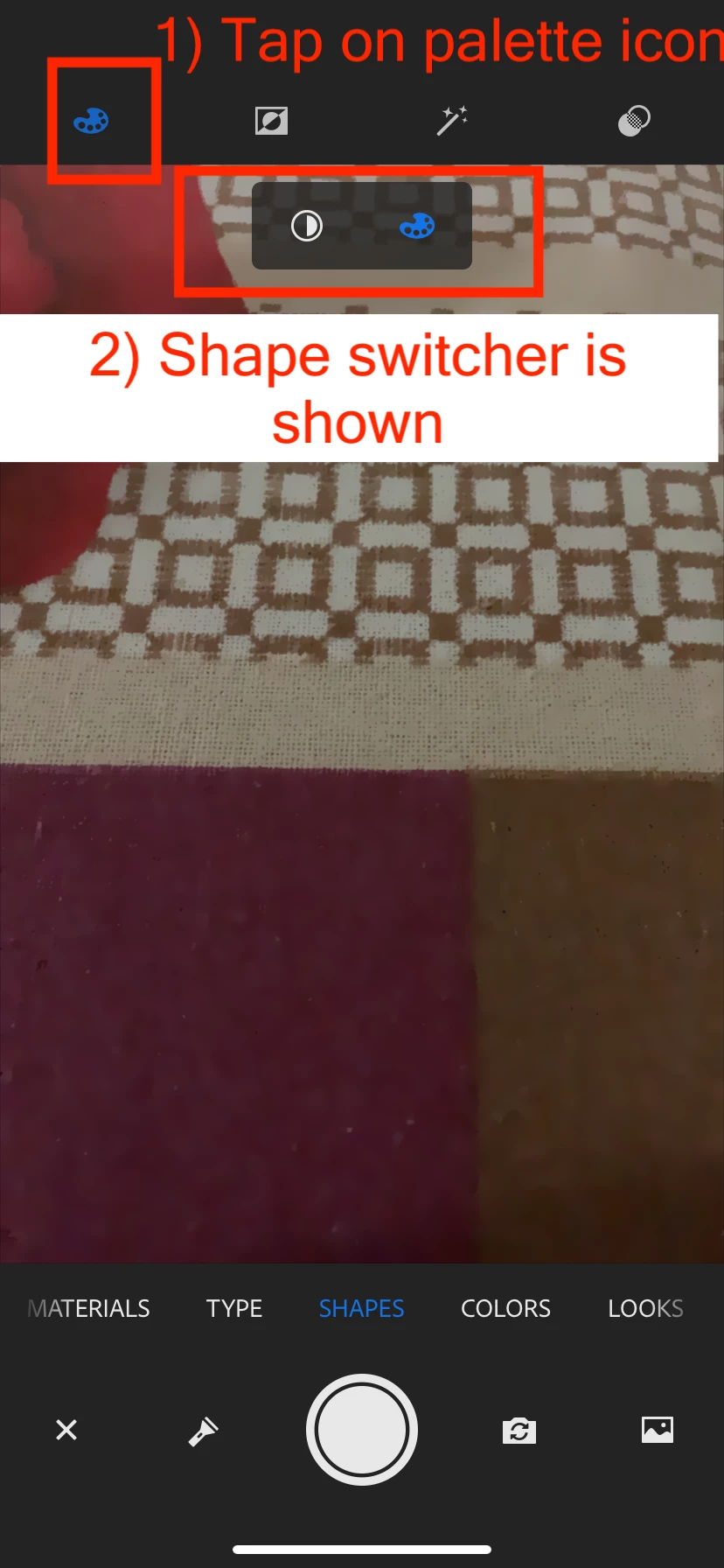
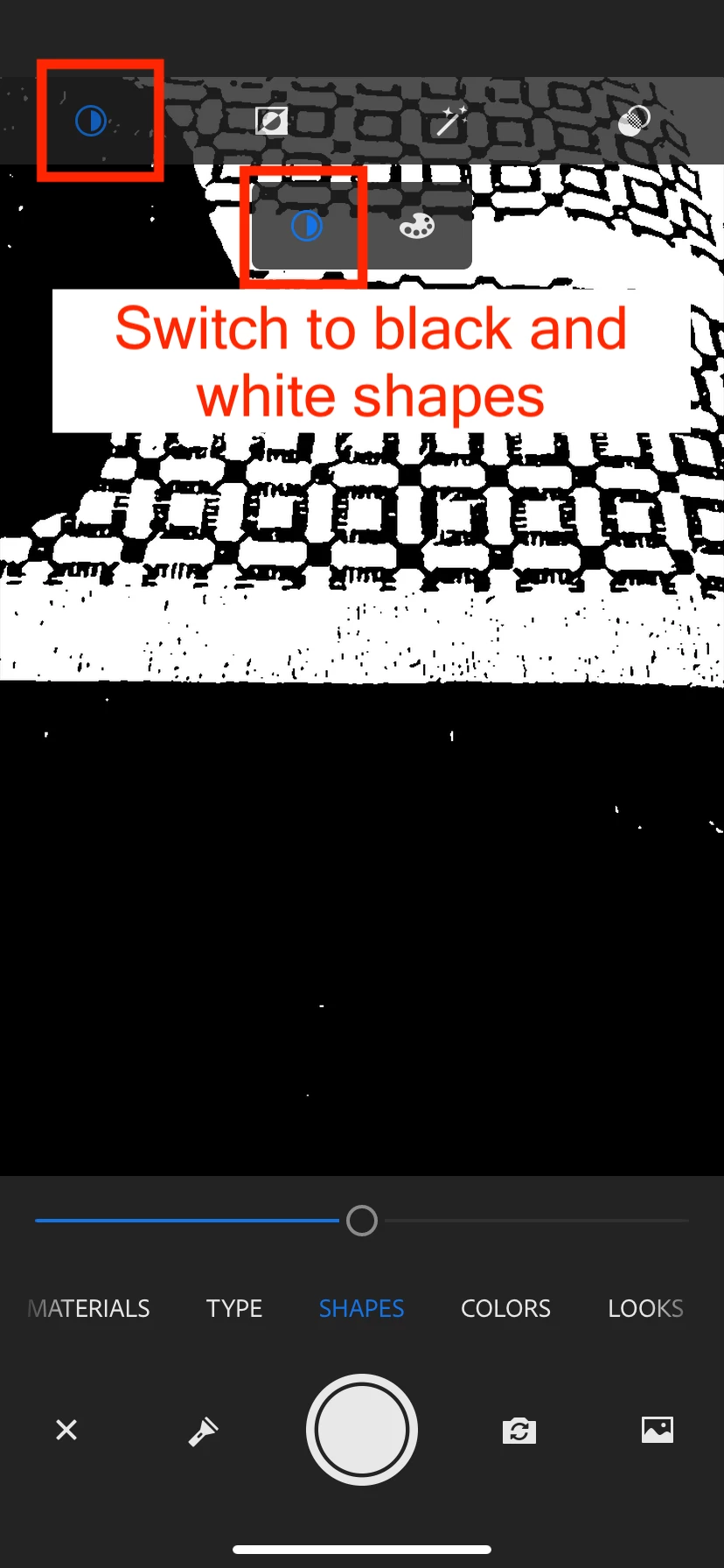
When I was using Adobe Capture on my iPhone today trying to capture a shape, the slider was no longer working or not even visible. This is a recent issue as I had used it not so long ago, and I could use the slider to adjust what I was going to capture from an image.
When I had first opened the app, the slider was not even there, and I thought it was removed for some reason in an update. I then discovered one way to bring it back was to tap the adjustment icon on the top right. Here I can adjust Exposure, highlight, shadow, etc.
If I close that again, the slider is there, but moving it does nothing.
So, I don't know if the general slider that helped adjust what details I captured was replaced by all these adjustment levels or if there is something wrong with the slider. Anyone else have this experience? If there has been a change, is there an explanation anywhere?
Thanks!
 AdChoices