Participant
July 25, 2025
Answered

Can't download project from Adobe Express, Replace Asset error

  • July 25, 2025
  • 2 replies
  • 325 views

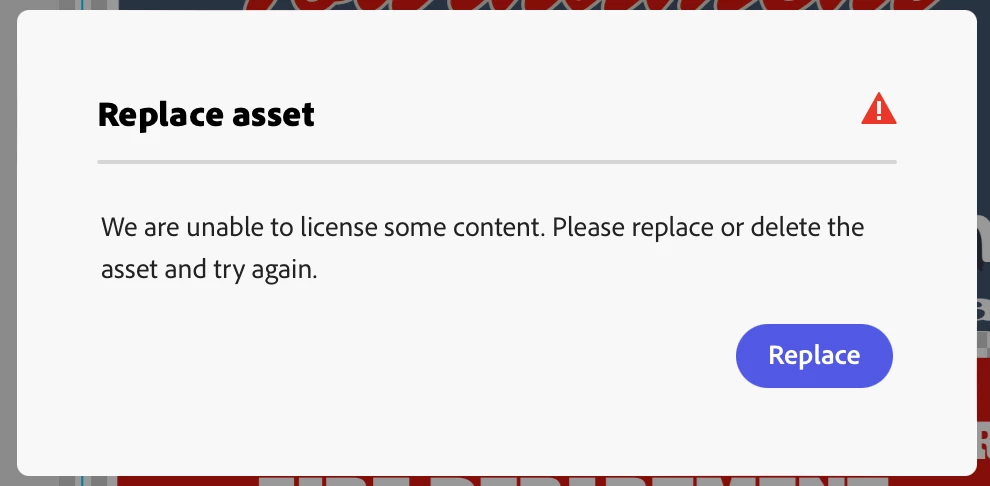
I see several designers have posted about not being able to download their project with the "replace asset" error message. There is no way to know which asset doesn't have a licence, even when you click on the "replace" buton. I have a premium subscription. I've wasted hours trying to download a simple poster for a fundraiser, so frustrating.
Correct answer Abhi.G @ ADBE

Hi @amanda_9667 


Based on the logs associated with your account, the problematic asset seems to be a "Star" icon that had to be removed from the Adobe Stock library. It looks something like:


Does this help identify the asset? You will have to replace/delete all instances of this icon to be able to download. Sorry for the inconvenience.


Abhi G


2 replies

Abhi.G @ ADBECorrect answer
Adobe Employee
July 25, 2025

Hi @amanda_9667 


Based on the logs associated with your account, the problematic asset seems to be a "Star" icon that had to be removed from the Adobe Stock library. It looks something like:


Does this help identify the asset? You will have to replace/delete all instances of this icon to be able to download. Sorry for the inconvenience.


Abhi G


Participant
July 25, 2025

Thank you for your help. It seams strange that assets included in the template would not be "unable to licence". 

Adobe Employee
July 25, 2025

Hi @amanda_9667 


This is indeed unfortunate, and I can see why it would appear strange as well.


Templates, like your own designs, contain assets from the Adobe Stock library, which itself has contributions from thousands of creators. From time to time, certain assets need to be removed because of issues such as copyright violations. That's what triggers the "unable to license" error.


We are definitely working on improving the user experience here so it's easy to locate the problematic assets rather than having to reach out for support as you did. Thanks for your patience and understanding.


Abhi G