



New features for Adobe Express announced with MAX 2024
Superpower your content creation with new features in Adobe Express this MAX!
Add engaging animations, music, and sound effects to create wow-worthy social posts, videos, flyers, and more. Easily import designs from Adobe Photoshop, Illustrator, and InDesign to customize, utilize, and edit them directly in Adobe Express.
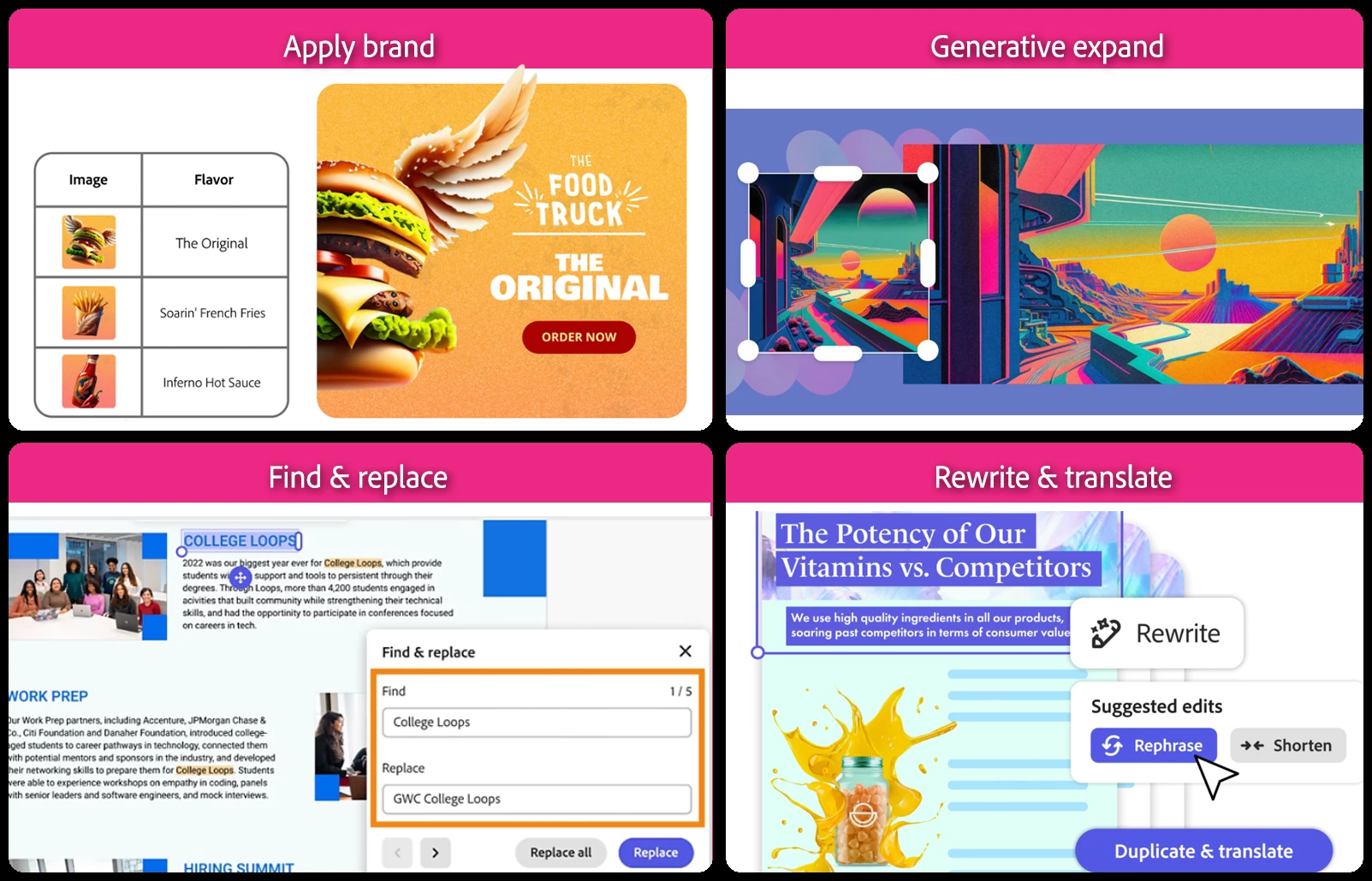
Adode Express new features and improvements
Campaigns in a few clicks (click here to learn more)
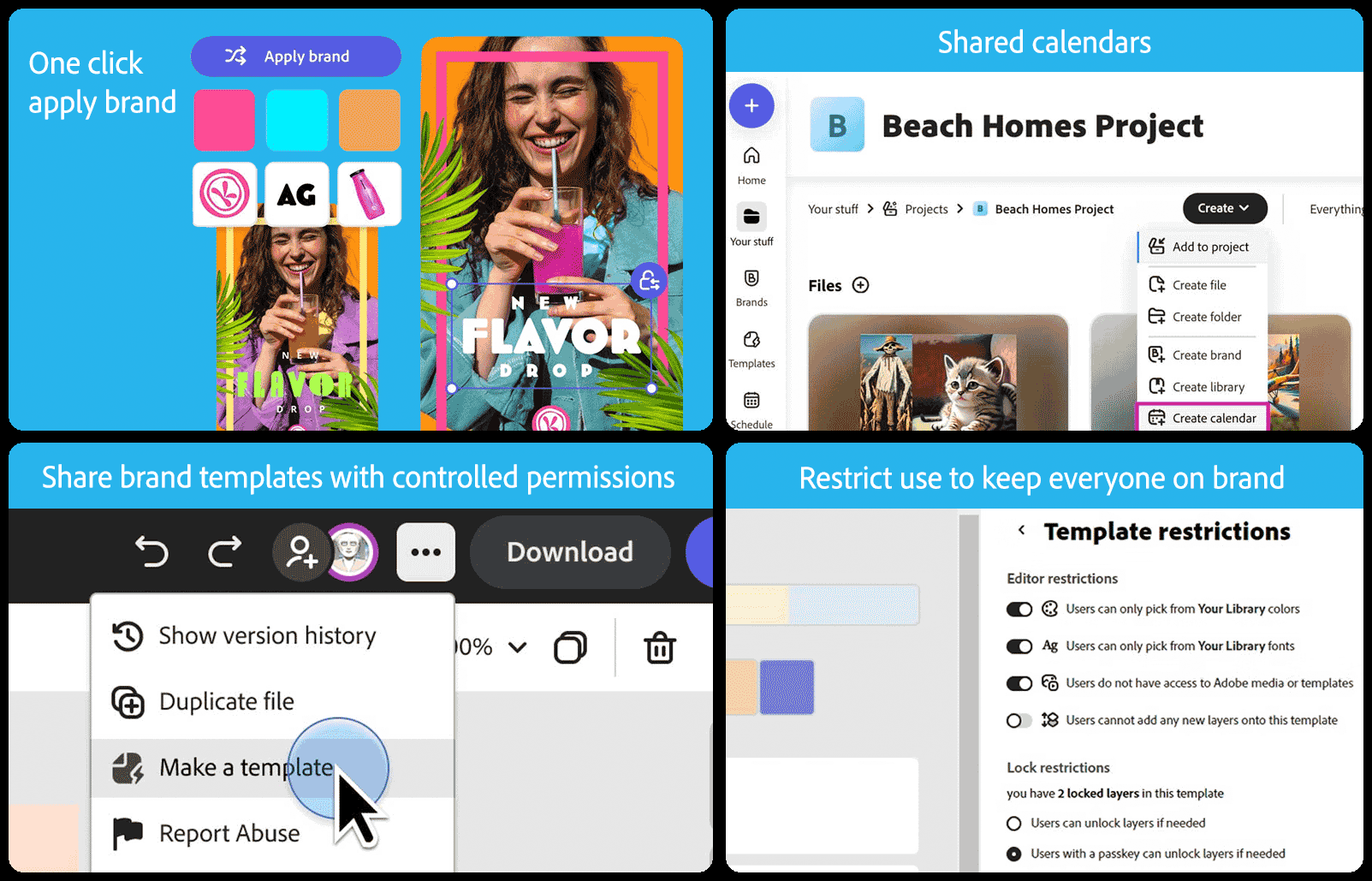
Staying on brand made easy (click here to learn more)
Effortless presentations and documents (click here to learn more)
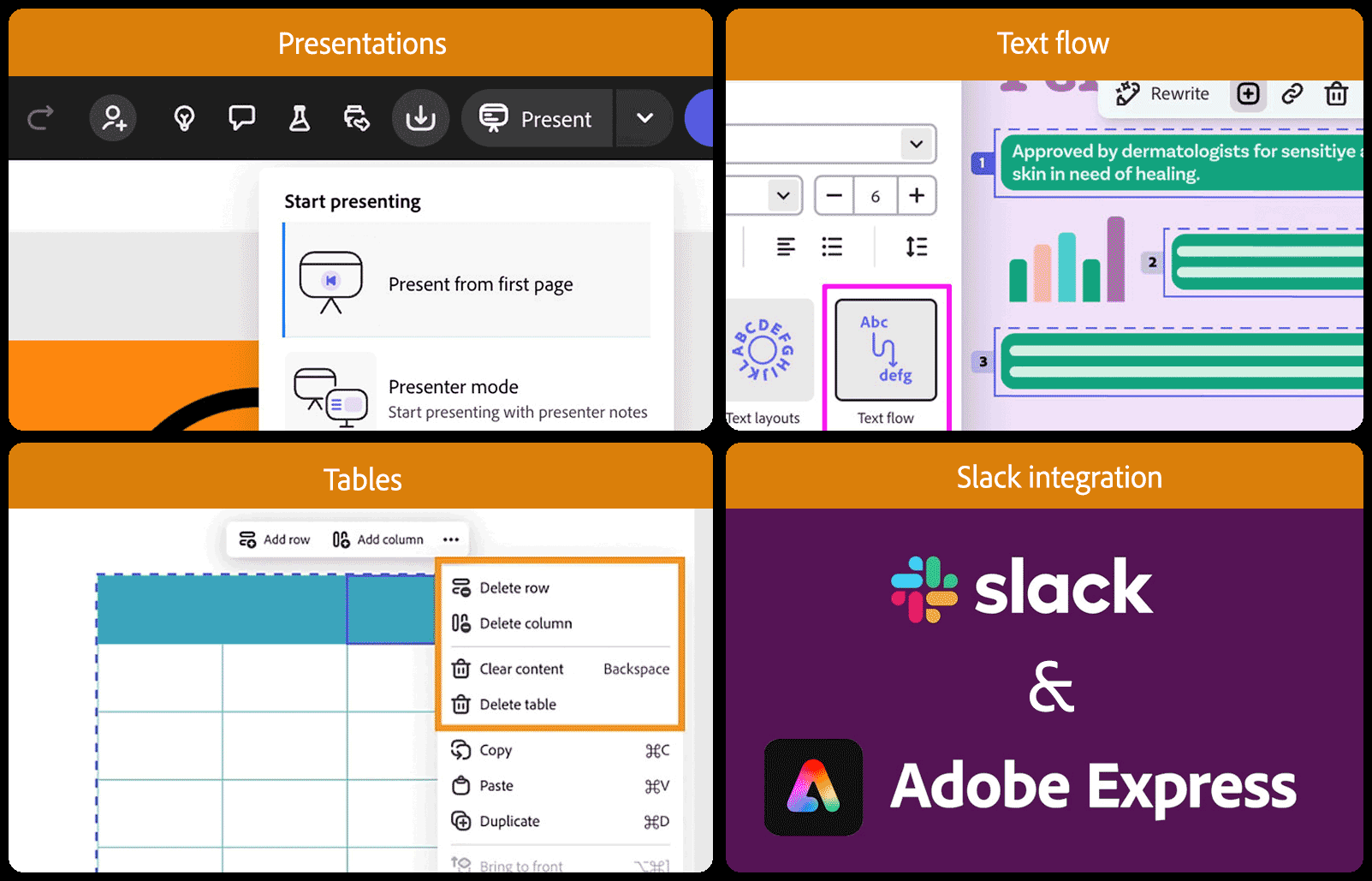
Other recent feature additions to Express
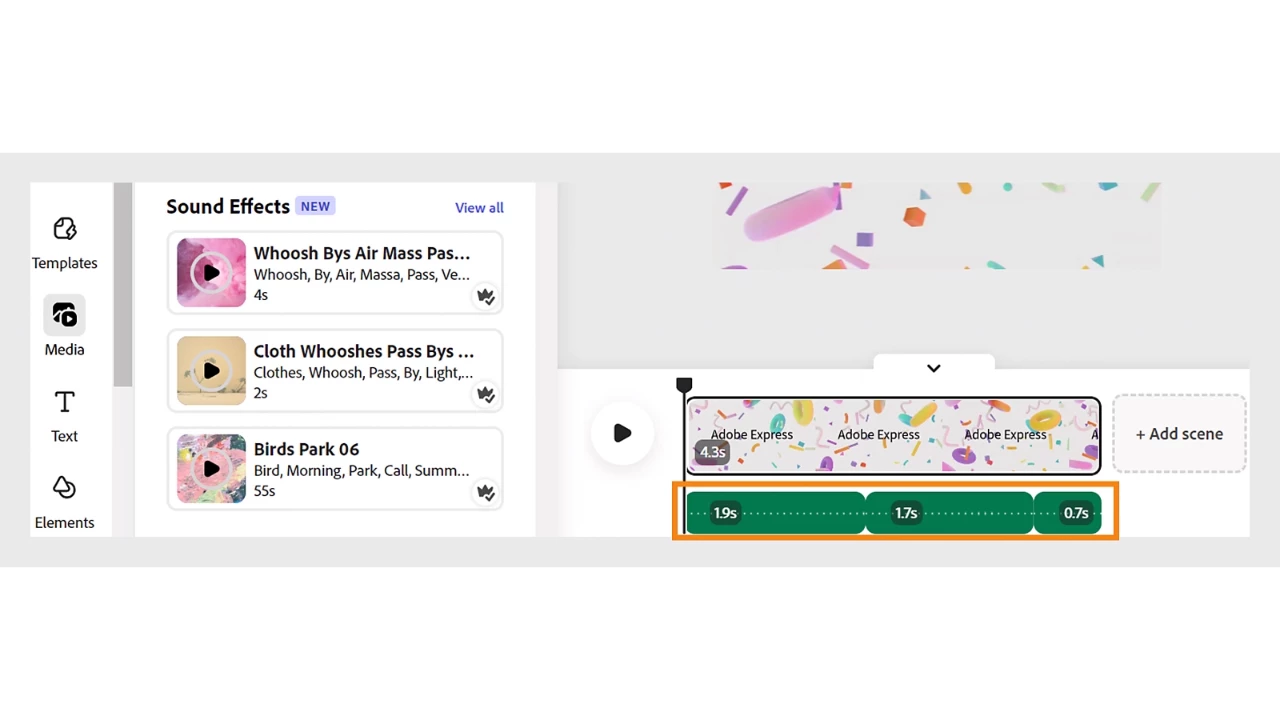
Easily add and customize audio for videos and images to create engaging, professional content. Content creators, marketers, and educators can utilize this feature to create more engaging, professional visuals for social media, presentations, and more.
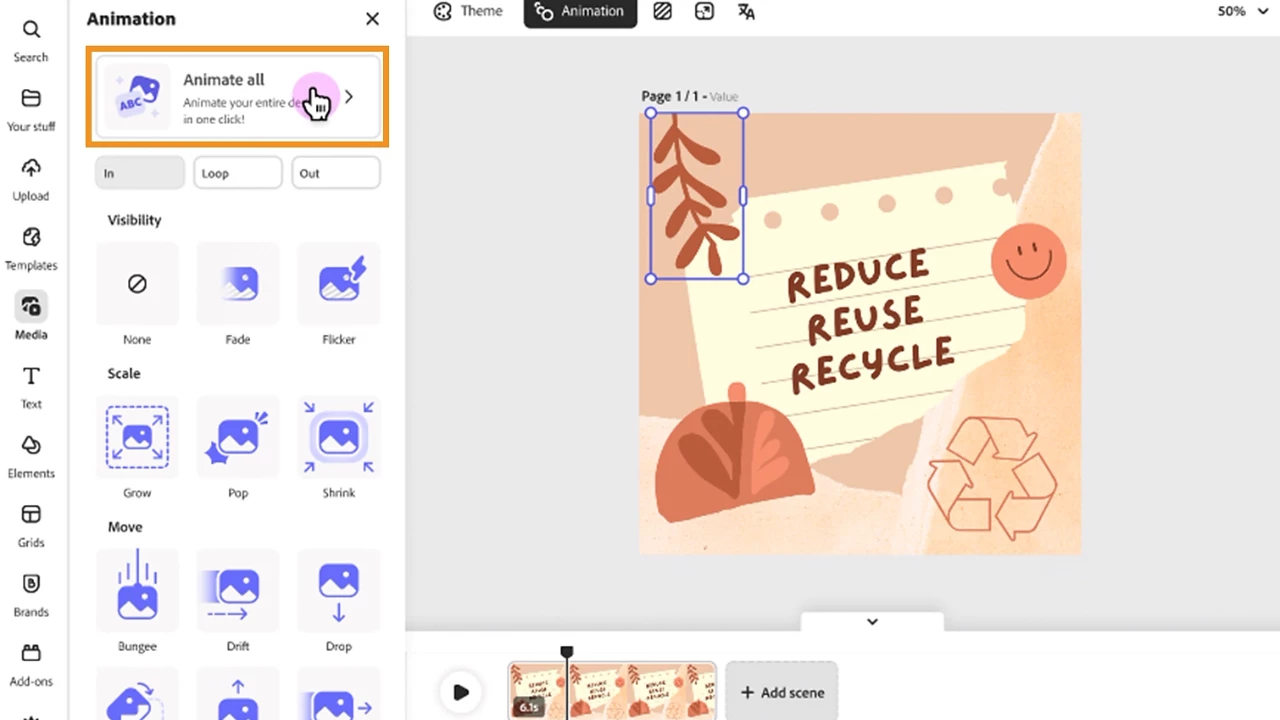
Add animation to individual design elements or the entire design to enhance content's interactivity and visual appeal, with customizable direction, speed, and timing options.
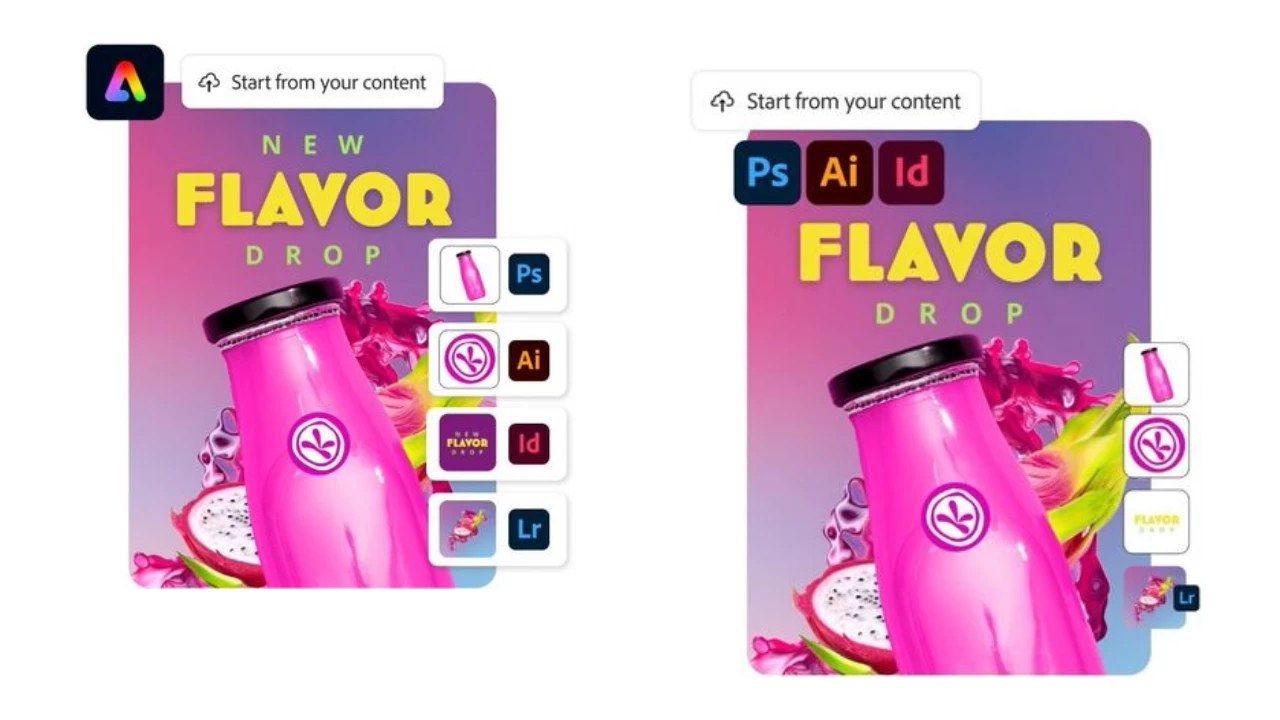
Start from your Adobe Photoshop, Illustrator, and InDesign content and easily edit text and design elements in Adobe Express. Plus, browse and add photos directly from Lightroom.
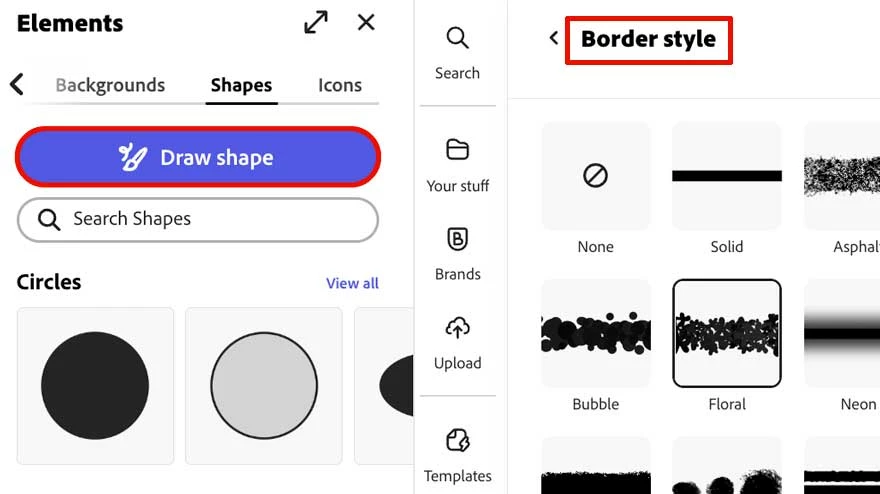
Now, you can draw custom shapes and add border styles to all shapes, giving them a more ornamental appearance.
Useful Links
- What's New: Read about the latest features available in Adobe Express.
- Learn and Support Hub: User guide, troubleshooting, and learning resources.
- Get started with Adobe Express: Downloads, training videos, FAQ's and more.

Have questions? Click 'Reply' below to ask.
Click 'Follow' below to bookmark this thread for easy reference.
 AdChoices